Email Signature Guides
Explore our in-depth guides on crafting, designing, and perfecting email signatures for any email client.
Choose your email platform and read our guides.
 Gmail signature guides
 Google Workspace guides
 Outlook signature guides
- Why is my signature not showing up in Outlook
- How to change signature in Outlook
- Why does the signature have extra line spaces in Outlook?
- Why are images added as attachments in Outlook?
- Why does the signature font color change when replying/forwarding in Outlook?
- How to add an HTML signature to Outlook
- How to add a GIF to Outlook email signature
- How to add an image to your Outlook signature
- How to add or change your email signature in Outlook for Mac
- Outlook Mobile Signature: A Complete Guide to Adding and Syncing
- How to Add an Email Signature in Outlook 365: Step by Step Guide

How to guides
Detailed expert guides on how to create, design, and improve email signatures.
- How to Create HTML Email Signature to Boost Your Personal Brand
- Social Media Icons for Email Signatures
- How to create an effective email signature design: tips and examples
- Finding the Best Font for Your Email Signature: The Ultimate Guide
- How to use pronouns in email signatures
- How to add a phone number to your email signature
- Instagram Icon for Email Signature: Quick Guide
- Email Signature Size Guide: Best Practices for Images and Layout
- How to Create a Banner for Email Signatures?
- Why do images appear large after a reply or forward message?
- How to fix email signature images changing size?
- How to add a quote to your email signature
- How to add image in Yahoo mail signature
- How to add and change email signature in Yahoo Mail
- How to Add a Phone Number in Your Email Signature
Your profession + our signatures
Guides on how to create an email signature for your profession: teachers, real estate agents, business owners, job seekers, students, CEOs, attorneys, professors, nurses, doctors, bloggers
MySignature Video Guides
Check out our YouTube videos to learn how to get the most out of email signatures.
Email Signature For Realtors: Everything You Need to Know
 MySignature on
 YouTube
What is a Digital Business Card and How to Use it
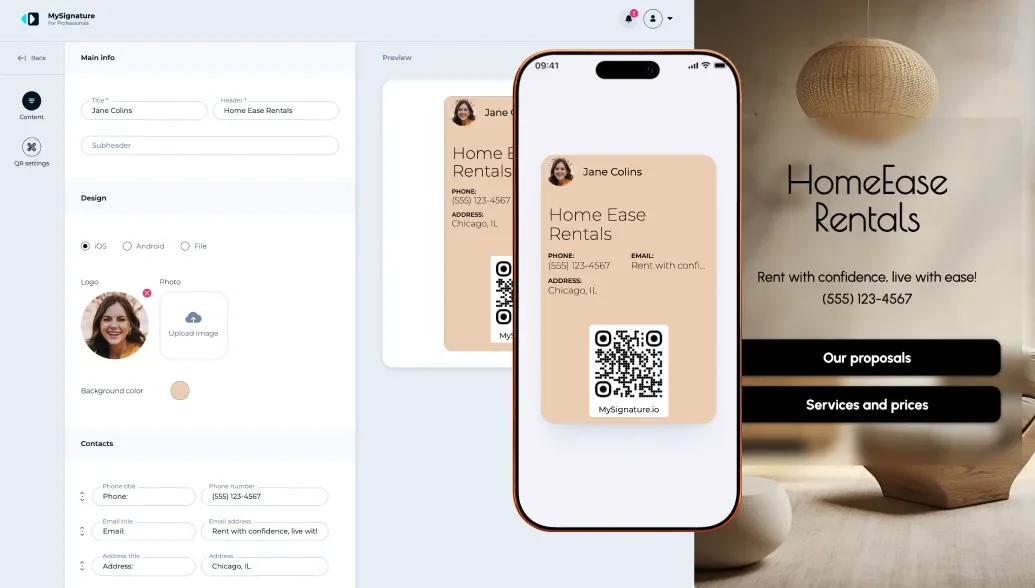 MySignature onYouTube
How to Manage Email Signatures Across Your Organization
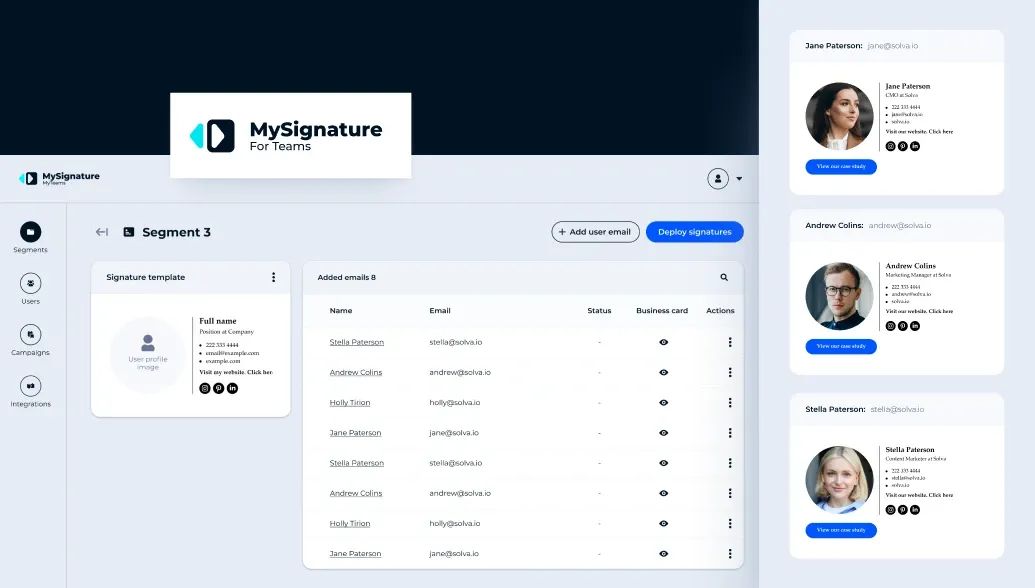 MySignature onYouTube
How to add an image to Gmail signature
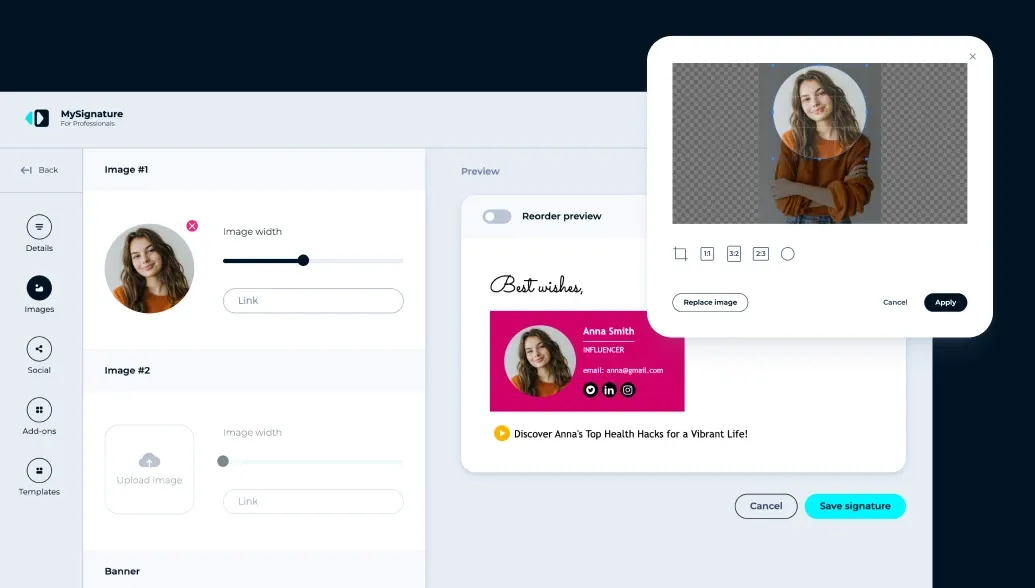 MySignature onYouTube
What is MySignature: Overview, Pricing, Free Demo & Features
 MySignature onYouTube
Email Signature for Doctors
 MySignature onYouTube
How to Set Outlook Mobile Signature for iOS & Android
 MySignature onYouTube
iPhone Email Signature Tutorial. Quick & Easy Setup
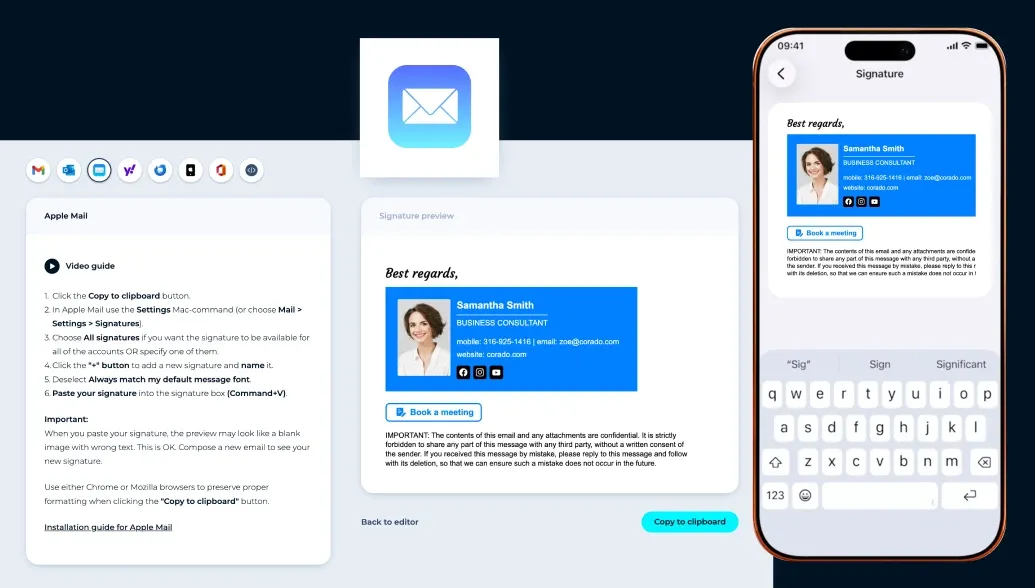 MySignature onYouTube
How to Create a Custom Email Signature in Gmail
 MySignature onYouTube
How to Add GIF to Your Outlook Email Signature
 MySignature onYouTube
How to Add HTML Email Signature to Gmail
 MySignature onYouTube
How to Set Gmail Mobile Signature for iOS & Android
 MySignature onYouTube
How to Add an HTML Signature to Outlook
 MySignature onYouTube
How to Set Up Multiple Signatures in Gmail
 MySignature onYouTube
How to Add a Phone Number to a Gmail Signature
 MySignature onYouTube
How to Add a Quote to Your Email Signature
 MySignature onYouTube
How to Add or Change an Email Signature in Yahoo Mail
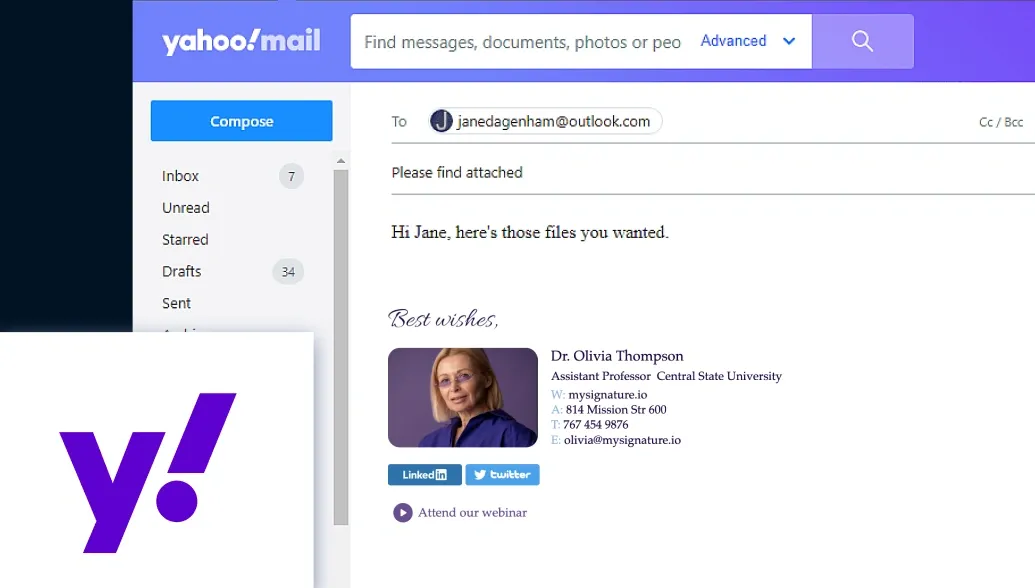 MySignature onYouTube
How to Add Images and Hyperlinks to an Existing Signature in Outlook
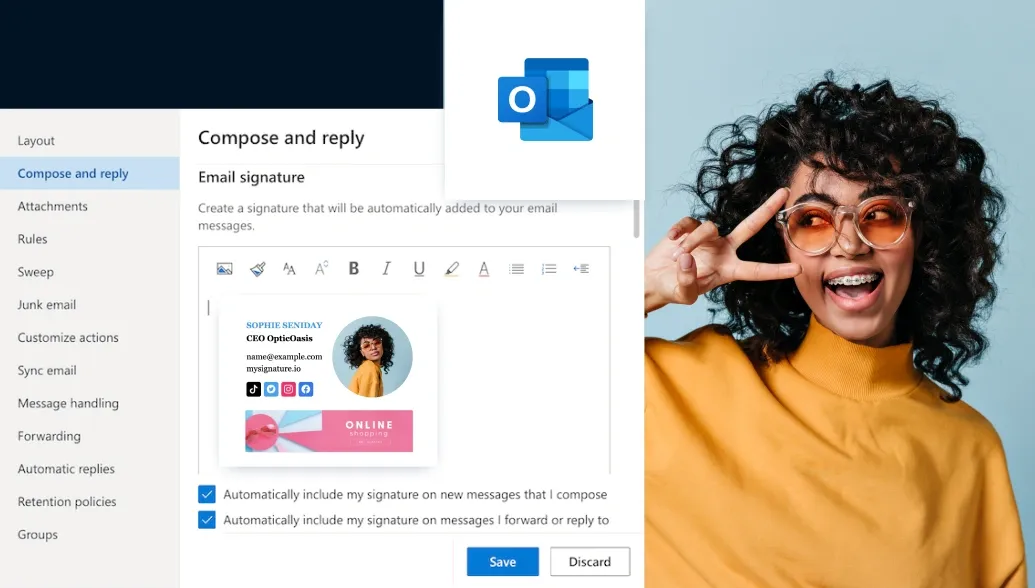 MySignature onYouTube
How to Add an Image to an Email Signature in Apple Mail
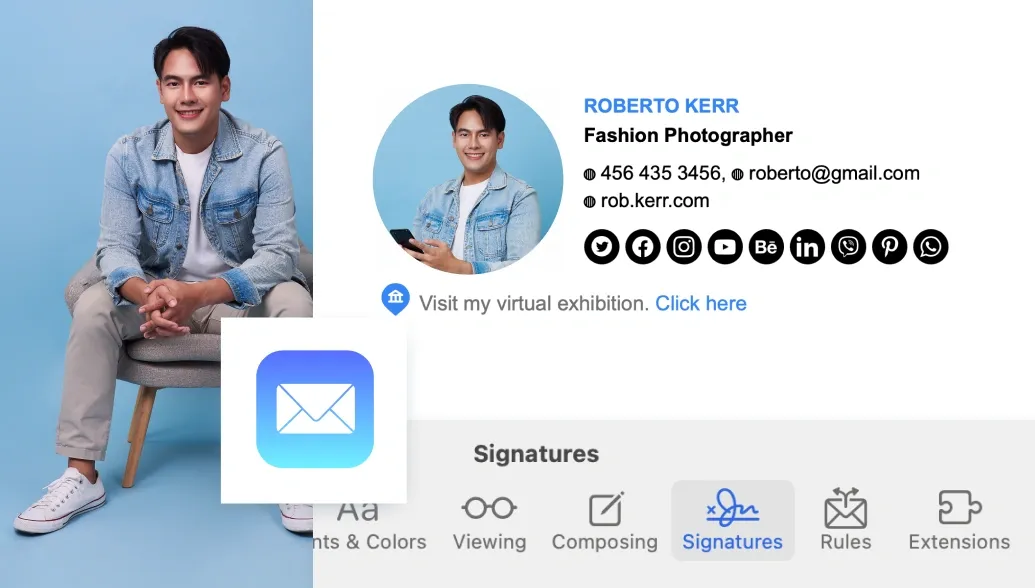 MySignature onYouTube
How to Add a Signature in Yahoo Mail with a Picture
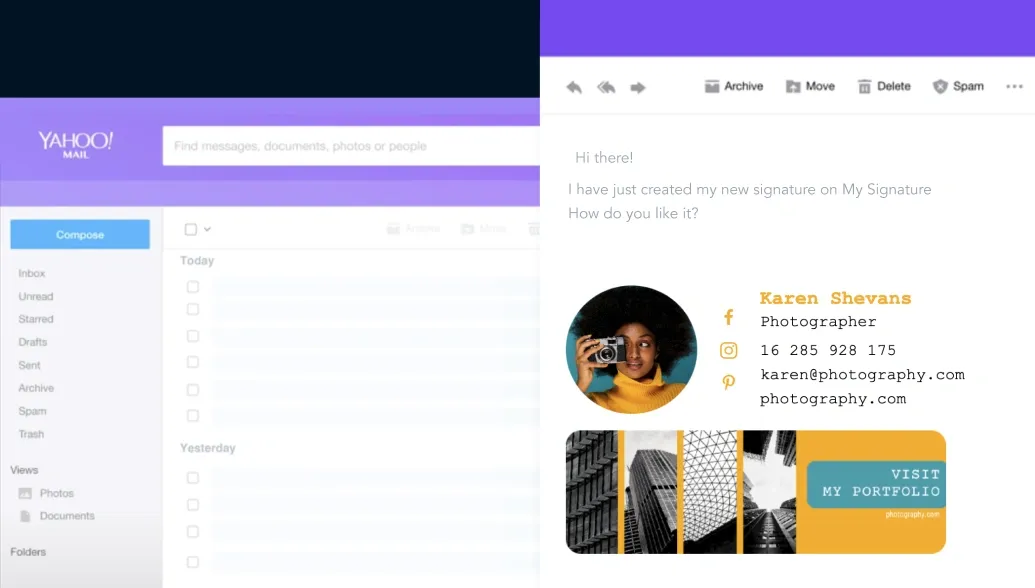 MySignature onYouTube
How to Add or Change Your Email Signature in Outlook for Mac
 MySignature onYouTube
Trusted by our clients








Roman Hotsiak
Email & SMS marketing
I had a great experience. MySignature is very simple and very customizable! I can easily create a nice professional signature for my team. Thanks to the support team for helping with the set up of a signature for my business email.

Mary McGuire
Business Consulting and Coaching
I value how MySignature maximizes what would usually be empty space to deliver ample information. I particularly enjoy the design and how user-friendly it is.

KiwiOnTheSticks
Gaming Content Creator
I am a huge fan of MySignature! Setting it up is a breeze and it even integrates Canva right into the editor! I highly recommend this service to anyone who wants to give their emails a sleek and professional look.

João Mino
Translator & copywriter
I like the well-designed signature templates by MySignature! Also, your Gmail Email Tracker feature lets me track email activity after sending. For example, whether or not the customer received my invoice.

G2 crowd


Capterra

Product hunt


Trustpilot

Chrome web store
Data supplied as of 10/06/2026
Get Support
Share some details, and we’ll provide the best solution. You can connect with us via chat or email, and explore our email signature management tool.
Contact us