Real estate sales signature
| ||||||||||||||
| ||||||||||||||
Create a professional HTML email signature in minutes. Choose a template, add your details, and install it in Gmail, Outlook, Apple Mail, or Thunderbird.
 4.7 rating, 192 reviews
 CROWD
CROWD Capterra
 Trustpilot
The choice of teams, growing businesses, CEOs, and industry experts


Choose an email signature design template or start from scratch.

Enter your name, job title, company, phone number, website, social links, and other contact information.

Change the colors, fonts, logo, photo, and links, and add a call-to-action button or banner.
Every template opens in the MySignature editor, where you can change the layout, fonts, colors, and fields before you install it.
View all templates
| ||||||||||||||
| ||||||||||||||
| ||||||||||||||
| ||||||||||||||
| ||||||||||||||
| ||||||||||||||||
| ||||||||||||||||
| ||||||||||||||||
| ||||||||||||||||
| ||||||||||||||||
| ||||||||||||||||
| |||||||||||||||
| |||||||||||||||
| ||||||||||||||||
| ||||||||||||||||
Works with the email clients you already use


Featured on





Customize your HTML email signature without design or coding skills. The MySignature editor turns every change into HTML code for you.
Create my signatureSwitch between ready-made layouts and see the result in the live preview.
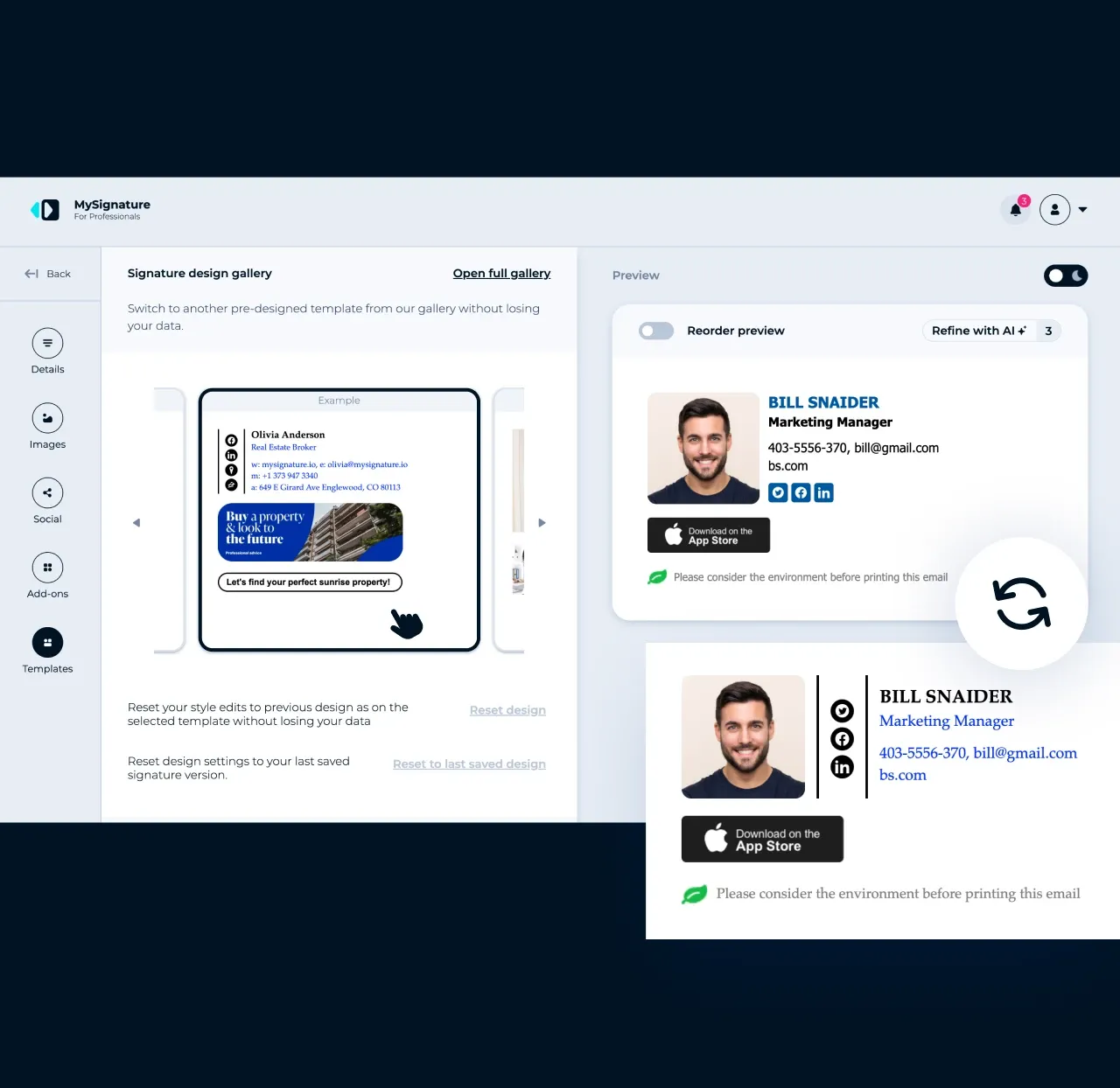
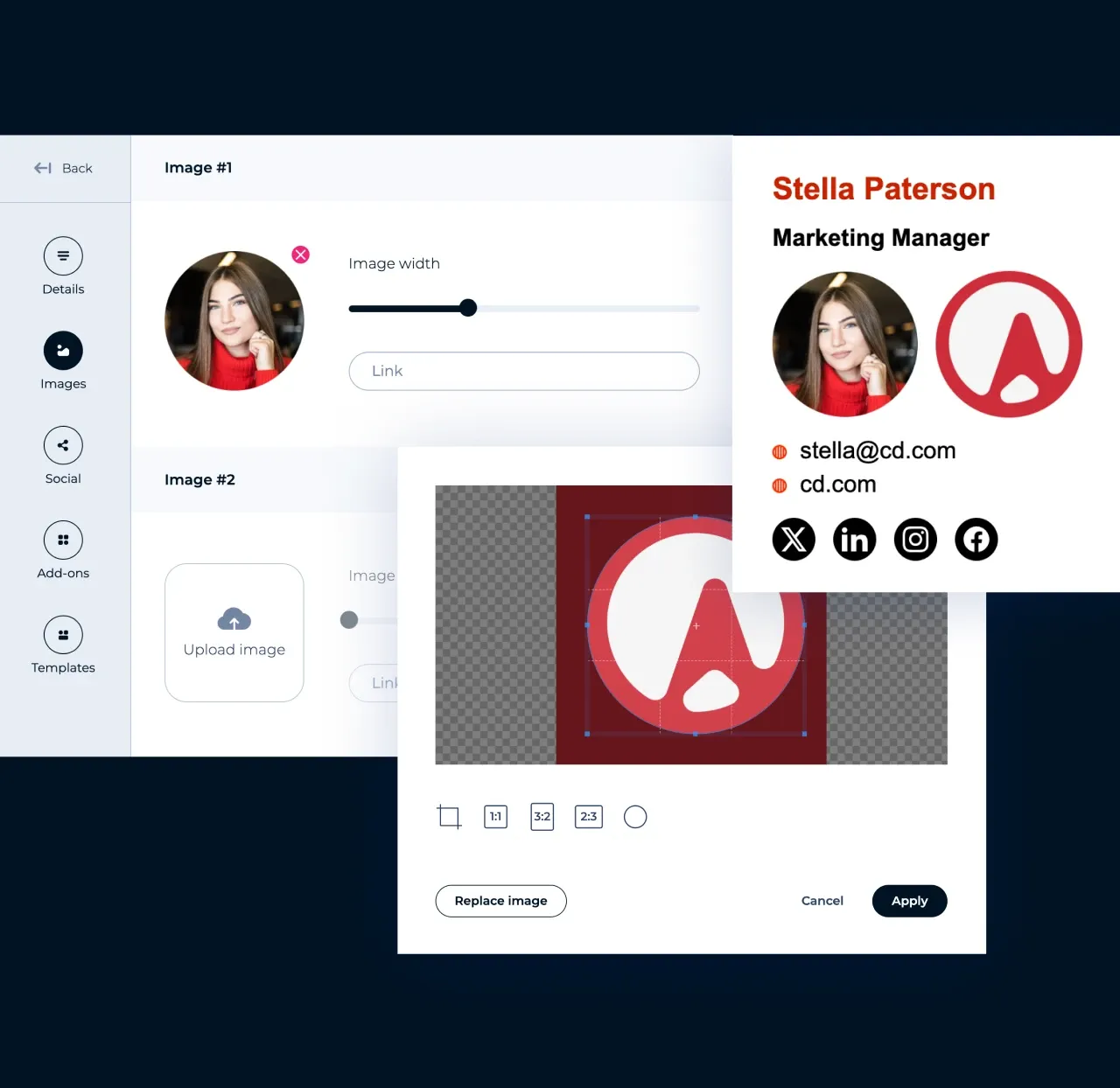
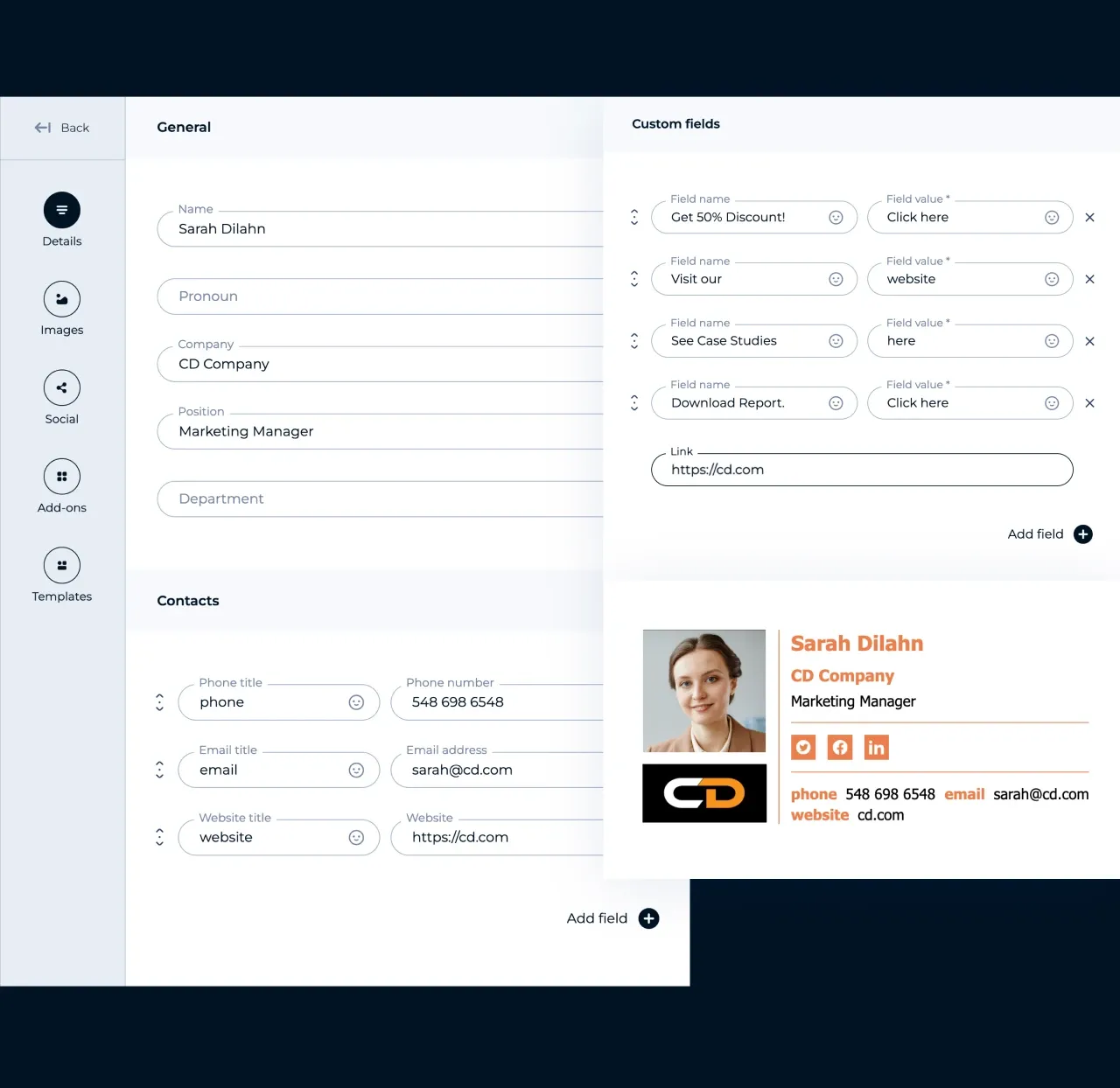
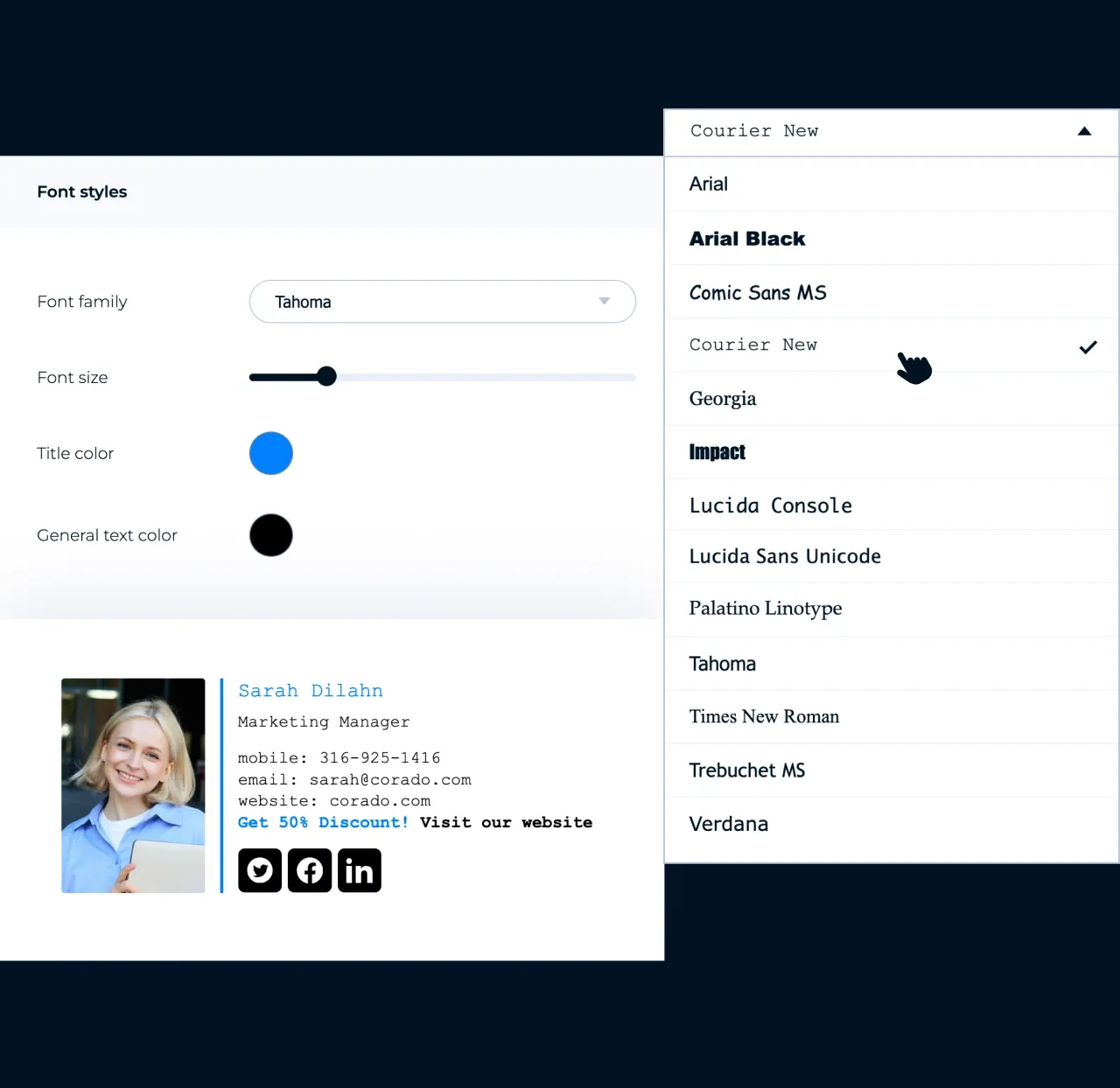
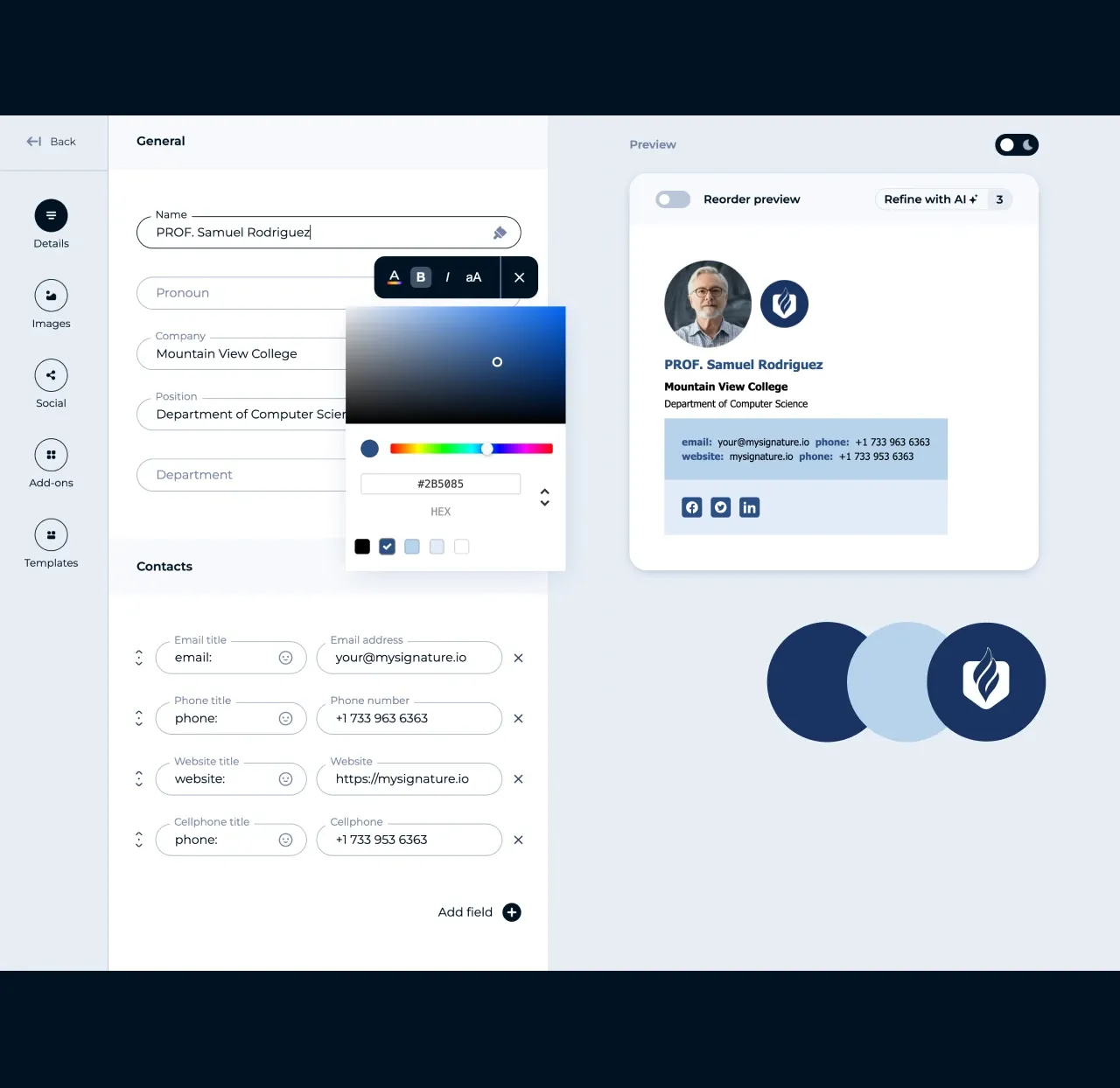
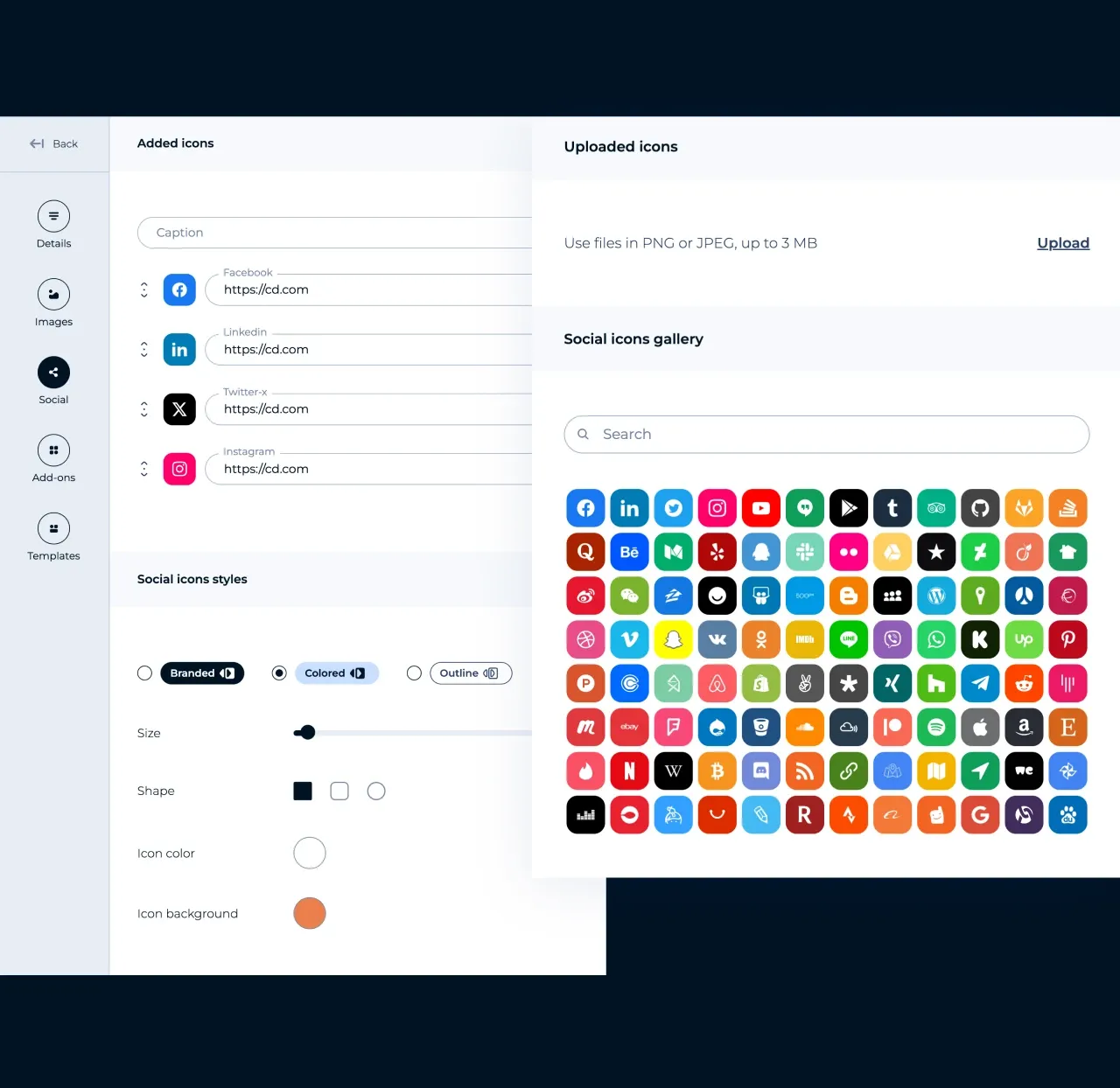
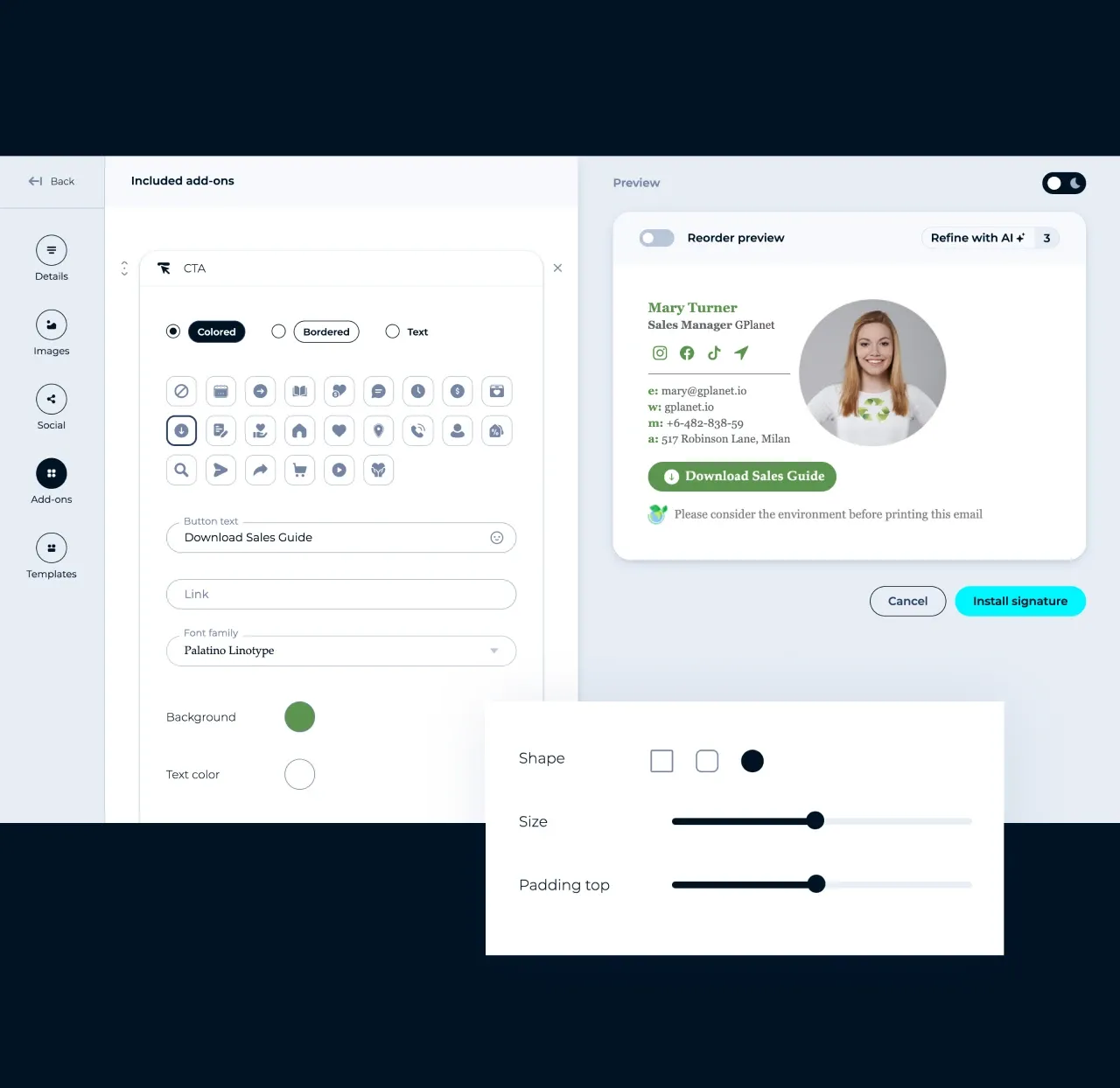



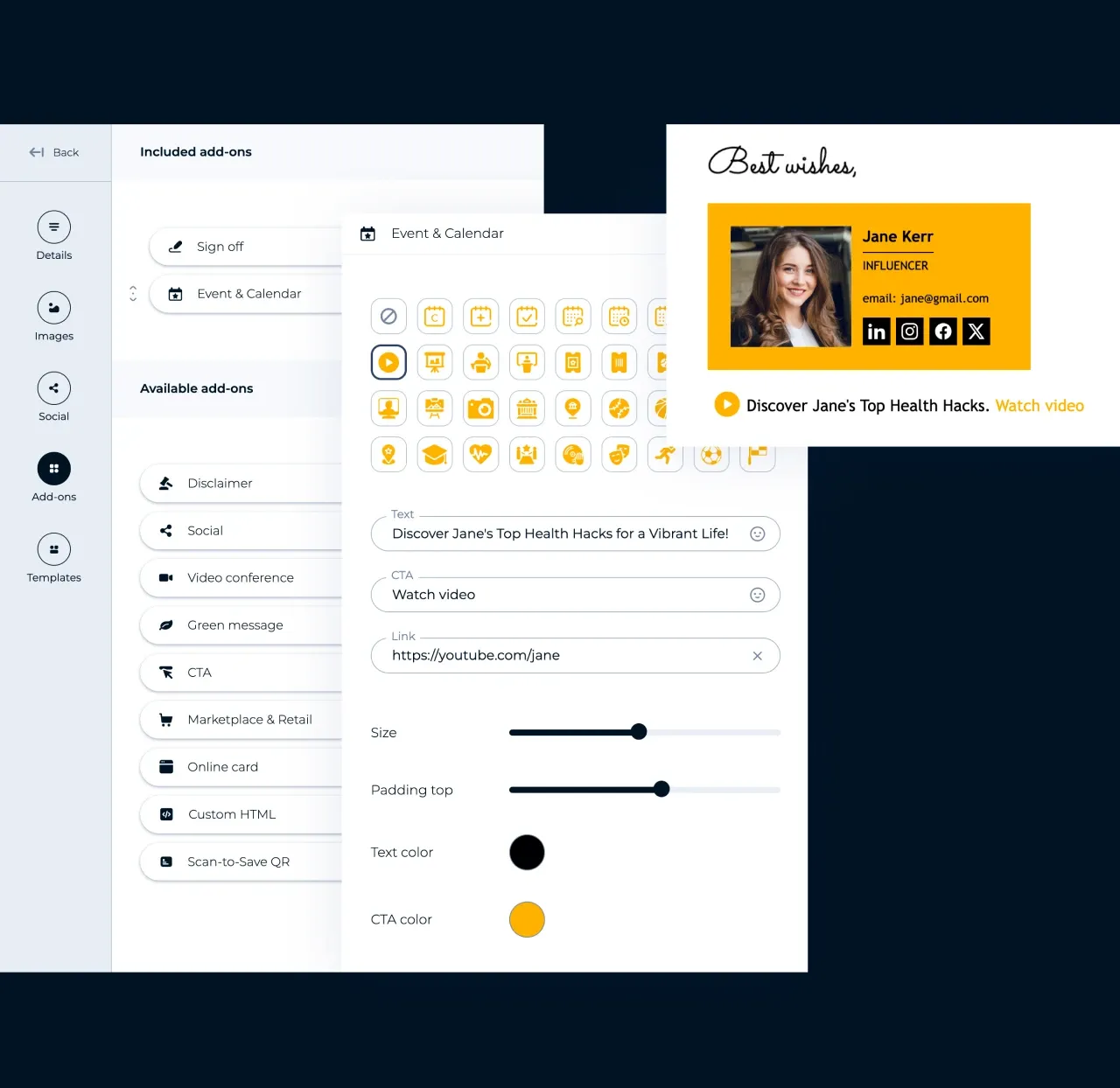
You picked a template, added your details, and customized the design. Here is what happens next.

See the finished signature in the live preview before you install it. Check that your photo, links, and buttons look the way you want.

Select Gmail, Outlook, Apple Mail, Thunderbird, or Yahoo Mail, and MySignature shows the install steps for that app.

Copy your signature and paste it into your email client's signature settings. Using an email app that isn't listed? Copy the HTML code and add it to any app that supports HTML signatures.

Your signature stays saved in your account, so you can change your title, phone, or banner anytime. For Google Workspace and Microsoft 365 teams, updates reach everyone automatically
Create your signature once, then follow the installation guides for your email client. No manual HTML editing is required for the standard setup.
Copy the HTML code of your signature, add it to Outlook, and keep every email consistent with your professional brand.
Bring your complete signature design, including images, links, and social icons, to Thunderbird.
Everything a free generator doesn't give you, built for professionals who use email to win clients. Over 3,000,000 signatures created in 145 countries.
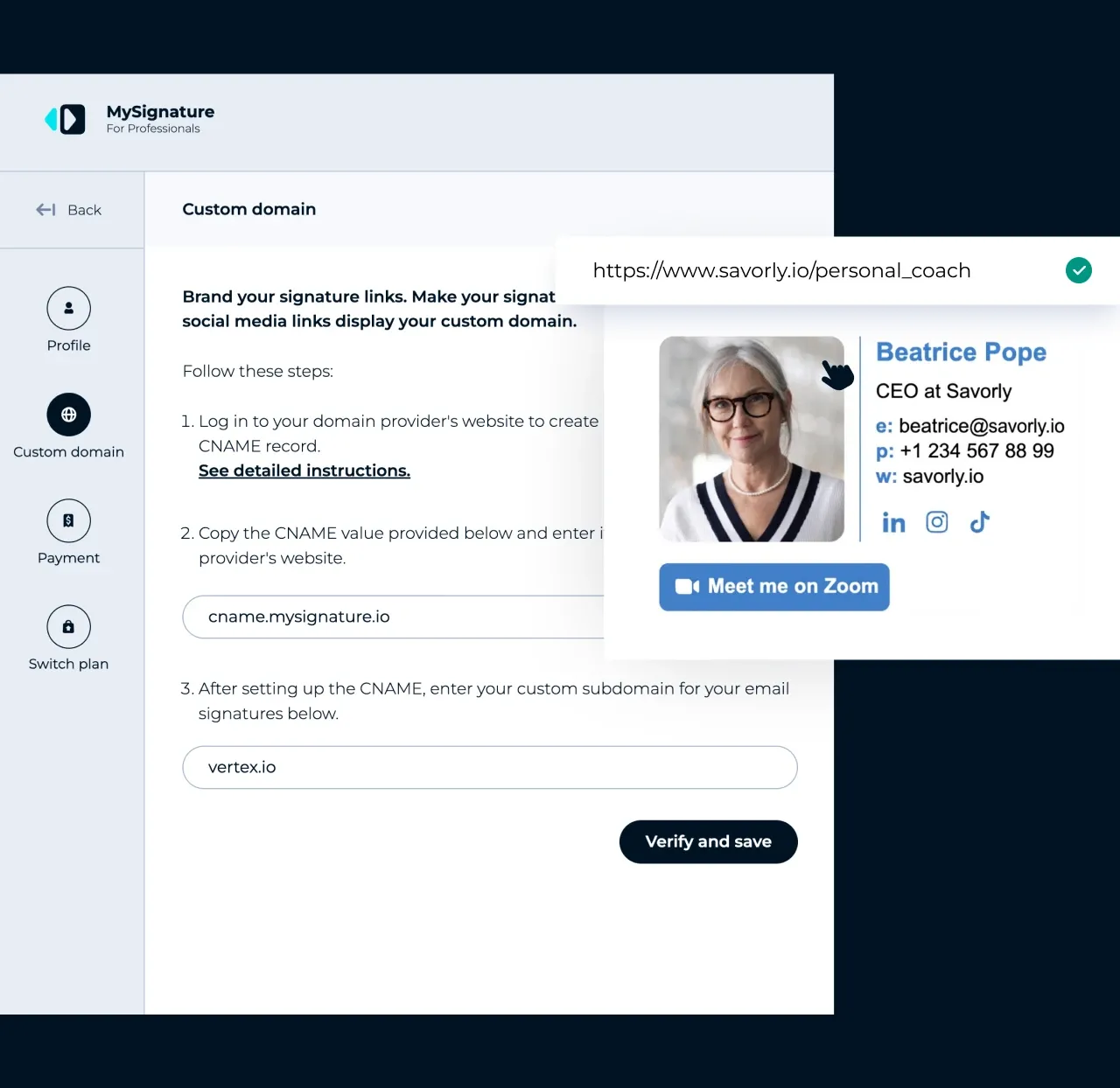
Connect your own subdomain once, and every link in your signature shows your brand instead of a third-party short link, so recipients trust where they click and spam filters have less reason to flag your email.

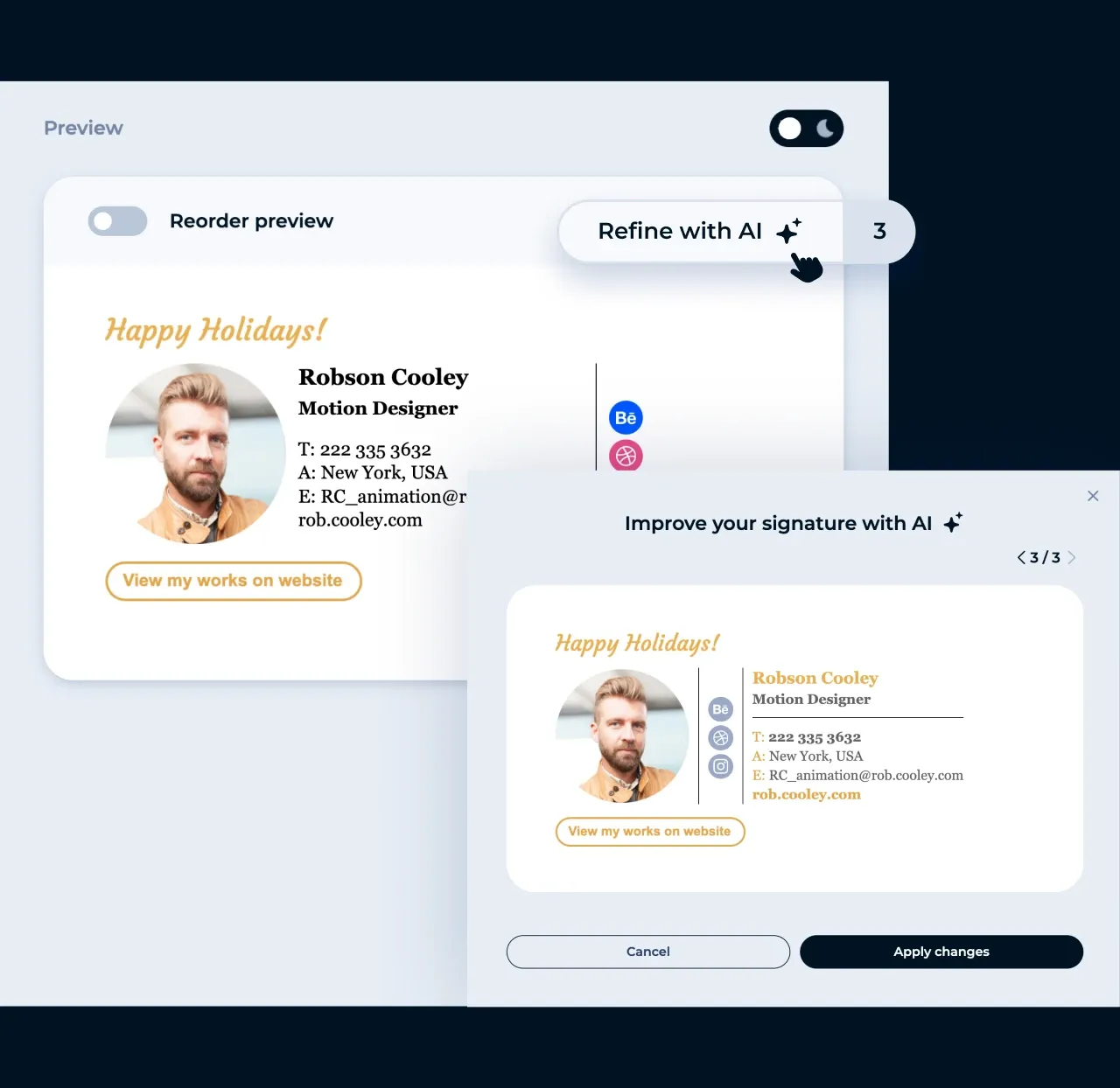
Manage team signatures from one place to keep branding consistent across Google Workspace and Microsoft 365. Explore email signature management.
Email signature managementUse the same company branding and required information across the team.
Manage one signature template centrally instead of setting up Gmail and Outlook signatures account by account.
Update branding once and apply changes across your team without contacting each employee individually. No manual installs. No follow-ups needed.
Automatically promote events, products, or content directly from employee emails.

Roman Hotsiak
Email & SMS marketing
I had a great experience. MySignature is very simple and very customizable! I can easily create a nice professional signature for my team. Thanks to the support team for helping with the set up of a signature for my business email.

Mary McGuire
Business Consulting and Coaching
I value how MySignature maximizes what would usually be empty space to deliver ample information. I particularly enjoy the design and how user-friendly it is.

KiwiOnTheSticks
Gaming Content Creator
I am a huge fan of MySignature! Setting it up is a breeze and it even integrates Canva right into the editor! I highly recommend this service to anyone who wants to give their emails a sleek and professional look.

João Mino
Translator & copywriter
I like the well-designed signature templates by MySignature! Also, your Gmail Email Tracker feature lets me track email activity after sending. For example, whether or not the customer received my invoice.


G2 crowd
Capterra

Product hunt

Trustpilot

Chrome web store
The ultimate free email signature maker for anyone who values a professional look
More industries
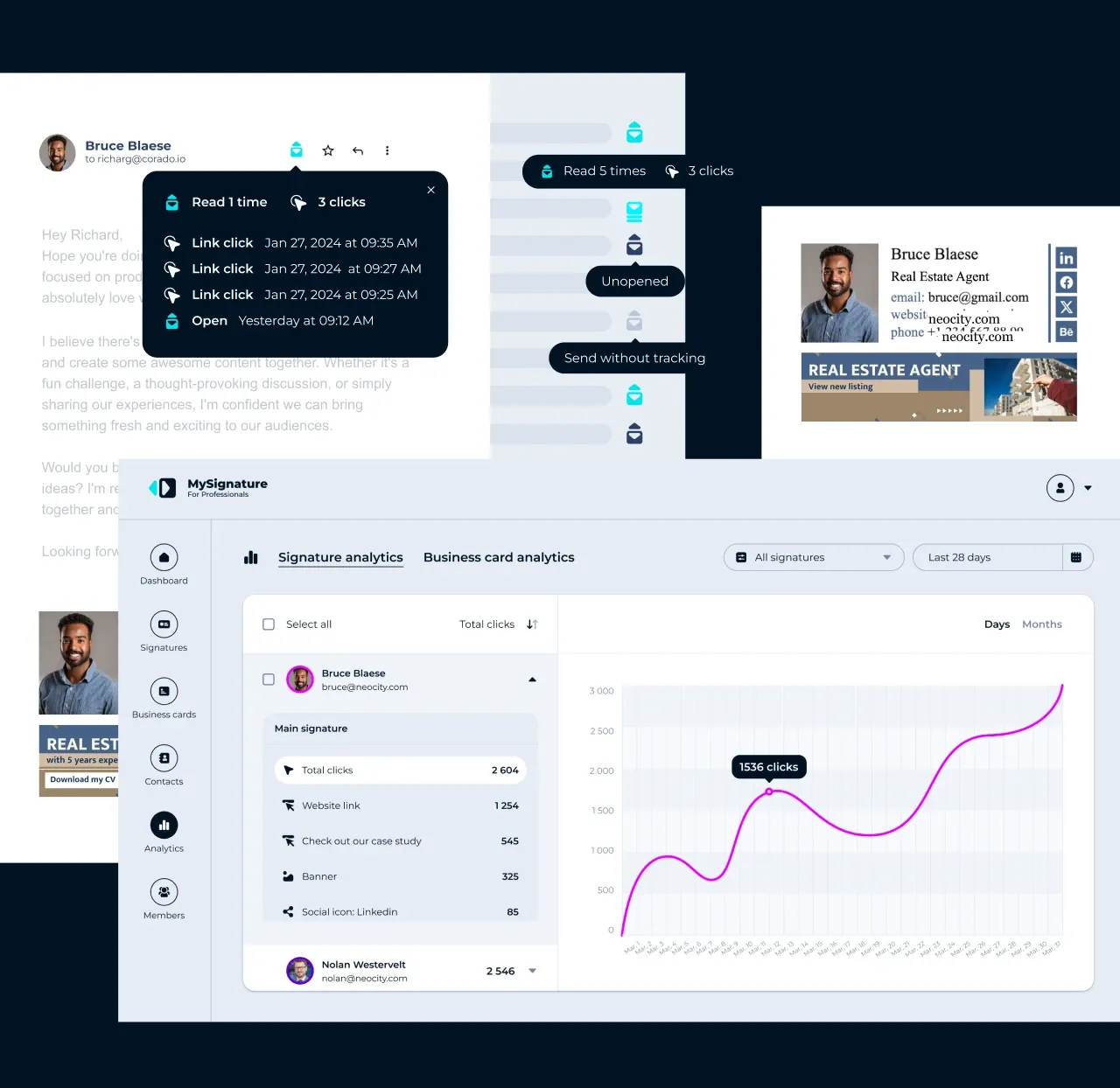
Promote content, events, offers, and demo bookings directly from your email signature. Track opens and clicks to understand engagement and follow up more effectively.

Build your personal brand with a professional signature that promotes your work, reviews, and campaigns. Turn every email into another opportunity to generate interest.

Keep your portfolio, social profiles, and booking links within easy reach for potential clients. Track email opens to better understand when to follow up.

Showcase listings, open houses, virtual tours, and booking links in every email. Track engagement to identify interested clients and follow up faster.

An email signature can showcase your talent, but not if it says "Sent from my iPhone." Promote your content, website, newsletter, and social channels directly from your signature. Use banners and CTAs to drive more engagement from every email.
An email signature is a block of text, images (photo, logo), and/or links that is automatically appended to the end of an email message.
A signature for email usually includes the sender's name, job title, company name, contact information, and other personal or company information.
An email signature generator is an online tool that turns your details into a ready HTML email signature, so you don't need design or coding skills. MySignature gives you 100+ editable templates and creates the HTML code automatically.
Yes, MySignature has a free plan you can use to create an email signature. Paid plans add advanced designs, tracking, analytics, team features, and removal of MySignature branding.
MySignature works for freelancers, solo professionals, small businesses, and growing teams. Individuals and small teams (5-25 employees) manage signatures from one account, while larger companies on Google Workspace or Microsoft 365 get centralized signature management for every employee.
No. You can start in the editor, but you need an account to save, copy, and manage your signature. Your account also keeps the signature available when you return to edit it.
Choose a template in the MySignature email signature generator, add your name, job title, and contact details, then customize the colors, fonts, logo, and photo. When it looks right, copy the signature and install it in Gmail, Outlook, Apple Mail, or another email app.
Include your full name, job title, company, phone number, and website, plus a logo or photo and a few social links. If you need more, add a CTA button, banner, or legal disclaimer in the MySignature editor.
Yes, MySignature creates HTML email signatures with HTML and CSS code. That means you can include text, images, links, social icons, buttons, and banners at the bottom of your email.
Yes, you can add a logo, photo, social icons, banner, links, CTA buttons, and a disclaimer. The editor also lets you adjust colors, fonts, and layout before you install the signature.
Yes, MySignature email signatures are designed to adjust to different screen sizes, including phones. Final rendering can still vary by the recipient's email app, because each app handles HTML and images differently.
Yes. Your signature is saved in your MySignature account, so you can open it in the editor, change any detail or design, and copy the updated version to your email client. Team signatures in Google Workspace and Microsoft 365 update for everyone from one place.
Copy your signature in MySignature, open Gmail Settings > See all settings, paste the signature into the Signature field on the General tab, and click Save Changes. Read the full Gmail signature guide for screenshots and tips.
Copy your signature in MySignature, open Outlook Settings > Account > Signatures, paste it into a new signature, and save. The steps differ slightly in Outlook on the web, Windows, and Mac, so follow the full Outlook signature guide.
Copy your signature in MySignature, open Mail > Settings > Signatures, add a new signature, untick "Always match my default message font", and paste it.
Copy your signature in MySignature, open Account Settings, tick "Use HTML" under Signature text, and paste the signature.
Yes. You can install your MySignature signature in Apple Mail on Mac and in the Mail app on iPhone and iPad. Follow the iPhone email signature guide for mobile.
Our other products
Create a digital business card or link-in-bio page when you need more than an email signature.
Digital business card
Create your digital card, store it on your phone (iOS, Android), and share contact information by showing the QR code. Perfect for in-person meetings, online networking, and virtual events.
Try now
Online business cards
Create a link-in-bio page for all your social media links, content, and contact details. Share it on Instagram, TikTok, and other social platforms to grow your online presence.
Try now
MySignature helps create branded email signatures and digital business cards for professionals and teams. Build trust and showcase your expertise from the first email to real-life interactions.
Get started


