4th of July Email Signature Banners
Browse banners templatesBrowse dozens of email signature banners for the 4th of July to make your emails festive and patriotic. Choose your favorite design and add your Independence Day email signature.
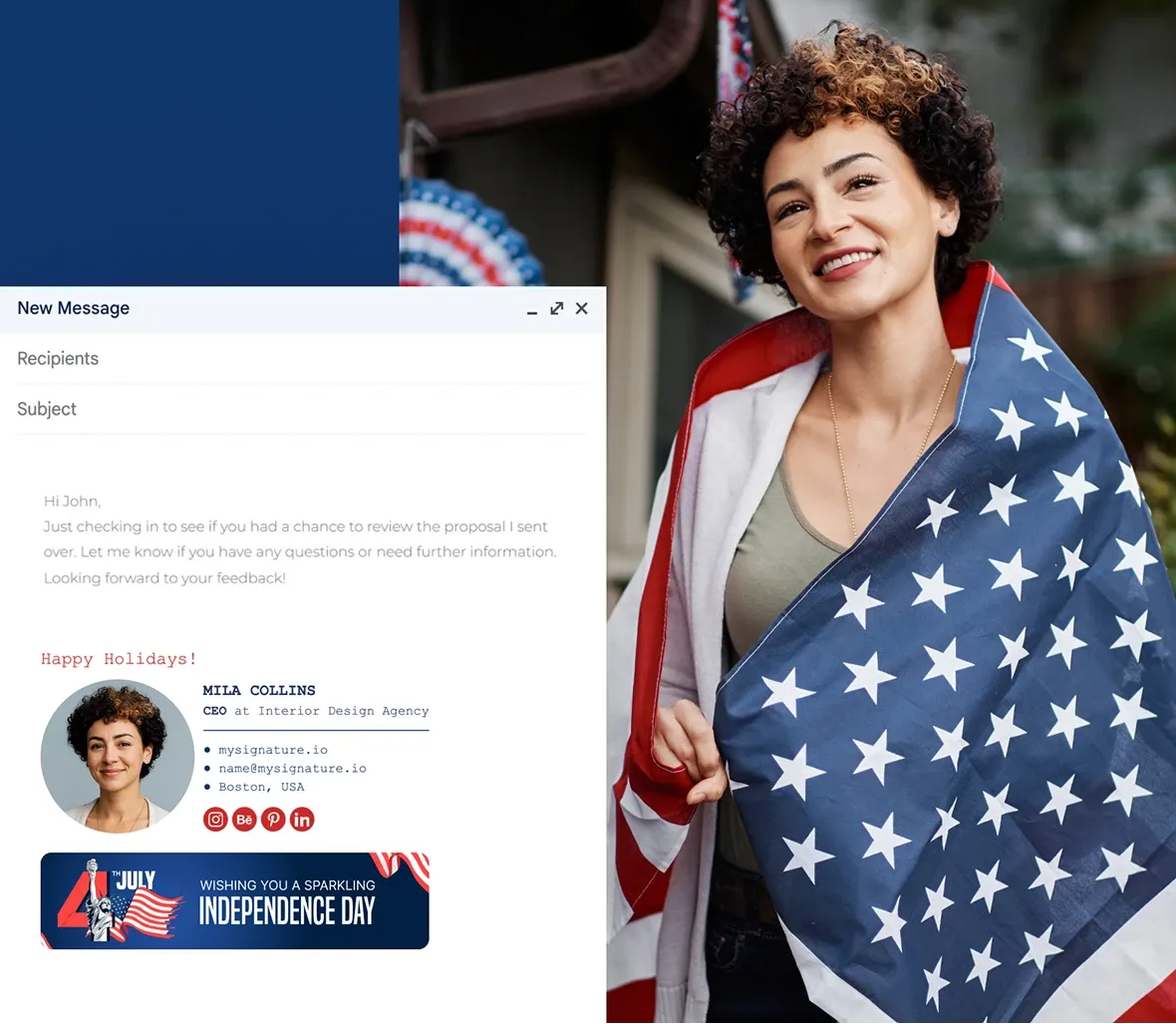
Free 4th of July email signature banner examples
Click on any banner you like to create an email signature. Choose a static or animated template from the banner gallery in the MySignature editor.




Check other holiday signature banners
Don’t forget to update your email signature after the 4th of July with banners for Thanksgiving, Christmas, New Year, Valentine’s Day, and more.
How to add a banner to your 4th of July email signature
Choose the banner you like and follow the steps:
Create a 4th of July email signature
Log in to your MySignature account and open the Signature Editor.

In the editor, go to the Images section.

Select Banner Gallery to browse available designs.

Choose the static or animated banner design you like.

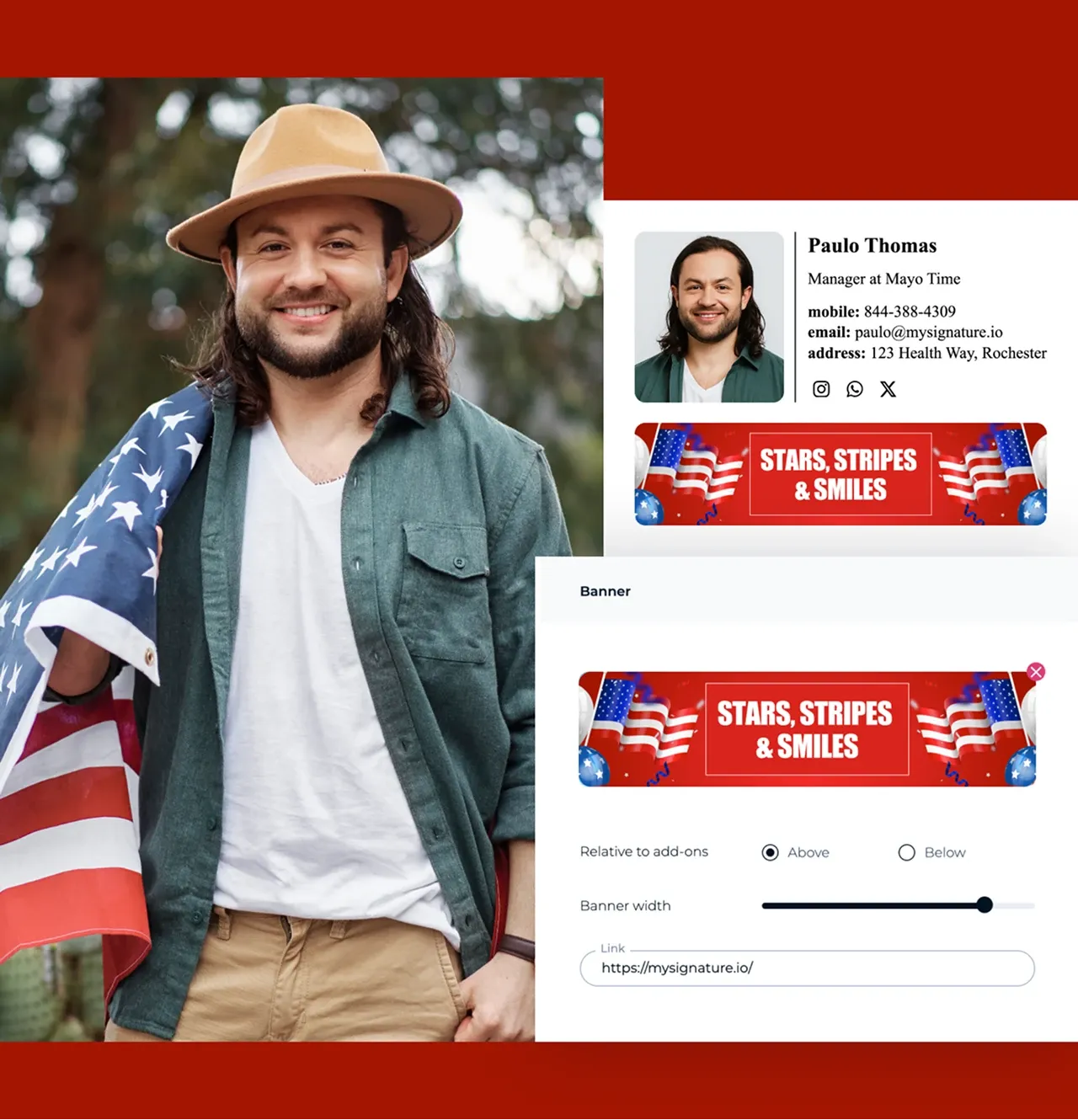
Click add to signature to insert the banner in place.

You can also upload your own banner/design (for example, from Canva) if you prefer.

Adjust size/placement if needed within the editor so the banner looks balanced with the rest of the signature.

Save your signature when you’re happy with how it looks.
Tips for creating a 4th of July email signature banner
Give your emails a patriotic touch this Independence Day with a signature that feels festive and spirited:
- Pick a 4th of July banner from MySignature’s gallery or upload your own design with stars, fireworks, or flag elements.
- Use bold patriotic colors like red, white, and blue.
- Keep the banner balanced with your signature text so it looks professional, not overwhelming.
- Test how your signature displays across different email clients to make sure the design appears correctly.
- After the holiday, replace the banner to keep your emails fresh and seasonally appropriate.
F.A.Q
What’s the best banner size for a 4th of July email signature?
A good size is 640×480 pixels — large enough to be eye-catching but small enough to load quickly. Aim for under 1 MB.
Can I use fireworks or flag graphics in my banner?
Absolutely. The 4th of July is the perfect time to use festive patriotic designs like stars, stripes, fireworks, or flags. Just make sure the design is clean and readable.
How do I set up a 4th of July signature in Gmail?
Log in to MySignature, customize your Independence Day signature, and copy it to your Gmail signature settings. Paste it in and save — you’re ready to go.
Should I remove my banner after July 4th?
Yes, it’s best to update your email signature once the holiday is over. Swap it for a summer-themed or evergreen design to keep your emails current.