


Free AI QR code generator by MySignature

Make QR code

Design your free fully customizable QR code with AI features!

Free AI QR code generator by MySignature

How to create the QR code

Creating QR codes for marketing, real estate, and other industries is simple with the MySignature QR code generator.

1

Choose content type

With the MySignature QR code generator, you can create QR codes for plain text, URLs, emails, SMS, or vCard content.

2

Provide content details

Enter your text, URL, or other details in the input fields. Once completed, your QR code will be generated automatically.

3

Customize your QR code design

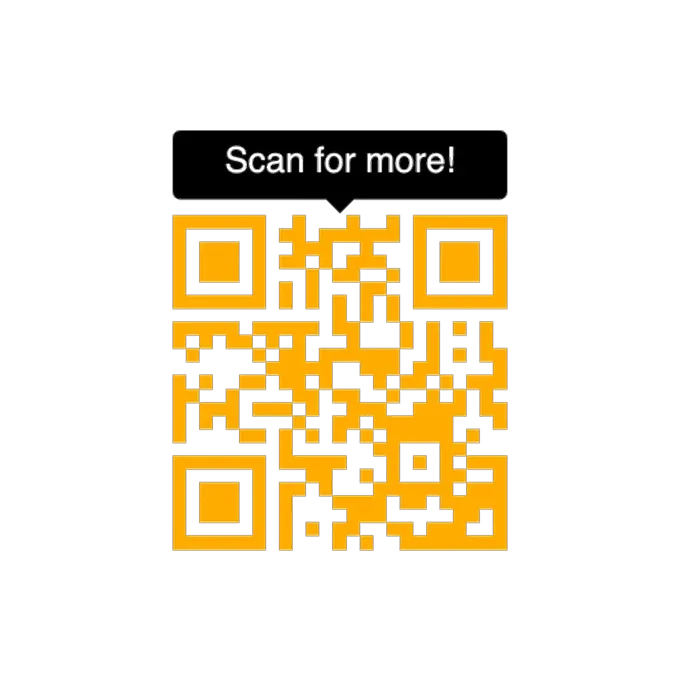
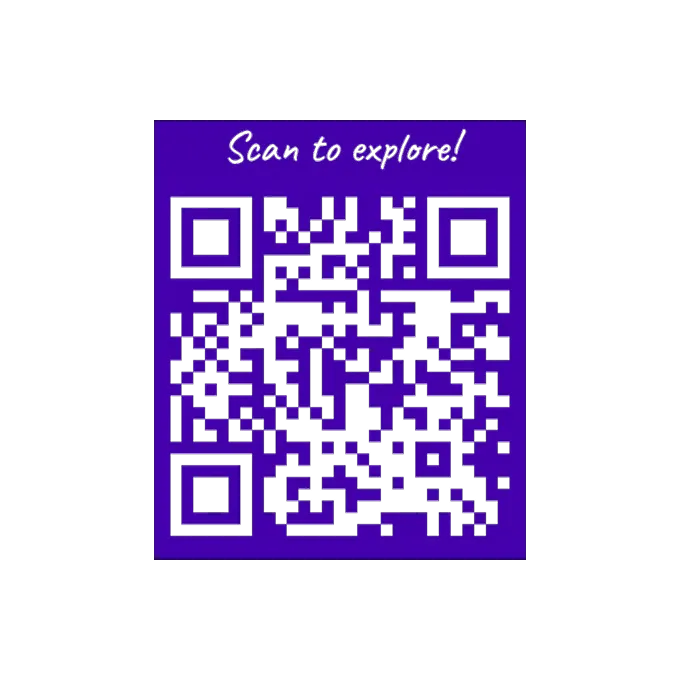
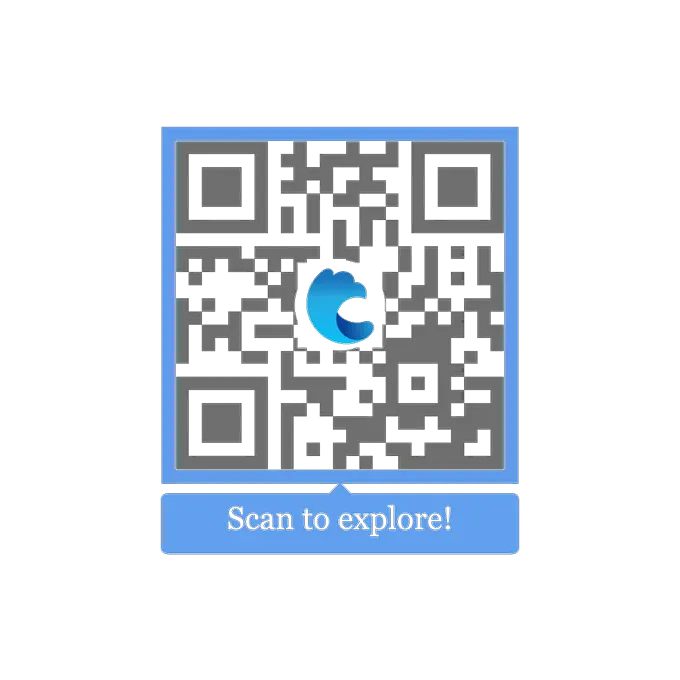
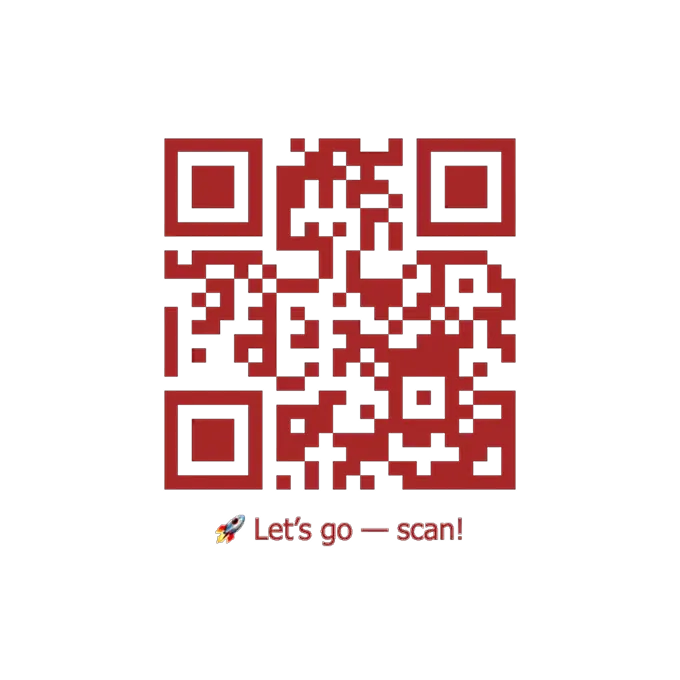
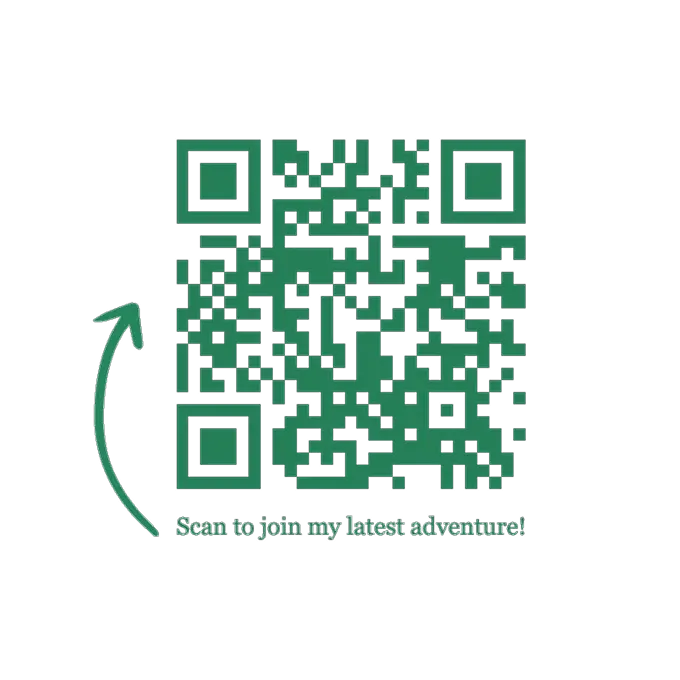
The MySignature QR code editor allows you to set the QR code color, add border lines, upload a custom logo or icon, and choose a frame style - such as simple text, a CTA block, or arrows. Frames can be displayed above or below the QR code to add a call-to-action or provide additional information.

4

Download your QR code

When you are finished customizing, download print-ready files. You’ll also receive a version of the QR code with a transparent background for use on the web.

Choose from hundreds of QR code templates

MySignature offers thousands of templates where you can easily add QR codes to share videos, campaigns, landing pages, brochures, or feedback pages.

What is QR code?

A QR code is just squares arranged in a pattern that encodes information and your phone’s camera reads that pattern and opens links, shows text, vCard, etc.

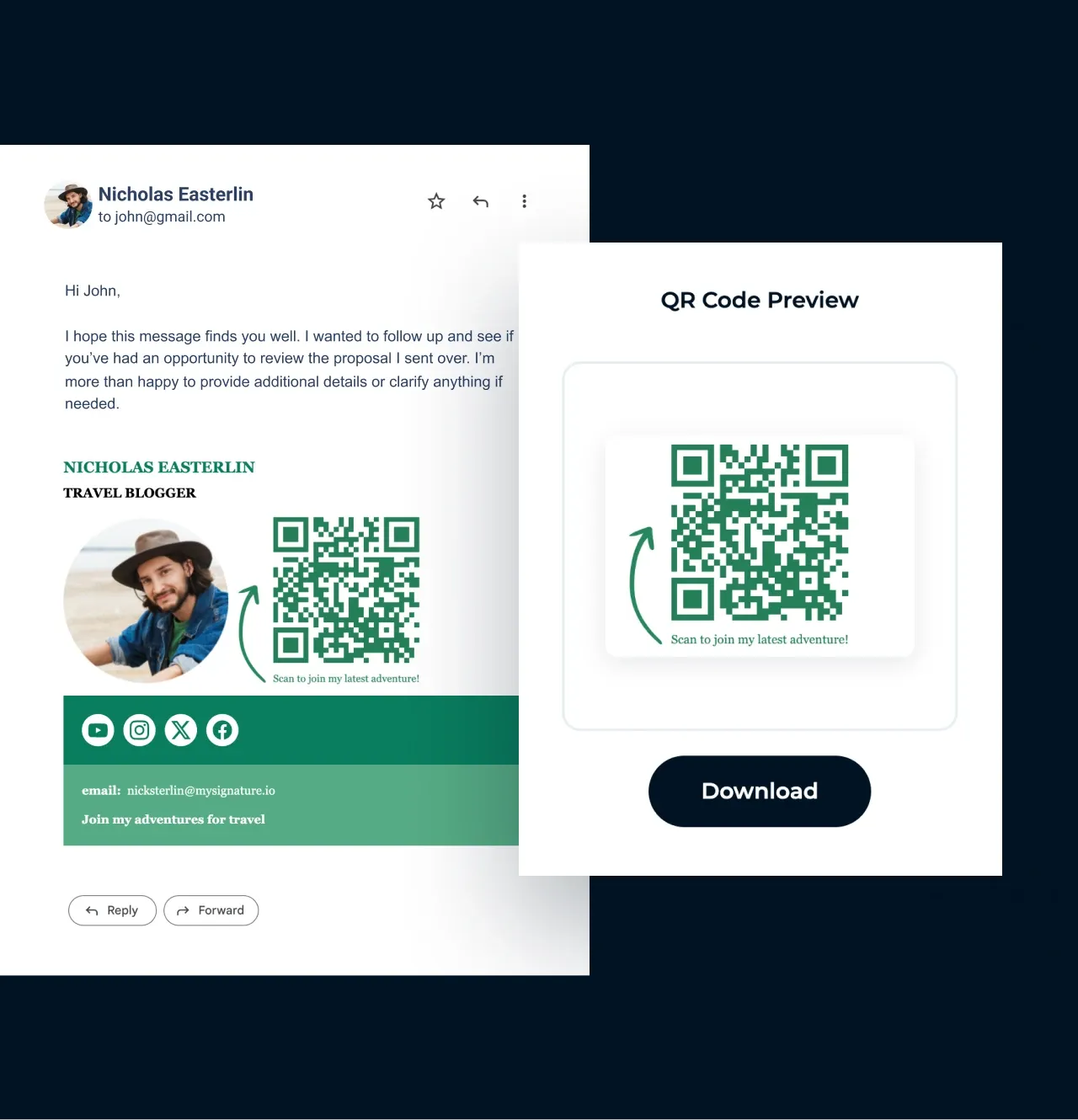
You can also link a QR code to a PDF version of your flyer, brochure, a business card, or a link-in-bio page to stand out across any channel. Add links to collect feedback, accept payments, and much more.

Add a logo to QR code

Create a QR code

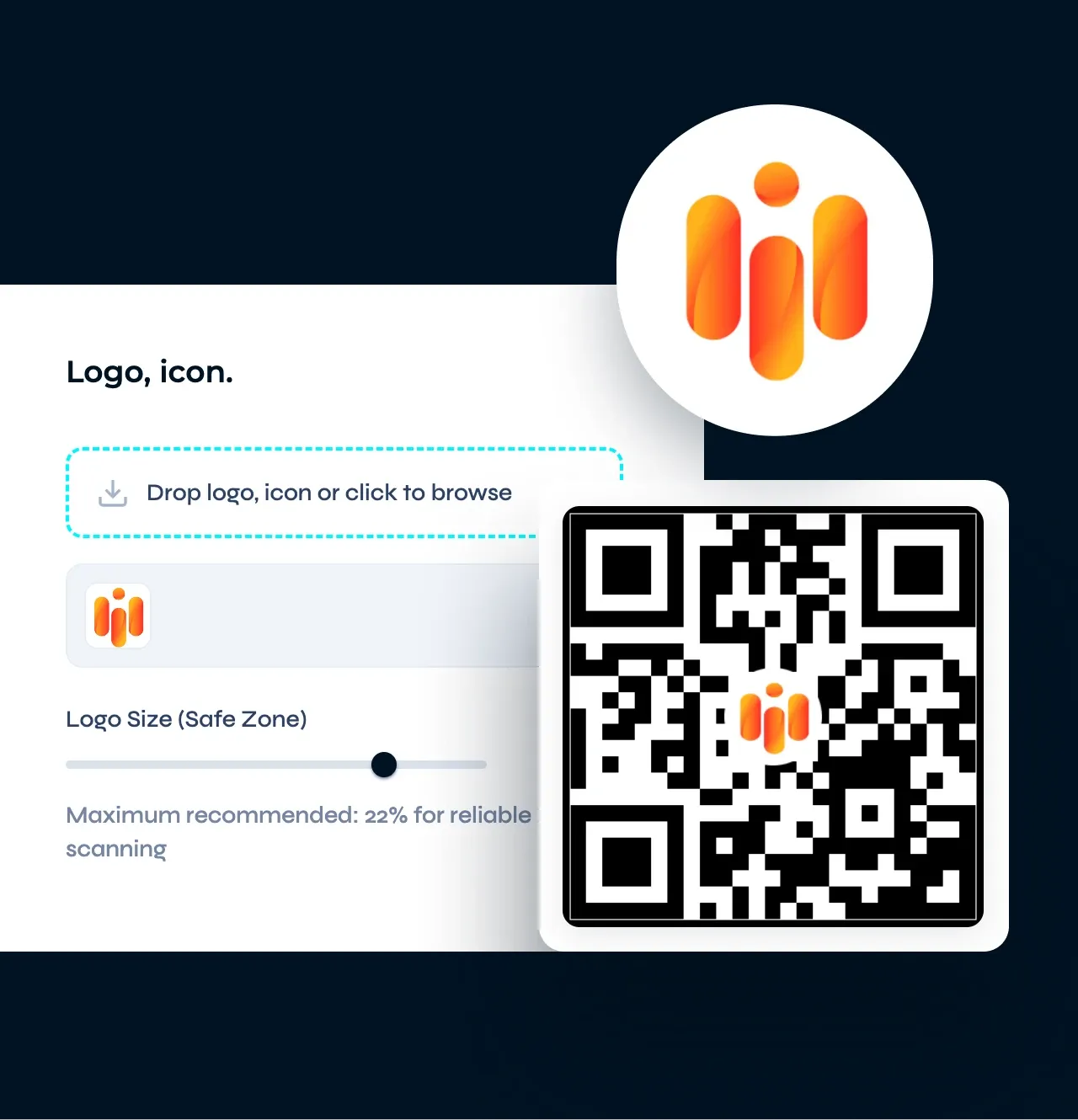
Make your QR code more branded by adding your logo in a square format to make it more recognizable and build user trust. Alternatively, you can upload social media or messaging icons to the MySignature QR code generator.

Add a logo to QR code

Download QR code for free

Create a QR code

Create and customize your QR code, add a business logo or icon, and download it for free. You’ll receive a high-quality, print-ready PNG file, including a version with a transparent background.

Download QR code for free

Which types of QR codes you can create for free

Create a QR code

Website URL QR Code

Direct users to your website by embedding the URL in a QR code. This is commonly used for business cards, flyers, and promotional materials.

Text QR Code

Share plain text messages, such as contact information or brief notes, by encoding them into a QR code.

Email QR Code

Generate a QR code that, when scanned, opens the user’s email client with a pre-filled recipient address and subject line.

SMS QR Code

Create a QR code that, when scanned, opens the user’s messaging app with a pre-filled phone number and message body.

WiFi QR Code

Allow users to connect to your WiFi network by scanning a QR code that contains your network’s SSID and password.

vCard QR Code

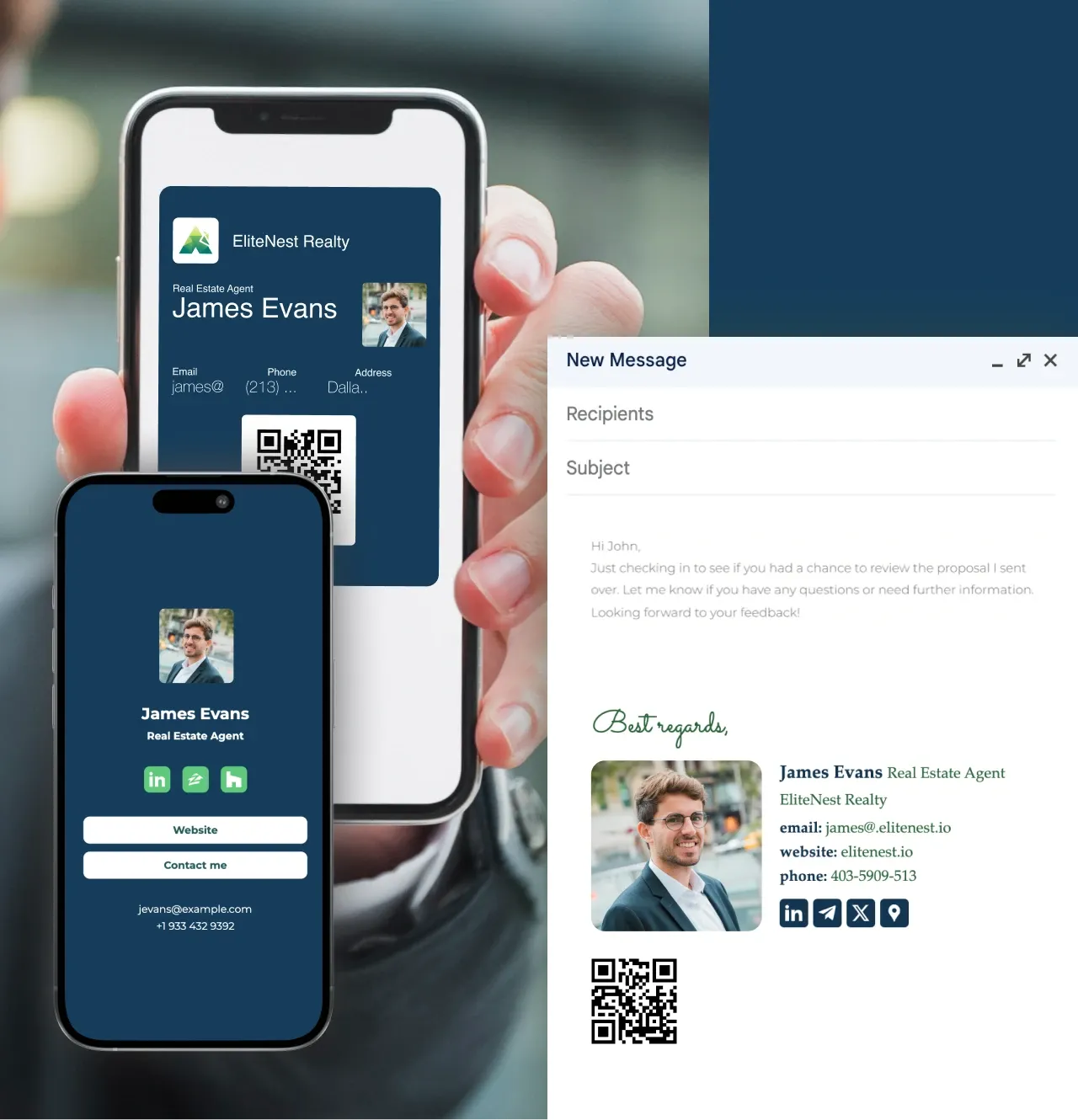
Share your contact information, such as name, phone number, and email address, by encoding it into a vCard format within a QR code. Also, you can use digital business cards by MySignature for instant sharing via NFC.

Looking for more professional branding?

Get custom QR codes, email signatures, digital business cards, and link in bio pages: all within one solution.

  • QR code
  • Email signature design
  • Signature analytics
  • Email tracker
  • Digital business card
  • MyPage link in bio
Read more
Looking for more professional branding?

Make a QR code in one click. Free to use. No credit card or sign up required! Start

Create a QR code