Last Updated on 28.09.2026 by Danylo T
Ending an email may seem like an afterthought. But it’s actually a crucial part of the message, especially in business communication.
The way you end an email can make a positive impression, convey essential information that gives more context to the entire message, and can even act as a powerful marketing or sales tool that grows your business on autopilot.
But what are the main ways to end emails? And how to end a professional email to align it with your brand and goals?
To end an email properly, close with a sentence that says what happens next, choose a sign-off that matches the tone of the message, put your name under it, and add a professional email signature when the recipient needs your contact details. That order rarely changes, but the wording does, and getting it wrong is what makes an otherwise good message land badly.
This article covers formal, friendly and casual sign-offs, examples of how to end a thank-you note or a job application, the formatting rules most people get wrong, and the ways to end an email that are worth avoiding at work.
TL;DR: best email endings by situation
If you only need the short answer, this is it.
| Situation | Best sign-offs | Avoid |
|---|---|---|
| Formal business | “Sincerely,” “Best regards,” | “Cheers,” “Thx,” |
| Friendly professional | “Best,” “Thanks again,” | “Yours faithfully,” |
| Job application | “Sincerely,” “Thank you for your consideration,” | “Talk soon,” “Later,” |
| Thank-you email | “With appreciation,” “Thanks again,” | a bare “Regards,” |
| Follow-up after no reply | “Best regards,” “Looking forward to your reply,” | “Bumping this,” |
| Casual with colleagues | “Cheers,” “Talk soon,” | anything in a first business email |
What are the main parts of an email closing?
An email closing is made of four parts, and they come in the same order every time: the closing sentence, the sign-off, your name, and the signature that carries your contact details. Most people think only about the second one.
1. Closing sentence. This is the last line of your message, and it tells the recipient what you expect to happen next. Without it, a reader has to guess whether you want a reply, a decision, or nothing at all, which is the most common reason a well-written email goes unanswered.
2. Sign-off. The most common email ending is a casual sign-off like “Best Regards” or “Sincerely,” followed by the sender’s name and possibly their job title. While once standard, these signatures now miss opportunities for added context, networking, and business growth.
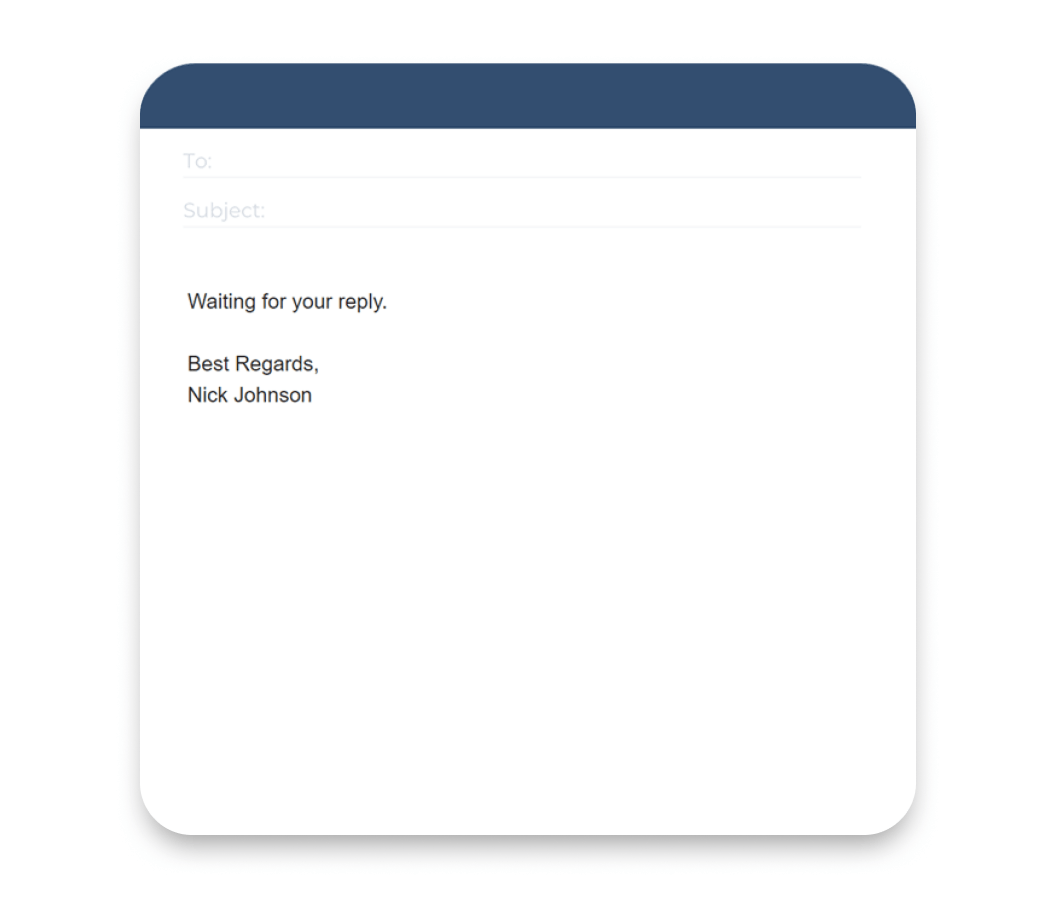
3. Your name. Inside a team where everyone knows you, a first name is enough. In cold outreach, a job application, or a first message to a client, use your full name, because the recipient reads it before they reach your signature and it is the only thing telling them who is writing.
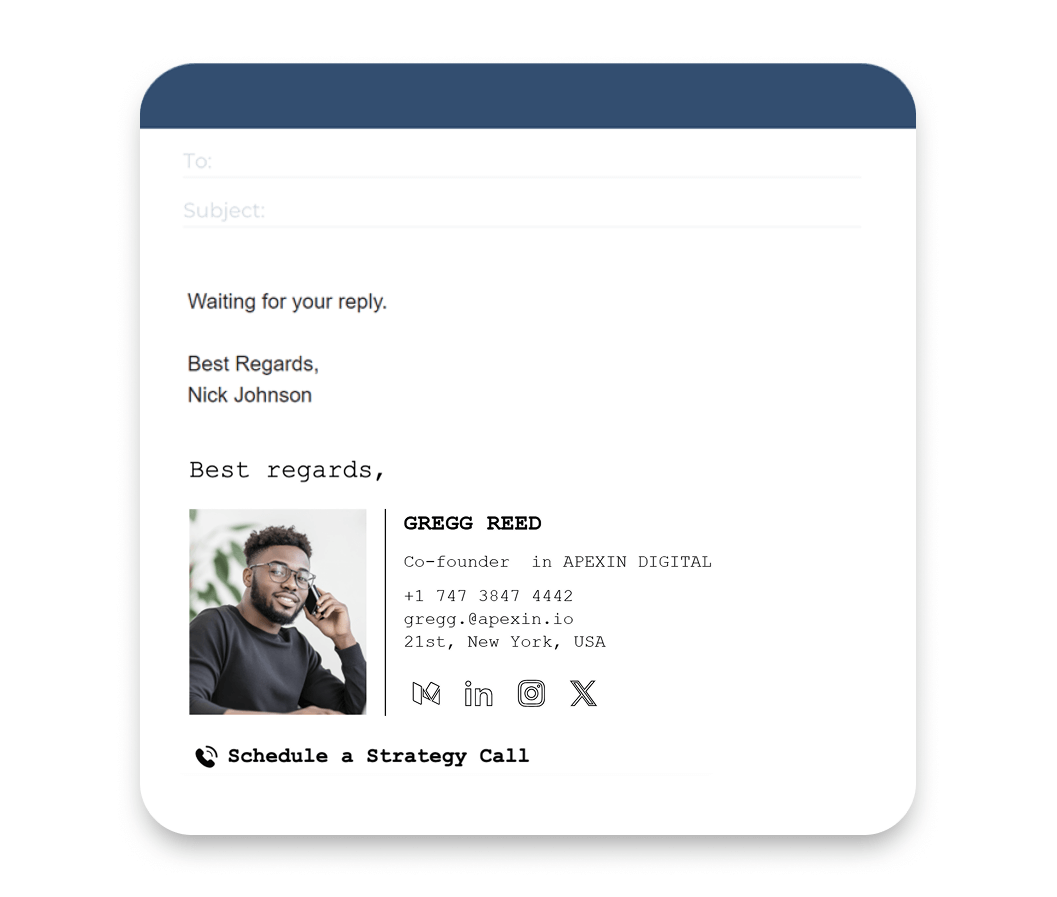
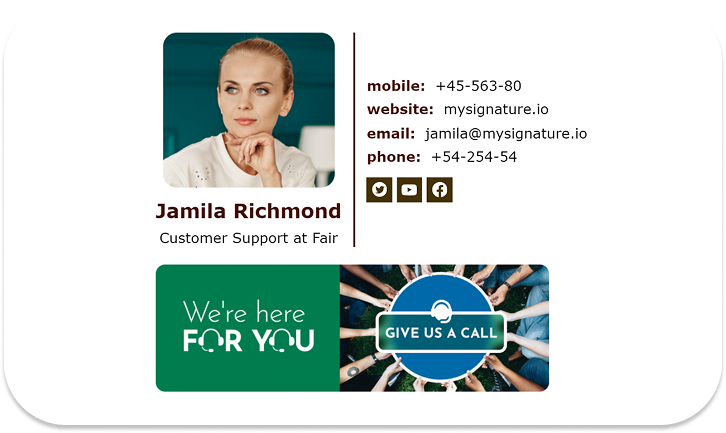
4. A professional email signature. With accessible email signature tools, individuals and businesses increasingly maximize their emails. A well-designed signature includes essential contact info, useful links, disclaimers, social media, logos, professional photos, and promotional banners.
Best ways to close an email: 40+ professional sign-offs by situation
Here are some options to consider for various situations:
The table below groups the ways to sign off by the situation they fit, so you can settle how to close an email without reading the rest of the article.
| Situation | Sign-offs | Use it when |
|---|---|---|
| Formal business | “Sincerely,” “Yours sincerely,” “Yours faithfully,” “Respectfully,” “Kind regards,” “Best regards,” “Regards,” “Best wishes,” | You are writing to someone you do not know, or the message is a formal request |
| Friendly professional | “Best,” “All the best,” “Thanks,” “Thanks again,” “Warm regards,” “Take care,” “Much appreciated,” “Have a great week,” | The thread is already running and you email this person regularly |
| Thank-you | “With appreciation,” “With gratitude,” “Many thanks,” “Thank you again,” “Gratefully,” “Thank you for your time,” | Someone gave you their time, their help, or a decision in your favour |
| Follow-up and reminders | “Looking forward to your reply,” “Looking forward to hearing from you,” “Thanks in advance,” “Any update is appreciated,” “Awaiting your reply,” | You are chasing an answer without wanting to sound impatient |
| Job application and recruiting | “Thank you for your consideration,” “I look forward to speaking with you,” “Looking forward to your decision,” “With every good wish,” | You are applying, following up with a recruiter, or writing after an interview |
| Customer support | “Happy to help,” “Glad to help,” “Let me know if anything is unclear,” “Thanks for your patience,” “At your service,” | You are answering a customer and want to leave the door open |
| Casual with colleagues and friends | “Cheers,” “Talk soon,” “Speak soon,” “Catch you later,” “Later,” “Have a good one,” “See you soon,” | You already have a rapport and the message is internal or personal |
| Avoid in professional email | “Thx,” “xoxo,” “Peace,” “Yours truly,” in a cold email, or no sign-off at all | The recipient does not know you well enough to read any of these as friendly |
Formal email sign-offs
In formal emails, maintaining a formal tone is essential, particularly in business settings. For formal email sign-offs, phrases such as “Sincerely,” “Best Regards,” and “Best Wishes” are typically reliable choices, and they are the safest email ending examples to reach for when you are working out how to end a business email. These expressions are especially appropriate when you are unfamiliar with the email recipient and seek to convey respect and professionalism, such as in the context of a cover letter or a potential business deal.
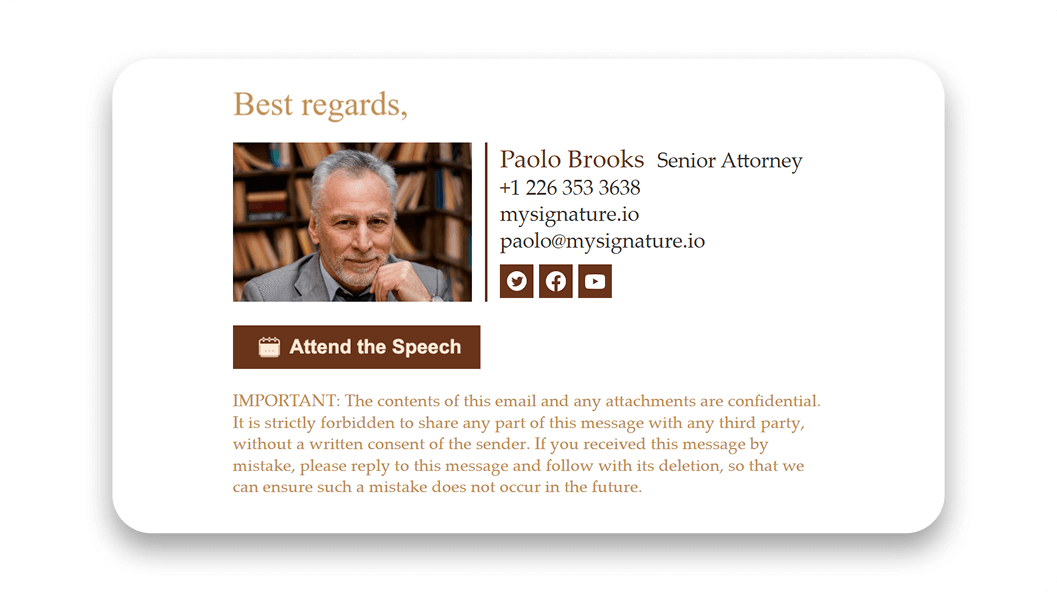
Using these formal email sign-offs helps to establish a courteous atmosphere and presents you as a professional who values effective communication.
Two of these get mixed up more often than the rest. “Yours sincerely,” belongs in a message where you know the name of the person you are writing to, while “Yours faithfully,” is what you use when you do not and opened with something like Dear Sir or Madam. “Respectfully,” fits a complaint or a formal request going upward, and “Thank you for your consideration,” works whenever you are asking someone to weigh something up rather than simply reply.
Friendly but professional email sign-offs
In a professional context, when emailing clients or colleagues you know but don’t have a close relationship with, choose a polite closing that matches the level of familiarity. Phrases like Best, Many thanks, or Take care keep the tone friendly while still sounding professional and respectful.
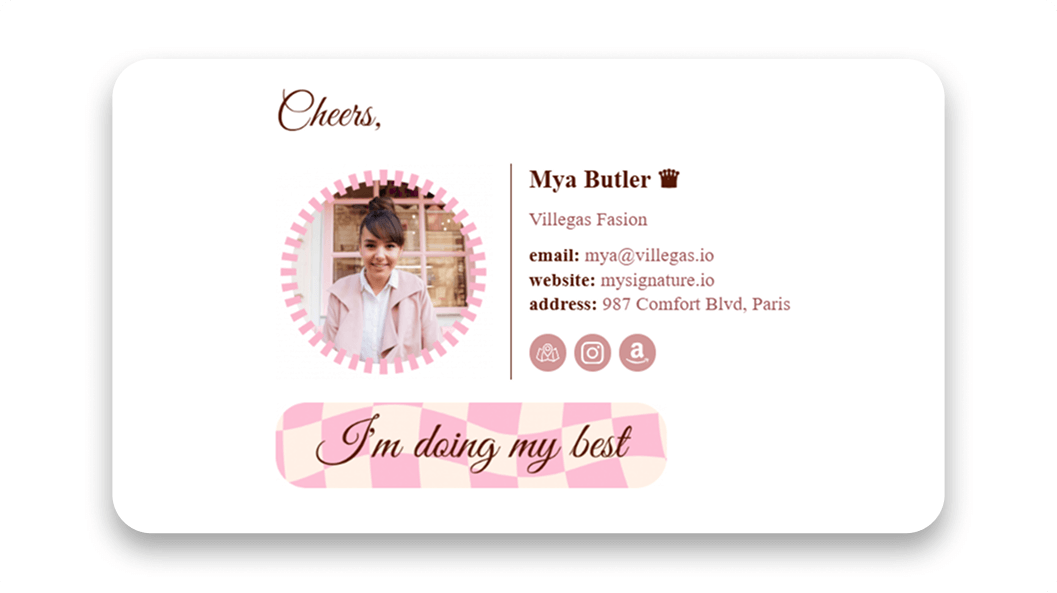
These closings work best once some rapport has been established, for example, after the other person has replied, with a colleague you email regularly, or with a client after your first call. In a cold email, the same phrases can sometimes feel too casual or abrupt because the relationship hasn’t developed yet.
Casual email endings for colleagues and friends
When it comes to personal emails, especially during informal exchanges with friends, close colleagues, or regular clients you have a good rapport with, adopting a relaxed tone is key. Using informal email sign-offs such as “Cheers” or “Talk soon” can enhance the friendliness of your communication.
There are places where a relaxed ending stops working, however good the relationship. A job application, anything legal or compliance related, and a first approach to a business contact all call for something safer, and so does any message that might be forwarded to a person who has never heard of you. The risk is not the phrase itself but the reader who did not expect it.
Formal vs informal email endings: which one should you use?
Choosing the right tone here is not about your own mood but about the message and the reader. Match the formality of the closing to the formality of what you have written, and to how well the recipient actually knows you.
| Type | Use when | Examples | Avoid when |
| Formal | First contact, job applications, complaints, legal or client-facing messages | “Sincerely,” “Best regards,” “Respectfully,” | The thread is casual and running, where it reads as stiff |
| Informal | Internal threads, colleagues you email often, friends | “Cheers,” “Talk soon,” “Best,” | The recipient does not know you, or the message may be forwarded on |
How to format an email closing properly
The parts of a closing are simple enough; what trips people up is the order, the punctuation and the small points of grammar around them. Set it out the same way every time and the ending stops being something you improvise once the message is already written.
[Closing sentence.]
[Sign-off],
[Your full name]
[Job title], [Company]
[Phone] | [Website]
Put a comma after the sign-off, never a full stop and never nothing at all.
Capitalise only the first word, so “Best regards,” rather than “Best Regards,”.
Leave a blank line between the closing sentence and the sign-off, so the two do not read as one.
Keep your name on its own line even when your signature repeats it, because signatures do not always render.
Email closing examples: full email endings you can copy
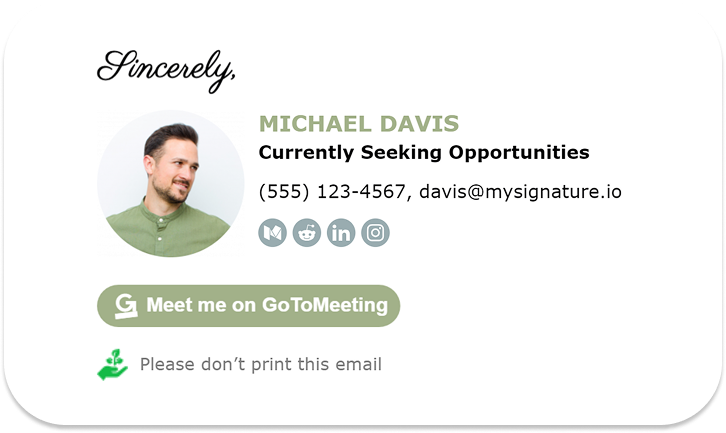
Here are a few examples of email signature layouts that show how different details can be combined to achieve your goals.
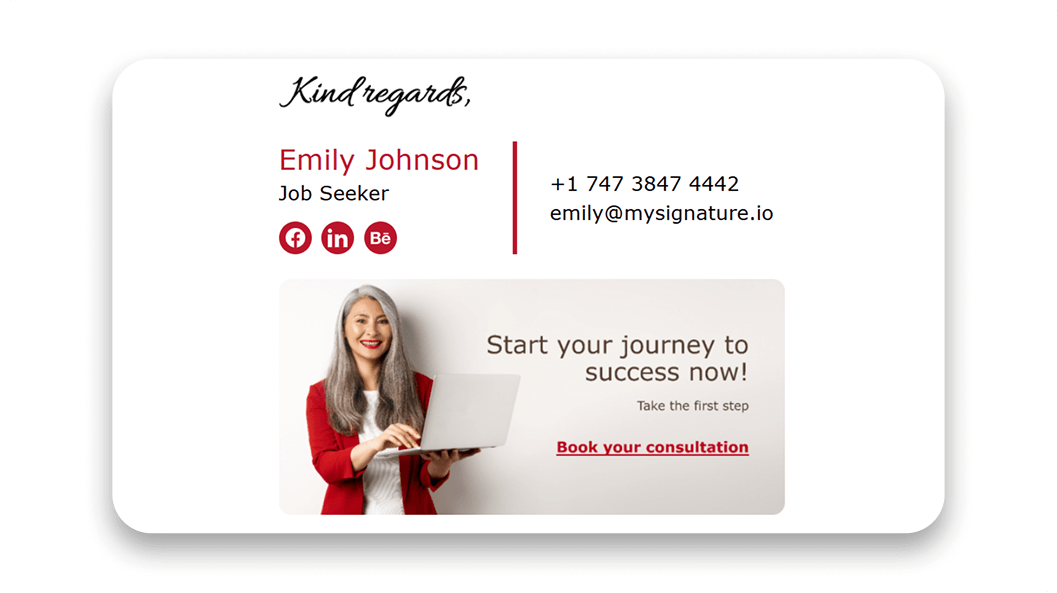
Here are the same endings as plain text, so you can copy them straight into a message.
Business request
Please let me know by [date] whether this works on your side.
Best regards,
[Your name]
Follow-up after no reply
I am following up on my message from [date], and I am happy to resend anything that got lost.
Best regards,
[Your name]
Thank-you after a meeting
Thank you for the time today, I will send the summary over by [date].
Thanks again,
[Your name]
How to end a job application email
A job application ending has one job, and that is making it easy for the person reading it to move you forward. So the closing sentence points at the next step instead of restating your interest, and the sign-off stays formal even when the company’s careers page sounds like a group chat. The casual endings that work with colleagues cost you here, because the reader has nothing but this message to judge you on.
Job application
I have attached my CV and portfolio, and I would be glad to walk you through either.
Sincerely,
[Your full name]
Cover letter email
Thank you for considering my application for [job title].
Sincerely,
[Your full name]
Recruiter follow-up
I wanted to check whether there is any update on [job title], and I am happy to send anything else you need.
Best regards,
[Your full name]
After an interview
Thank you for the conversation today, it made me more certain this is the right team for me.
With appreciation,
How to end a thank-you email
In a thank you email the gratitude belongs in the closing sentence rather than in the sign-off, and putting it in both makes the whole ending read as filler. Say what you are thankful for in plain words, then sign off the way you otherwise would.
After an interview
Thank you for your time today, and for explaining how the team works day to day.
With appreciation,
[Your name]
After a meeting
Thank you all for the discussion, I will circulate the notes by [date].
Thanks again,
[Your name]
After someone helped you
Thank you for stepping in on this, it saved me a great deal of time.
With gratitude,
[Your name]
Customer appreciation
Thank you for being with us this year, it genuinely matters to a team of our size.
Warm regards,
Email etiquette rules for professional closings
That’s why you need to follow the best practices of professional email etiquette when you close your email, which include principles in design, presentation, and alignment with goals. Let’s explore these email etiquette tips below.
A few of these rules hold no matter who you are writing to, so it is worth checking your own closing against them.
- Match the tone of the closing to the tone of the message.
- Put a comma after the sign-off.
- Capitalise only the first word of the sign-off.
- Keep slang and emojis out of formal email.
- Add your name and job title when the recipient does not know you.
- Keep the signature short enough that it does not compete with the message.
Keep the closing short and clear
The end of an email is where people pile up apologies, second thanks and hedging, and every extra line pushes the actual request further from the reader’s eye. One closing sentence and one sign-off is enough. Anything else you are tempted to add is usually there to make you feel polite rather than to help the person reading.
Good
Could you confirm by Thursday whether the budget covers this?
Best regards,
[Your name]
Too much
Sorry again for the long email, and thanks so much for reading this far. I really appreciate your time and please do not feel any pressure at all, but if you happen to get a chance, it would be great to hear back whenever suits you.
Thanks a million!!
[Your name]
End with a clear next step when action is needed
Most emails that go unanswered end without saying what should happen next, so the reader quietly files them under nothing to do. The closing sentence is where you set expectations, and it pulls a response far more reliably when it names a date or a decision than when it names a hope.
“Please let me know by Friday whether we can go ahead.”
“Would Tuesday at 10 work for a short call?”
“I am waiting on your approval before the design goes to print.”
If the message genuinely needs nothing from the reader, say that as well, otherwise someone replies out of politeness and you both lose ten minutes.
Email sign-offs to avoid in professional emails
An unprofessional closing can undermine even the most timely and useful email, highlighting the importance of basic email etiquette. There are several mistakes to avoid when ending an email, as these can create confusion and leave a negative lasting impact on your relationship with the recipient.
To help avoid these situations, let’s look at some of the biggest mistakes to avoid when ending emails.
Signing off with only your name when context is missing
Even though signing off with just your first name or full name is still relatively common, it can be particularly inappropriate in a professional context, especially when dealing with limited relationships. In cases such as cold emails, providing the correct contact information, including your full name and job title, is crucial.
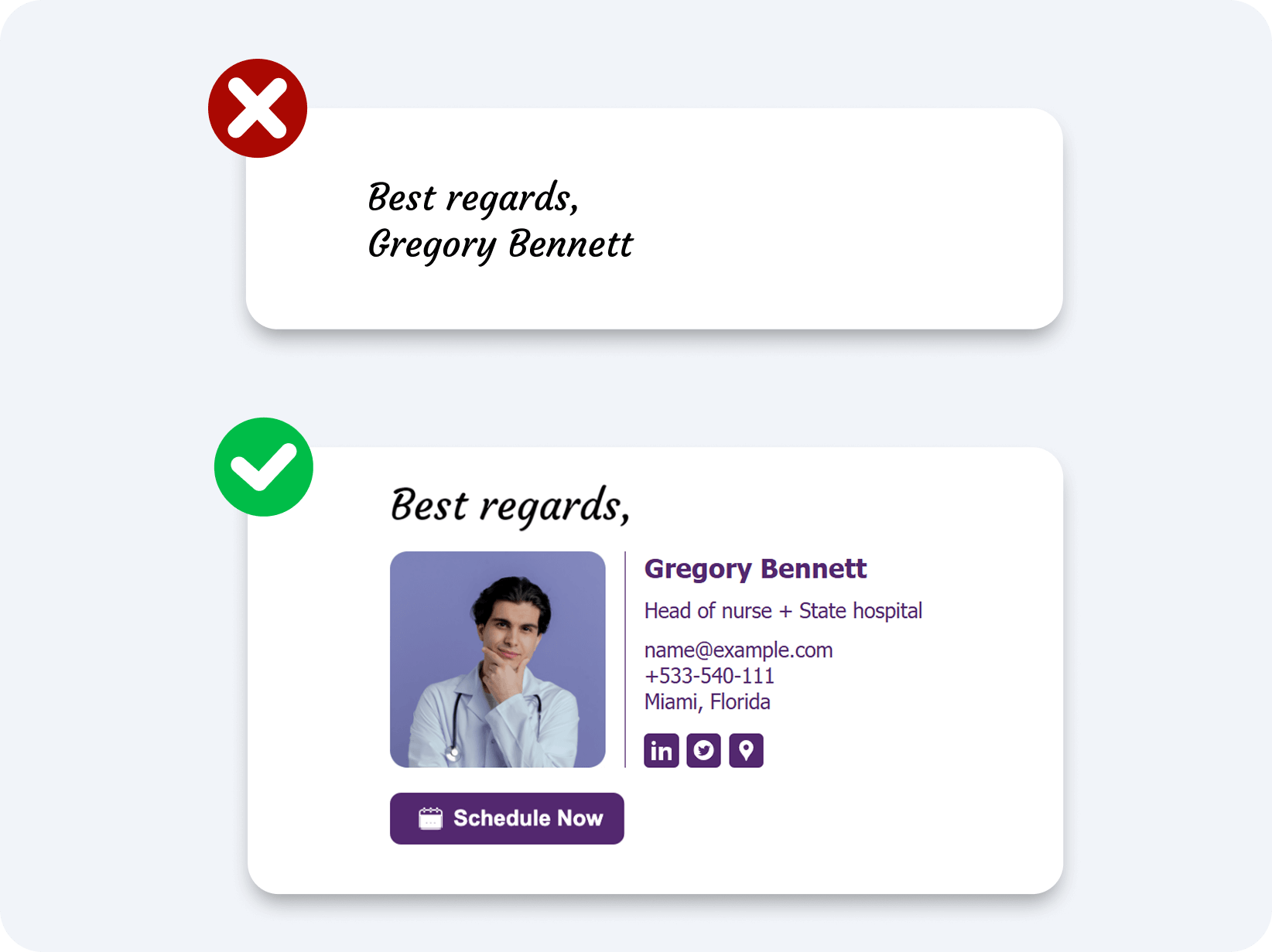
Email recipients expect some context about who is reaching out to them, and without this clarity, they may hesitate to respond or even overlook your message entirely. Additionally, if you have alternative contact details—such as a secondary email or phone number—consider including that information to facilitate communication.
Slang, emojis, and overly casual endings
A big mistake when concluding an email is the use of informal language that doesn’t align with the formality level required for the email body. In formal business communication, it’s essential to refrain from slang, emojis, and excessive exclamation points, which should be reserved for correspondence with friends or less formal contexts. Tailoring your sign-off to suit the expectations of the contact person is crucial to maintaining professionalism.
Choosing a sign-off that does not match the tone
While it’s not a huge mistake, using the wrong tone in your professional closing line changes how you come across to some people you’re communicating with, especially if you have little to no prior communication and haven’t built trust yet. For example, when reaching out to someone for the first time, avoid using “Cheers” or “Best” as your closing phrase, and instead go for a more formal and safer option such as Best Regards.
Before you send an email, it is worth scanning this.
| Avoid | Why it costs you | Use instead |
| “Thx,” | Reads as though the message was not worth your full attention | “Thanks,” |
| “xoxo,” | Affectionate endings are misread at work, whatever you meant by them | “Best,” |
| “Later,” | Sounds dismissive to anyone outside your own team | “Talk soon,” |
| “Peace,” | Too personal for a recipient who has never met you | “All the best,” |
| “Cheers,” in a first business email | Assumes a rapport that does not exist yet | “Best regards,” |
| “Yours faithfully,” in a friendly internal thread | Stiff enough that people wonder whether something is wrong | “Thanks,” |
| “Sent from my iPhone” as the only closing | Leaves the reader without a name or any context | A sign-off, your name and a short signature |
| No sign-off at all in a cold email | The message reads as unfinished, or as automated | “Best regards,” and your full name |
What to include in a professional email signature
Everything above is the closing itself, and the signature is what sits under it. Its job is to carry the details the closing does not, so the recipient knows who wrote to them and how to reach you without having to ask. Your name, job title, company, and one phone number or one link is usually enough, and a well-designed email signature keeps it to that. If you would rather not build one by hand, an email signature tool gives you templates that already follow these rules.
Craft Your Perfect Email Signature Today! ✨ Elevate your email endings with a professional signature that leaves a lasting impression. Customize your signature with essential details and promotional elements. Access a variety of templates and create a signature that enhances your communication and supports your goals. Design Your Signature
Keep your signature short and mobile-friendly
But that doesn’t mean that having more things at the end of your email is always a good idea. Leading email signature tools make it easy to incorporate various elements into your effective email ending. It’s best to prioritize the key elements in your email signature first, then enhance it with additional details that offer value or support your business goals.
Over 40% of email opens are mobile, so your emails must be visually appealing on all devices. A simple signoff is safe, but a complex email signature may not display correctly if not optimized for various devices.

source: mailmodo
Check your links and images
Adding links, banners, and images can be a great idea if they’re part of a professionally-designed email signature. However, it’s crucial to regularly check if all the links and images are working and displaying correctly. Otherwise, your signature will not only look unprofessional but can even cause irritation to the recipient, souring your friendly relationship with them. In some cases, you might even encounter an error message like “Gmail Signature is Too Long”, especially if your signature includes too many elements.
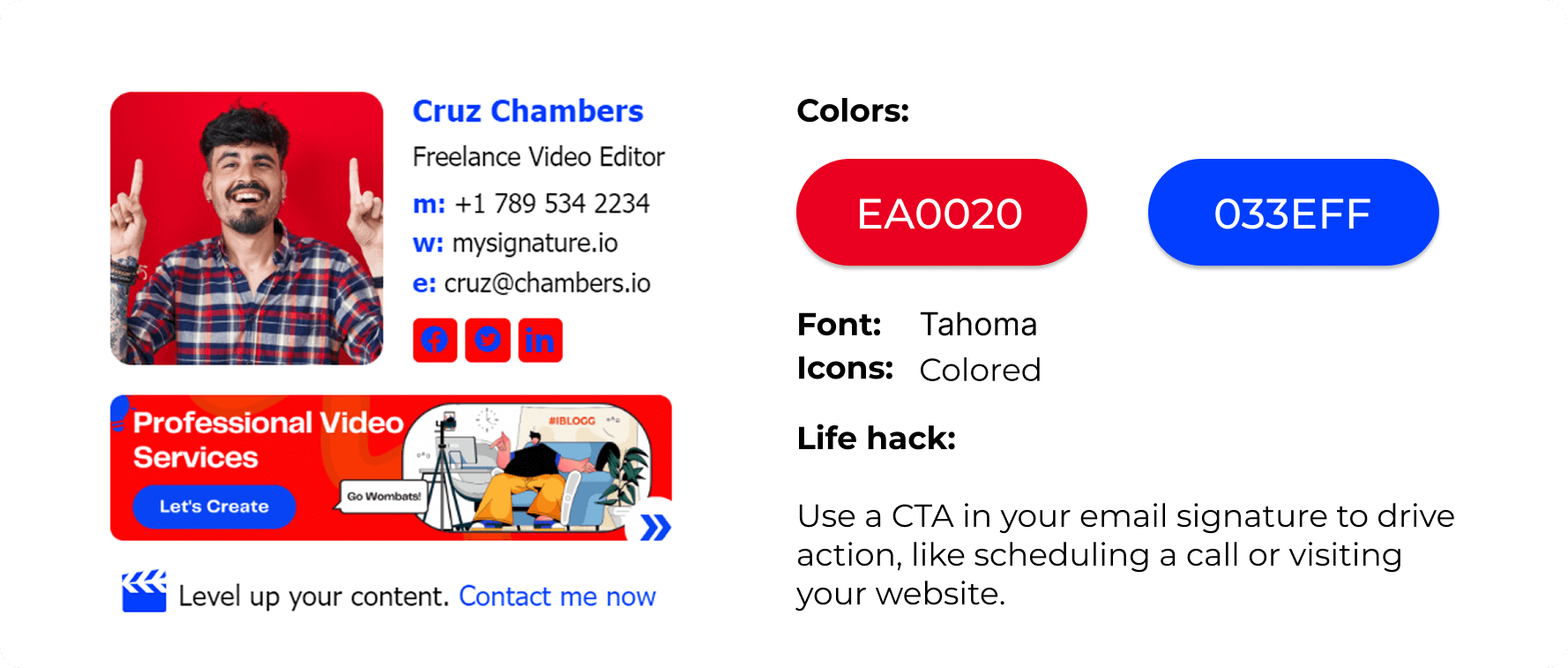
A signature carrying a job title, a phone number or an offer that is no longer current does more harm than no signature at all, so look it over every few months.
It is also worth matching the sign-off itself to the relationship you have with the recipient, since the same phrase reads differently to a colleague and to a stranger.
Final thoughts: choose the email ending that matches your goal
A sign-off is not just something you need to put at the end of your email. It’s an important communication tool that provides context about who you are, shows respect to the recipient, and sometimes even plays a significant role in achieving your marketing goals.
So the ending comes down to four decisions you can make with confidence: choose the tone, say what happens next, format the closing so it reads cleanly, and add a signature when the recipient needs your details or the message has to look professional.
By using a professional email signature solution, you can leverage an intuitive design process and a variety of templates to create an email signature that matches your brand, business goals, and preferences.