Last Updated on 13.11.2026 by Danylo T
Everyone makes mistakes. You might miss a deadline, send the wrong information, miss an important meeting, or disappoint a customer. What really matters is how you handle it. A well-timed, sincere apology email can protect your relationships, rebuild trust, and show that you are committed to making things right.
To write an effective apology email, acknowledge the mistake and its impact, apologize sincerely, and briefly explain what happened without making excuses. Then offer a concrete solution to fix the issue and prevent it from happening again, and close professionally by thanking the recipient for their patience.
Need a starting point? Use this simple template and adapt it to your situation:
Subject: Apology for [issue/mistake]
Hi [name],
I’m sorry for [specific mistake or issue]. I understand how this may have affected [you/your team/the project], and I take responsibility for it.
To make things right, I’ll [specific action] by [time or date]. I’ll also [preventive measure] to help ensure this doesn’t happen again.
Thank you for your understanding and patience.
Best,

In the article, we’ll explain each step and provide ready-to-use apology email templates for different professional and personal situations.
When should you send a professional apology email?
The rule of thumb is simple: ask yourself, “Was anyone affected, disappointed, or offended by my mistake?” If the answer is yes, a written apology is the right move.
It is completely normal to feel uncomfortable about apologizing. Admitting a mistake is hard, and the human urge is often just to let it slide. But avoiding the conversation rarely helps. People usually remember how you handled a problem long after the problem itself. Stepping up to apologize shows that you care, take responsibility, and can be trusted.
Here are the most common situations that call for an apology email:
- Missing a deadline or replying late to an important message.
- Missing a meeting or interview, especially one where others prepared for you.
- Incorrect information in an earlier email: a wrong date, price, link, attachment, or promo code.
- A technical or service issue that disrupted a customer’s or colleague’s work.
- An inappropriate or offensive tone in a message, even if it was unintentional.
Finally, timing is everything. The sooner you send your message, the less time there is for frustration to grow. Don’t wait until someone has to chase you for an explanation. Aim to send your apology within 24 hours of realizing the mistake. (If you are already past that window, check out the section on late apologies below.)
The 5-step anatomy of an effective apology letter
A good apology email doesn’t need complicated language or lengthy explanations. It needs to communicate sincerity, accountability, and a clear plan to resolve the issue. Here is the five-step anatomy of an effective apology email:
Step 1. Use a direct and clear subject line
Your subject line sets the right tone before the email is even opened. State the purpose plainly and skip the drama (avoid alarming words like “URGENT!” or “Terrible mistake!”).
Simple, descriptive subject lines like “Apology regarding the missed deadline” or “Correction: Updated meeting time” work best.
Step 2. Apologize sincerely
Put your apology right after the greeting. Do not bury it in a long introduction. Saying “I’m sorry” right away shows that you recognize the situation and respect the recipient’s time.
For example:
- I sincerely apologize for the delay in sending the report.
- I’m sorry for missing our scheduled meeting.
- We apologize for the disruption to our service.
The key is to apologize without conditions. Take full responsibility and express genuine regret. Defensive wording like “I’m sorry, but you didn’t send the file on time” is not an apology. It is an accusation with a polite opening. Any attempt to shift the blame to the recipient cancels out the apology and usually makes the situation worse. Just say sorry, and stop there.
Thus, instead of: “I’m sorry, but I didn’t receive the details until Friday.” Write: “I’m sorry I missed the deadline. That’s on me.”

Step 3. Acknowledge the mistake without making excuses
This is often the hardest part, but it does the most to restore your standing. Own what happened in plain words.
Briefly explain what went wrong to provide context. The recipient should understand what went wrong, especially if the issue affected their work, schedule, or experience.
However, there’s a difference between explaining a mistake and justifying it.
For example:
Avoid: “The report was late because the team didn’t send me the information on time.”
Better: “I’m sorry I missed the deadline. I received the data later than expected, and I should have communicated the delay to you sooner.”
The goal is to provide enough context without making the email sound like an attempt to avoid responsibility.
If the reason isn’t relevant or helpful, you don’t have to include it.
Step 4. Provide a solution or compensation
An apology is a good start, but taking action is what actually fixes the situation. Tell the recipient exactly how you are fixing the problem and what they can expect next. Be concrete about:
- What has already been done (e.g., “I’ve corrected the invoice and resent it.”)
- What happens next and by when (e.g., “The updated files will reach you by Thursday at 5 p.m.”)
- What you are offering to make up for it, if the situation calls for it (e.g., a refund, a discount, a replacement, or extra support.)
- How you will prevent it in the future: (e.g., “We are reviewing our delivery process to ensure this doesn’t happen again.”)
Make sure your proposed solution is realistic. Don’t promise something you cannot deliver. A small promise that you actually keep does much more to rebuild trust than a big promise that falls through.
Step 5. The professional close and signature
End your email by inviting a reply. The recipient may have questions or concerns you did not anticipate, and your email is a chance to open a calm conversation rather than close one.
For example:
“Please let me know if there’s anything else I can do to make things right. Thank you for your patience and understanding.”
Keep the email body simple and easy to read. A plain-text message usually works better than a heavily designed HTML layout, which can feel like promotional marketing when the reader just wants a genuine, human response.
Finally, use a clear, professional email signature that identifies you and provides your contact information. We cover exactly why your signature matters in a dedicated section below.
Apology email examples for business & personal use
Sometimes, knowing what to say is harder than admitting you made a mistake. These ready-to-use templates cover common situations and follow the five-step framework. Simply replace the bracketed details with your own information before sending.
Case 1: Apology for a late response or missed deadline
Use this template when you’ve taken too long to reply to an email or couldn’t deliver something by the agreed deadline. Acknowledge the delay, apologize, and provide a realistic update without overexplaining.
Subject: Apology regarding the missed deadline for [project name]
Hi [name],
Please accept my sincerest apologies for the delay in delivering [project/item]. I appreciate your patience.
We experienced a slight setback because of [brief reason for the delay, only if it adds helpful context]. Moving forward, we are fully back on track, and you can expect delivery on [updated timeline/new delivery date].
Best regards,

Why it works: It acknowledges the delay, skips the lengthy excuses, and gives a firm new date.
Case 2: Correcting a mistake in a previous email
A lighter tone works best for minor errors like typos, incorrect details, wrong attachments, or invalid promo codes. A heavy apology makes a small error feel bigger than it is.
Subject: Correction: Updated [promo code/link/document] inside!
Hi [name],
Whoops! It looks like I sent you the wrong [promo code/link/attachment] in my last email.
Sorry about the confusion! Please use the corrected version here: [new code/link]. I hope you have much better luck using this one!
Best,

Why it works: It addresses a minor error using a friendly, proportional tone rather than a dramatic “I promise this will never happen again” approach.
Tip: If you catch your mistake instantly, you may also want to read our guide on how to unsend emails on Gmail, Yahoo, and Outlook.

Case 3: Professional apology to a client for service downtime
Use this template to address technical failures, service disruptions, or operational issues that directly impacted your clients. It covers what happened, the impact, the fix, and what you are offering to make it right (when appropriate).
Subject: Apology regarding recent service downtime
Dear [client name],
We sincerely apologize for the inconvenience caused by the recent technical issues with our service. We experienced downtime that impacted [describe the specific impact, e.g., your ability to process orders].
Our team has implemented a fix, and full service will be restored by [timeline]. To help make up for the disruption, we are offering you [compensation/replacement/refund].
If you have any questions or concerns, please contact us directly at [contact info].
Sincerely,

Why it works: It specifies the impact, outlines the timeline for the fix, offers concrete compensation, never suggests the customer did anything wrong, and provides a clear way to follow up.
Case 4: Letter to a boss for a significant work error
Use this template when you’ve made a mistake that affected a project, team, client, or business outcome. Keep the tone calm and factual. Your manager needs the situation, the fix, and the plan, not an emotional display.
Subject: Apology regarding [Specific Error/Project]
Dear [manager’s name],
I am writing to apologize for the error regarding [specific error] sincerely. I understand this impacted [state the impact plainly, e.g., the client’s Q3 reporting], and I take full responsibility.
I have already begun fixing the issue by [what is already being done]. To prevent this from happening again, I am implementing [new process, safeguard, or review step].
I’d be glad to talk this through whenever it suits you.
Best regards,

Why it works: It states the facts and takes responsibility without getting overly emotional. Most importantly, it shows you are already fixing the problem and have a realistic plan to prevent it from happening again, rather than making empty promises.
Case 5: Apology for a missed meeting or interview
Missing an appointment wastes the other person’s time and hurts your professional reputation. Own the mistake immediately, whether you are writing to a coworker or a recruiter. You can give a brief, honest reason or skip it entirely, but always suggest a few specific days and times to reschedule so the other person doesn’t have to do the work of figuring out a new time.
Option A: For a standard business meeting
Subject: Apologies for missing our meeting today
Dear [name],
Please accept my sincere apologies for missing our meeting on [day] at [time]. I take full responsibility for this oversight. I missed the appointment due to [honest, specific reason, or omit completely], and I am genuinely sorry for wasting your time.
Are you available to reschedule for [concrete time 1] or [concrete time 2]? I am also happy to work around your calendar.
Best regards,
Option B: For a missed job interview
Subject: Apology regarding missed interview – [your name]
Dear [recruiter/hiring manager name],
I sincerely apologize for missing our scheduled interview today. An unavoidable [specific reason] prevented me from attending, but I should have told you sooner.
I remain very interested in the [job title] position and would be grateful for the opportunity to reschedule, though I understand if your schedule is full. Would you be open to speaking on [concrete time 1] or [concrete time 2]?
Thank you for your time and consideration.
Sincerely,
Why these templates work: Both templates own the mistake and immediately propose concrete times to reschedule, avoiding vague excuses or leaving the next step entirely to the recipient.
Case 6: Personal apology email
When writing to a friend or family member, a warmer tone is appropriate, but an explanation should never replace taking responsibility for hurting them. So don’t let your explanation turn into an excuse. Acknowledge how your actions affected them, and suggest a specific way to make things right.
Subject: So sorry I missed your [event]
Dear [name],
I owe you an apology for missing your [event]. I know how important it was to you, and I am so sorry I wasn’t there to celebrate.
I had to [specific reason, e.g., travel for work], but I know that doesn’t change the fact that I missed a major moment.
I can’t expect your forgiveness right away, but I certainly hope for it. I would love to make it up to you by taking you to dinner next week, my treat. Let me know what day works best for you.
Warmly,
Why it works: The message is warm and personal while still taking responsibility. It offers a specific gesture to make amends without demanding immediate forgiveness.
Best practices: Professional etiquette and tone
The words you choose can completely change how your apology is received. Keep these habits in mind to ensure your message hits the right note:
- Match your tone to the person. Use full names, “Dear,” and a measured tone for clients, executives, and recruiters. Use a warmer, more conversational voice for close colleagues and friends.
- Keep it brief. Match the length of your email to the size of the mistake. Most apologies only need a few short paragraphs. Cover the apology, the context, and the fix, but don’t write an essay.
- Focus on them, not you. Acknowledge how the mistake disrupted their day or work, rather than going on about how guilty or embarrassed you feel.
- Add something positive. A good apology can turn a bad moment into a better experience by ending with a clear next step, a helpful offer, or a thank-you.
- Hope for forgiveness, don’t demand it. It is okay to say you hope they can forgive you, but don’t pressure them to brush it off or move on before they are ready. Saying, “I can’t expect your forgiveness, but I hope for it,” respects their right to take time. On the other hand, “Please don’t make such a big deal out of it, just forgive me,” does the exact opposite.
- Read the room with humor. A little light self-irony can work when you have a relaxed relationship with the recipient and the mistake is minor. But if your mistake cost someone time, money, or trust, skip the jokes entirely.
- Proofread before sending. The only thing worse than making a mistake is making another one in your apology email. Read the message out loud and double-check all names, dates, and attachments before sending.
Common mistakes to avoid: The “don’ts” of professional apologies
Even with the best intentions, the wrong words can make an apology sound insincere, defensive, or just plain awkward. Here are some common mistakes and what to say instead.
The passive-aggressive non-apology. Never apologize for the other person’s reaction. Phrases like “I’m sorry you feel that way” or “I’m sorry you misunderstood” just shift the blame back onto them.
- Avoid: “I’m sorry you feel that way.”
- Say instead: “I’m sorry my message wasn’t clear, and I understand why it was upsetting.”
Shifting the blame. Don’t point fingers at your colleagues, the software, or bad luck. Throwing others under the bus avoids ownership.
- Avoid: “I’m sorry, but the team didn’t send me the information on time.”
- Say instead: “I’m sorry for the delay. I should have followed up sooner to make sure I had everything I needed.”
Over-apologizing. Endlessly repeating “I am so, so sorry, I feel absolutely terrible” forces the recipient into the awkward position of having to comfort you.
- Avoid: “I feel absolutely terrible. I can’t believe I did this.”
- Say instead: “I sincerely apologize for the mistake. Here is how I am fixing it.”
Overexplaining. A long, detailed backstory about every single circumstance that led to the mistake usually just sounds like a defensive excuse.
- Avoid: Writing three paragraphs about your morning commute and internet outage.
- Say instead: “An unexpected technical issue caused the delay. We’ve identified the problem and are working to resolve it.”
Making promises you can’t keep. It is tempting to promise that a mistake will never happen again, but no one can guarantee perfection. If you make a huge promise and slip up later, you will lose their trust completely. Instead, share the realistic steps you are taking to do better.
- Avoid: “I guarantee this will never, ever happen again.”
- Say instead: “I’ve added an extra review step to our process to help prevent this in the future.”
Timing matters: When is it too late to apologize?
Ideally, you should apologize as soon as you realize your actions have affected someone. The common advice is to apologize within 24 hours. That is a great target because a quick response shows you take the problem seriously, but it isn’t a rigid rule.
But what if you only realize your mistake a week later?
It is always better to apologize late than to ignore the situation entirely. A delayed but honest message shows you care and still gives you a chance to rebuild trust.
However, a late apology requires a slightly different approach. Make sure you acknowledge the delay, keep the email short, lead directly with the fix, and consider making a phone call instead of relying entirely on text. For a serious issue or a sensitive relationship, a quick phone call can feel much more personal and sincere than an email.
Example of a delayed apology:
Hi [name],
I realized this week that I never corrected the invoice I sent on the 3rd, and I’m sorry I didn’t catch it and reach out to you sooner.
The corrected invoice is attached. If you’ve already paid the original amount, I will refund the difference right away.
Remember that a late apology doesn’t automatically undo the impact of a mistake. However, taking responsibility and following through on your solution can still make a meaningful difference.
Subject line ideas for every apology situation
The right subject line tells the reader exactly what to expect before they even open your email. The trick is to match your tone to the situation. Use formal language for clients, executives, or significant mistakes, and keep it soft and casual for minor errors or close colleagues.
Here are a few examples you can adapt:
| Situation | Tone | Example |
|---|---|---|
| Late response | Formal | Apology for the delayed response |
| Missed deadline | Formal | Update and apology regarding [project] |
| Incorrect information | Formal | Correction regarding our previous email |
| Client or service issue | Formal | Our sincerest apologies for the inconvenience |
| Missed business meeting | Formal | Apologies for missing today’s meeting |
| Missed job interview | Formal | Regarding our missed interview |
| Confusion caused | Formal | I apologize for the confusion |
| Work error (to a manager) | Formal | Error in [report/project]: what happened and the fix |
| Late reply | Soft | Sorry for the slow reply |
| Minor typo | Soft | A quick correction |
| Incorrect information | Soft | Oops! Here is the correct [link/attachment] |
| Client or service issue | Soft | We got this wrong, and we want to make it right |
| Personal mistake | Soft | I owe you an apology |
| Confusion caused | Soft | Sorry about the mix-up |
| General mistake | Soft | I’ve made a mistake |
| Missed meeting | Soft | So sorry I missed you today |
If the mistake is very minor, you can even add a touch of personality. For example, the fitness brand Runtastic once used a light, friendly tone and a simple emoji to quickly correct a wrong link in their newsletter.

Why your email signature is crucial when sending an apology
An apology should feel personal. When you send a message to address a mistake, the recipient needs to know exactly who they are talking to and how to follow up.
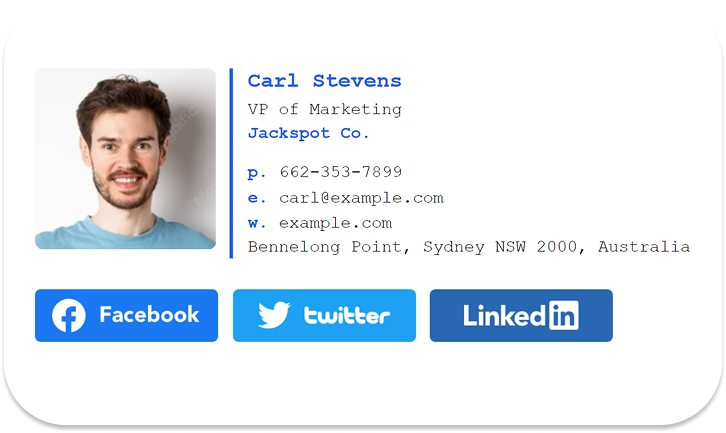
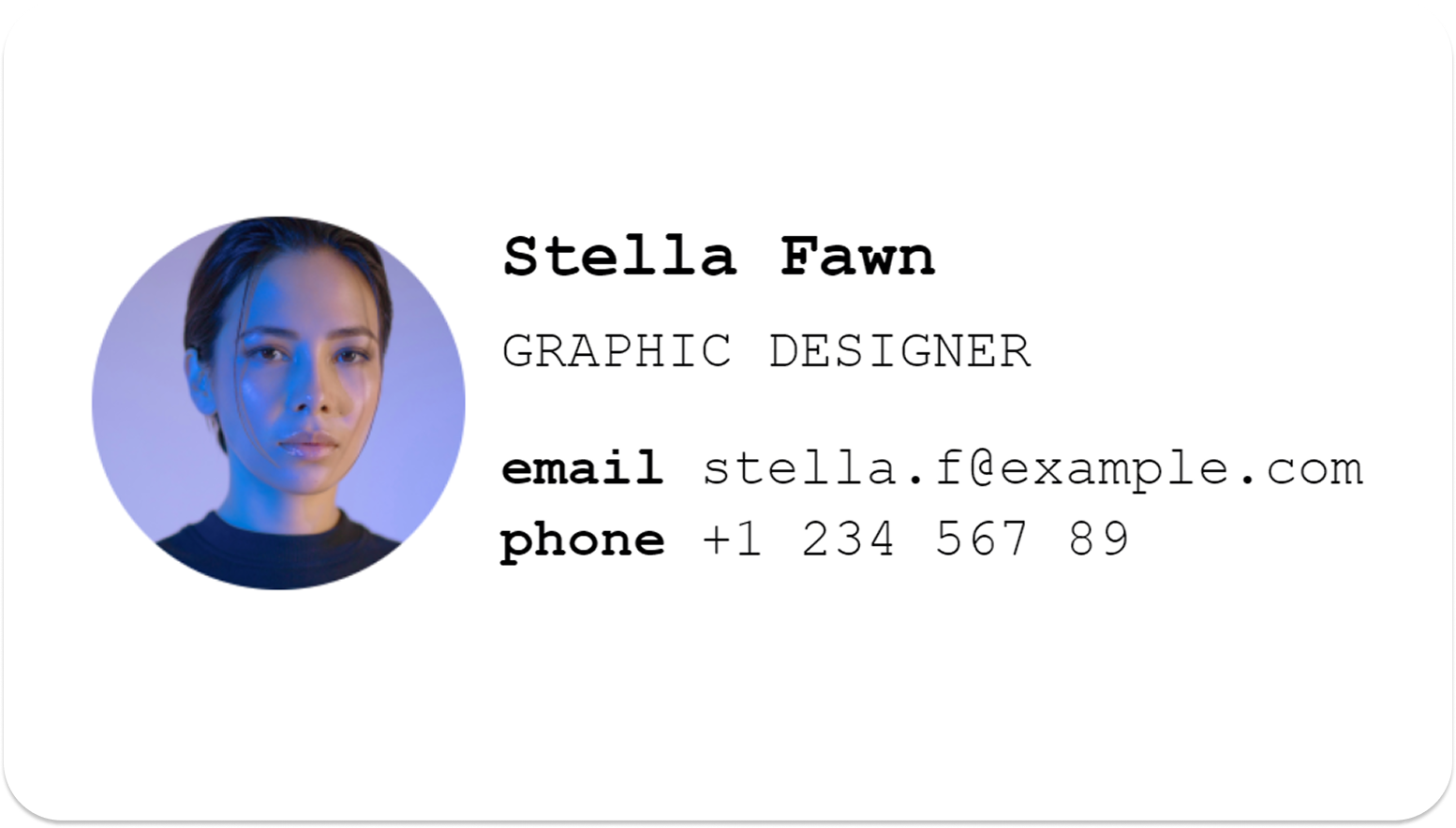
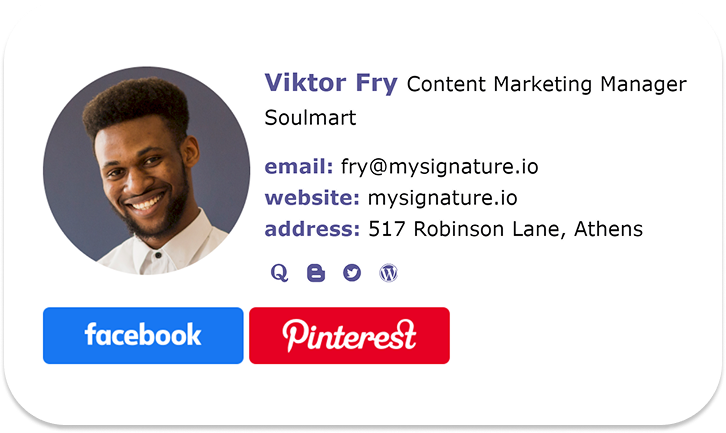
Adding your name and a photo shows a real person is taking responsibility, not a faceless corporate inbox. This is especially important when you are apologizing to a client or customer.
A well-designed professional signature provides several practical benefits:
- It shows who is taking ownership. Your name, role, and company details prove you aren’t hiding behind a generic “support@” email address.
- It makes follow-up effortless. Including your direct contact information means the recipient doesn’t have to hunt for your email or phone number if they want to talk.
- It adds a human touch. A professional photo and a link to your LinkedIn profile help put a face to the name. This softens the tension and reminds them they are talking to a real person.
- It builds credibility. A clean, professional signature shows that you and your company take the situation seriously.
- It provides additional context. A LinkedIn profile or company website gives recipients another way to learn more about the person or organization contacting them.
An email signature won’t magically fix a broken relationship, but it removes friction. It shows that you are transparent, fully accountable, and ready to make things right.
If you don’t have one set up yet, you can create a professional signature in just a few minutes using the MySignature email signature generator. It lets you easily add your photo, contact details, and social links to build a signature that fits your identity. For visual inspiration, you can also explore our email signature templates.
FAQs: Expert tips for professional apology letters
How do I apologize for a late email without sounding unprofessional?
Keep it brief. Acknowledge the delay in one sentence, give them the information they need, and thank them for waiting. If you would like to apologize without sounding defensive, simply say: “Apologies for the late reply. Here is the information you asked for.” Skip the long explanation.
Is it better to send an apology email or make a phone call?
It depends on the situation. For minor errors, missed deadlines, or routine corrections, an email is perfectly fine and provides a helpful written record when you need to write apology messages. Call when the error is serious, the client is angry, or you need to express regret over a sensitive personal issue. Many people do both: call to acknowledge the issue directly, then email a summary of the agreed fix.
Should I offer a discount or compensation in a business apology?
Yes, but only if the mistake had a real cost to the customer, such as a failed delivery, a service outage, or a major disruption to the customer experience. Choose something proportionate, like a refund, a replacement, or a credit to make up for the inconvenience. For minor issues like a typo, a sincere fix is enough.
How long should a professional apology email be?
Aim for three to five short paragraphs, roughly 100 to 200 words. Whether it’s an internal note to a colleague or a customer apology email, clearly cover the apology, a brief explanation, the fix, and a closing. Keep it short for minor errors. Add detail only when the situation is complex.
How to apologize for a typo or a wrong link in a sent email?
Send a short, light follow-up as soon as you notice. Use a subject line like “Correction: Updated link inside” and write something like “Sorry, I included the wrong link. Here is the correct one. I apologize for any inconvenience.” That is enough.
Can I use a template for an apology email?
Yes. Templates give you the structure, but you supply the details: what happened, the impact, and the fix. Those details make the message sincere.
What should I avoid saying in an apology email?
Avoid defensive wording (e.g., “I’m sorry you feel that way”), blame, long excuses, and promises you can’t keep (e.g., “This will never happen again”). Focus on what you did, what you are doing about it, and how you can help.
Final thoughts
Mistakes happen to everyone. A good apology uses plain language and covers three things: sincerity, accountability, and a clear fix. Own what happened, explain it briefly, and make it easy for the other person to reply.
Use the examples and templates in this guide as a starting point, but always adapt your message to the situation and the person receiving it. Before you send your next apology, make sure it ends with a signature that shows who you are.
Ready to make your apologies and all your outgoing emails look legitimate, personal, and professional? Create your email signature with MySignature today to easily add your name, photo, and contact details to every message you send.