
Last Updated on 30.07.2026 by Vasyl Holiney
What happened to that message you sent to Ben last week? Did he reply? Or at least open it? Do you even remember sending it? If you’re constantly second-guessing whether your emails are being overlooked or just stuck in the abyss, you’re definitely not the only one.
That’s exactly why email tracking tools exist — they eliminate the uncertainty. With an overwhelming 347 billion emails flying around daily, standing out and getting a reply is tough. These systems give you valuable insight into what happens after you click send, whether it’s tracking opens, clicks, or follow-ups.
In this article, we’ll break down the 10 best trackers to help you stay on top of your correspondence, close more deals, and never wonder, “Did they even see my email?” again.
Key Takeaways:
👉 An email tracker for gmail will help you find out how your email campaigns are doing and whether people are interacting with your content.
👉 For Gmail users, tools like MySignature and MailTracker by Hunter offer simple tracking options, making it very easy to keep an eye on email engagement.
👉 For something more advanced, Yesware and Snov.io come with analytics, follow up reminders, and automation features, which should be useful to sales pros seeking to improve their email campaigns.
How do email trackers work?
This tool monitors when and how recipients interact with your messages, helping you gauge engagement and improve communication.
Okay, now that you understand what an email tracker is, let’s explore how an email tracker works.
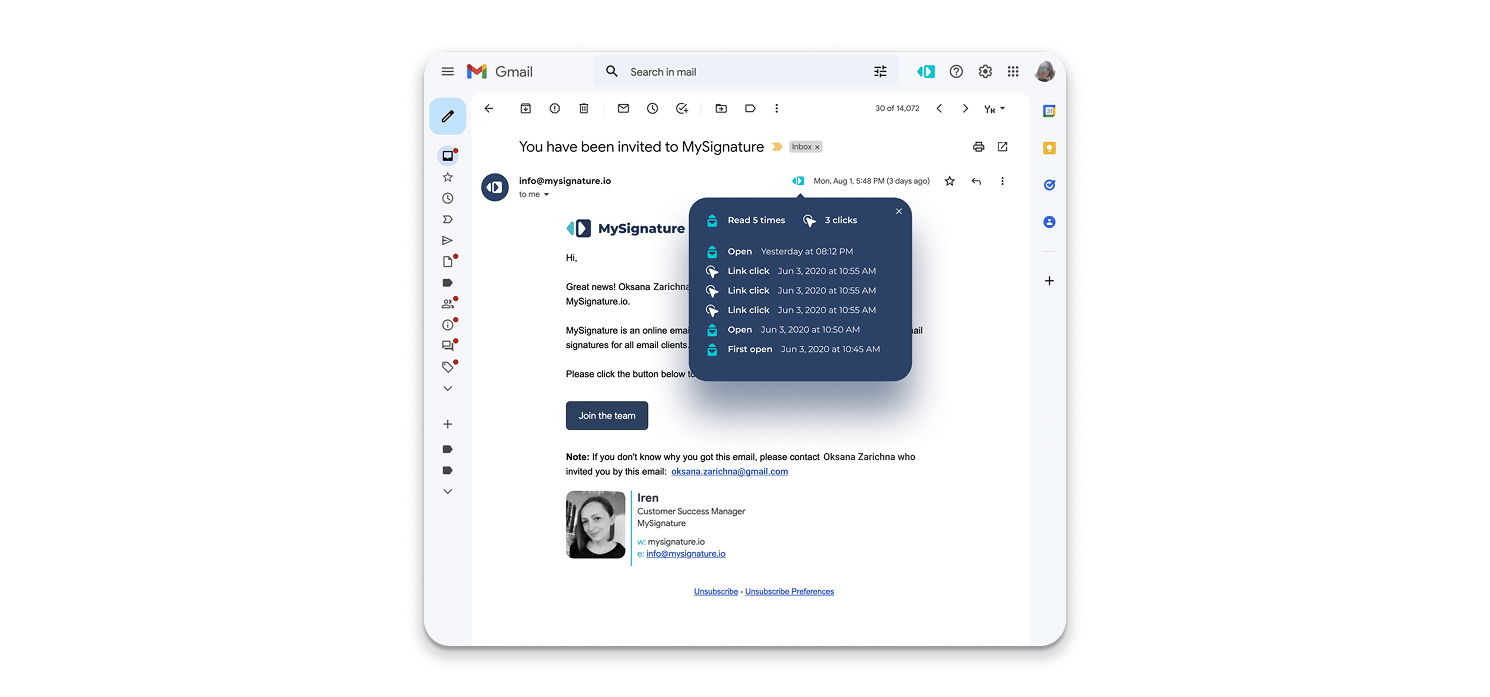
When you send a memo using this tool, a small, invisible tracking pixel is embedded in it. This pixel activates when the person opens the email, notifying the system that it has been viewed. Most mail systems also track link clicks, letting you know if clients engage with any included content.
The advanced solution gives you instant alerts whenever someone responds to your message, which is very helpful for salespeople who coordinate their follow-ups. The advanced solution usually offers a dashboard where you can analyze interactions, find out what works for you, and improve your strategy in the future.
A good email tracking solution cares about your privacy. You won’t feel uncomfortable or tracked because these solutions only collect necessary information and comply with all privacy regulations.
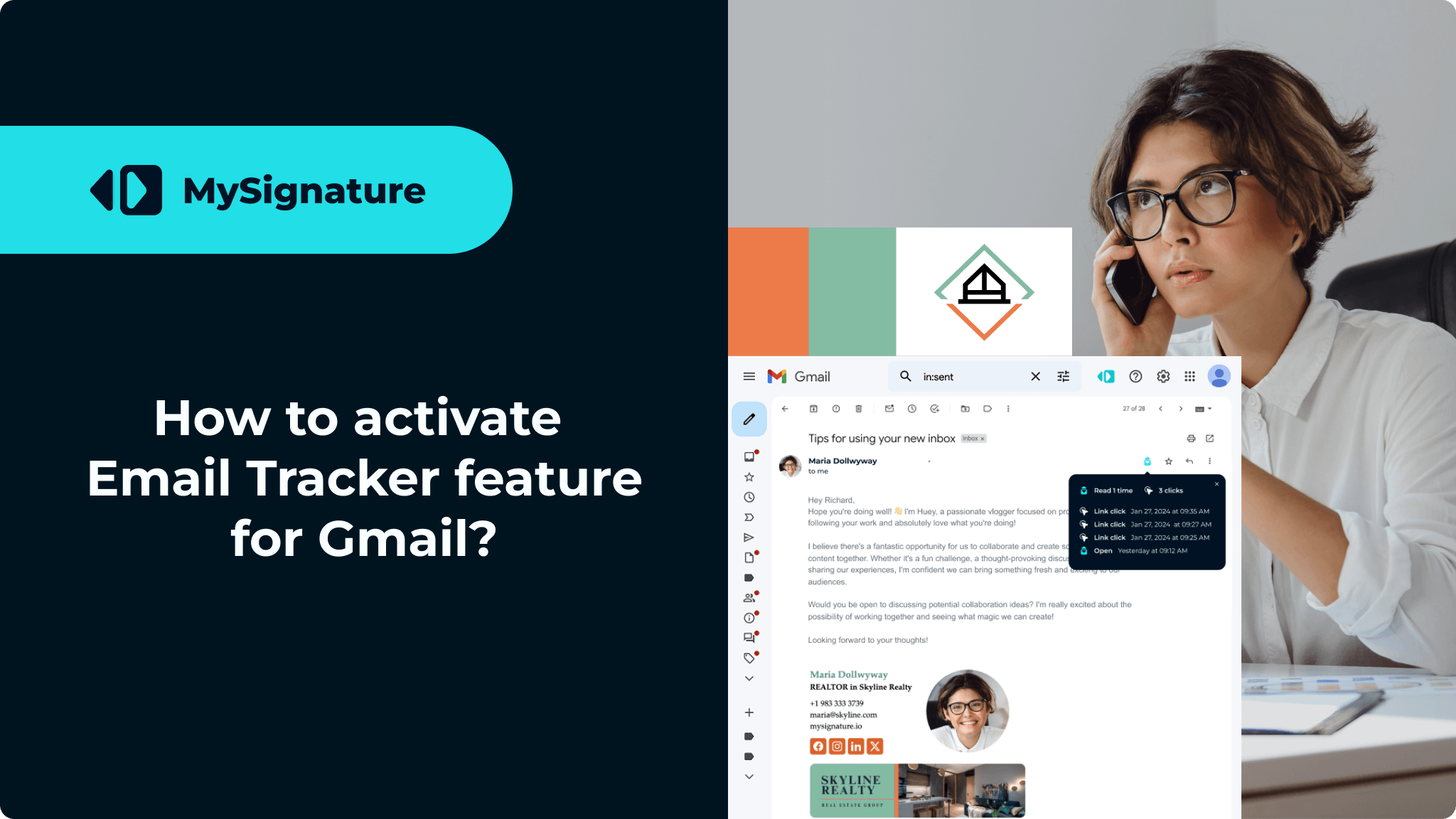
Here’s a quick guide video showing how to turn on Email Tracker in Gmail:
Quick Overview of the Email Tracking Tools for Gmail and Outlook
Here’s a quick overview of the most reliable tools for tracking engagement across all major platforms.
Some solutions focus on simple open tracking. Others provide advanced analytics, automation, campaign management, and workflow integrations for growing teams.
The right choice depends on your goals, budget, and the level of visibility you need after sending a message.
| Tool | Tracking | Signature Management | Ease of Use | Free Plan | Pricing (from) | Email Clients |
|---|---|---|---|---|---|---|
| MySignature | ✅ | ✅ | ✅ | ✅ | 6$ | Gmail |
| MailTracker by Hunter | ✅ | ❌ | ✅ | ✅ | 20$ | Gmail |
| Right Inbox | ✅ | ✅ | ✅ | ✅ | 7.95$ | Gmail |
| Boomerang | ✅ | ❌ | ✅ | ✅ | 4.99$ | Gmail, Outlook |
| Mailsuite | ✅ | ✅ | ✅ | ✅ | 5.99€ | Gmail, Outlook |
| Snov.io | ✅ | ❌ | ❌ | ✅ | 39$ | Gmail |
| Mailbutler | ✅ | ❌ | ❌ | ❌ | 3.95€ | Gmail, Outlook, Apple Mail |
| Streak | ✅ | ❌ | ✅ | ✅ | 49$ | Gmail |
| Yesware | ✅ | ❌ | ❌ | ✅ | 15$ | Gmail, Outlook |
| Mailmeteor | ✅ | ❌ | ❌ | ✅ | 15$ | Gmail |
How to Choose the Best Email Tracker for Your Needs
All these solutions tackle different issues. Some are built to facilitate easy open tracking, others to handle sales workflow, outreach automation, or analytics.
The choice of an appropriate solution will not depend primarily on its capabilities. It will also depend heavily on how your company communicates with its clients, leads, or prospects.
If you do not care about fancy features and just want basic insights into when your memos are opened and when anyone interacts with links and attachments, a simple browser extension from the Chrome Web Store will suffice.
However, if your team deals with large outreach volumes, requirements become much stricter. The tool should provide:
- Unlimited email tracking.
- Centralized management.
- Visibility of campaigns.
- Analytics and reports.
- Integration with Gmail or Outlook.
- Mobile and desktop support.
Also, simplicity and ease of use are key here. The more difficult an interface is to use, the lower the adoption rate among employees will be.
It is equally important to take care of privacy issues. Solutions may differ greatly in how they operate. While some transfer messages via their own servers, others get incorporated right into your mail program. You must know how the user data is handled.
Finally, consider whether the tool only tracks activity or actually helps improve communication performance over time.
The best platforms do more than simply track your messages. They help teams get notified about engagement, monitor campaigns, and see how many times people interact with important content.
That difference becomes much more valuable as communication scales.
Email tracking software in 2026
When choosing the best tracking software in 2026, it’s essential to consider factors such as review scores, pricing plans, and how well the tool tracks customer behavior. Many platforms let you monitor message sequences, helping you optimize your outreach efforts. Now, we will dive deeper into the best Chrome tracker extensions and their features.
MySignature Gmail Tracker
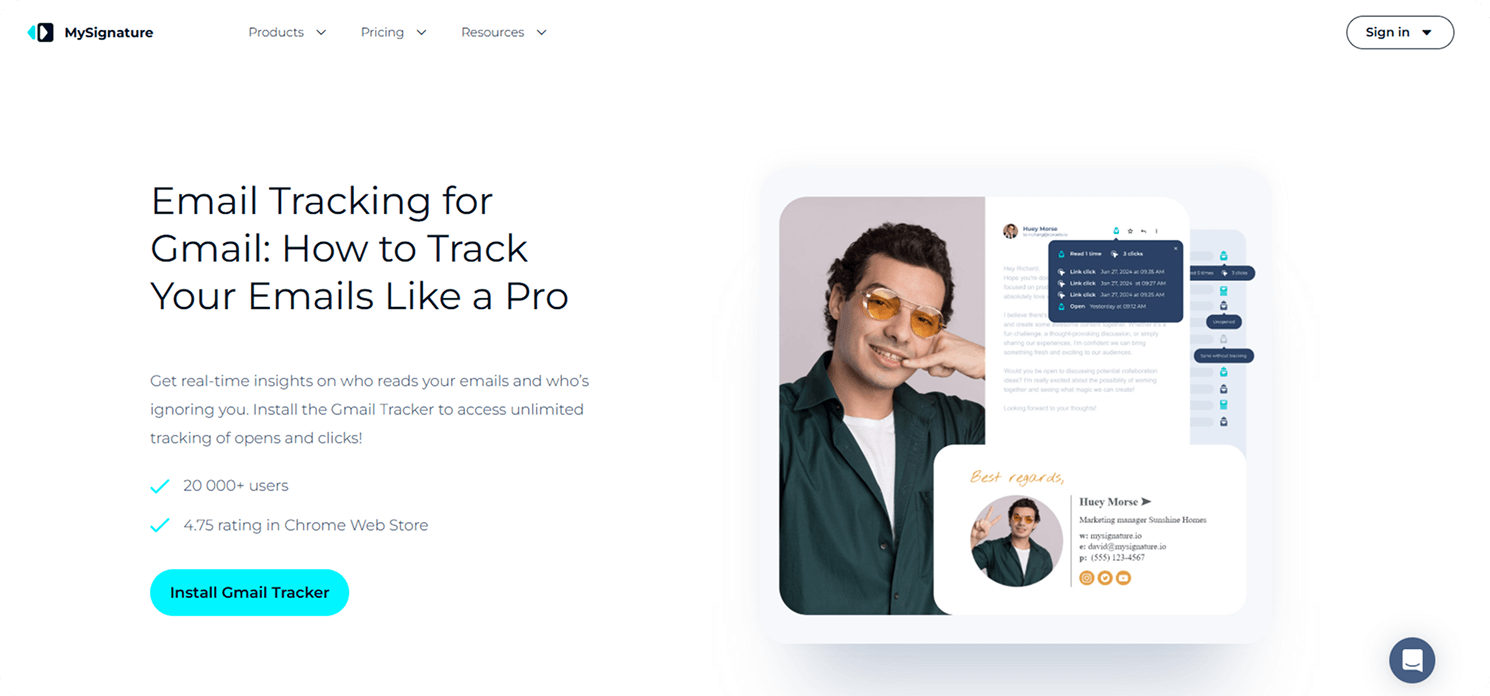
MySignature provides the best email tracking for Gmail and a sleek signature generator specifically for its users. It’s ideal for small businesses, sales teams, and freelancers aiming to boost their interactions. You can fine-tune your follow-ups and improve your effectiveness with instant pop-ups and in-depth tracking insights. Plus, it’s GDPR-compliant and works smoothly with this platform, ensuring your communication is secure and efficient.
“The MySignature Gmail Tracker tool is really simple to use, and that’s what makes it great. By using a simple icon and color change, you can see your message open rate in an instant. In the client dashboard on MySignature, the analytics interface shows exactly how many clicks your emails receive. Awesome.”
Key Features:
- Tracks each time someone opens your memos and clicks, ensuring follow-ups are perfectly timed.
- Provides insights into which links were clicked, how often, and when.
- GDPR-compliant to protect your data.
- It has minimal impact on deliverability, making it ideal for cold email campaigns.
Pros:
- Quick and simple setup for advanced tracking and signature customization.
- Seamless integration with Gmail.
- Affordable with a free plan and easy pricing structure.
- Customizable, professional email signature designs.
Cons:
- Only available for Gmail users.
Free version: Yes.
Cost: Starts from $6/month.
MySignature offers an email tracker, an email signature generator, a digital business card, and a link-in-bio tool, making it a well-rounded solution for professionals across different fields.
G2 Rating: 4.7.
MailTracker by Hunter
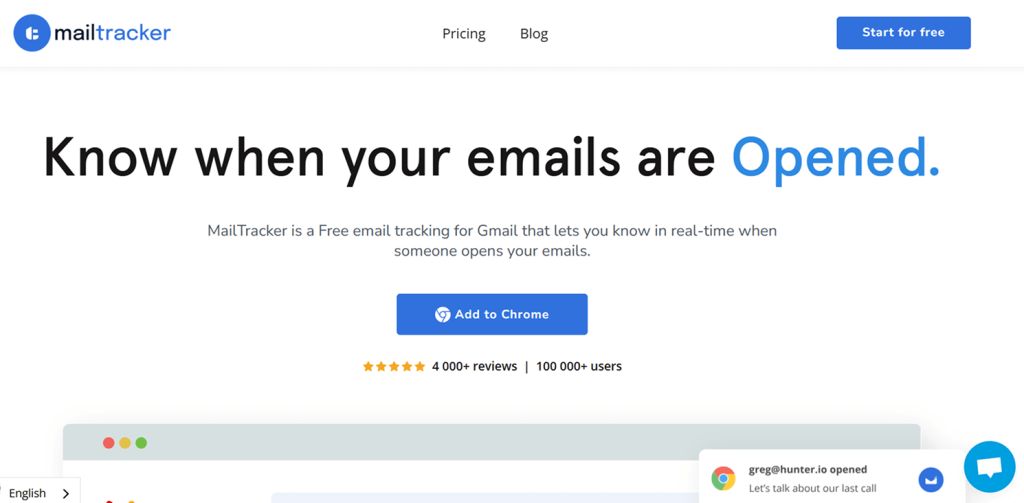
MailTracker Email for Gmail by Hunter is a straightforward, free tool for tracking Gmail. It sends you instant alerts when your messages are opened, helping you track how engaged your recipients are.
Key Features:
- Get notified the instant someone opens your emails.
- Learn about the date and time, frequency, and device used.
- The MailTracker tool does not store the contents of your messages to maintain their confidentiality.
Pros:
- Easy installation via a browser extension with seamless Gmail integration.
- Provides robust features for tracking.
Cons:
- Only compatible with Gmail.
- Lacks advanced features compared to other tools.
Free version: Yes.
Cost: From 20$/month.
G2 Rating: 4.5.
Right Inbox
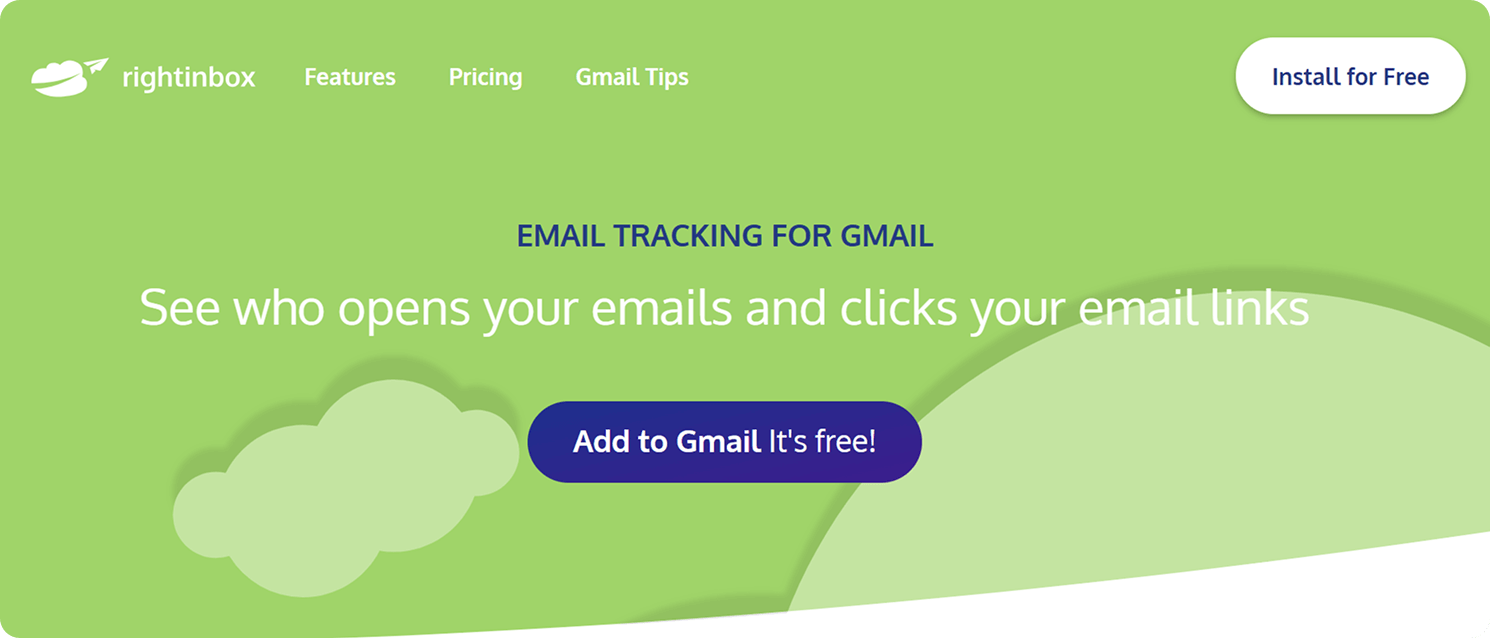
This tool enhances productivity by providing strong tracking, scheduling, and automation tools. It helps users manage follow-ups, improve sending times, and stay organized with templates and private notes.
Key Features:
- Tracks open, and email link usage for better customer insights.
- Schedule memos to be sent at optimal times.
- Automates follow-ups if recipients don’t reply.
- Offers one-click templates to save time.
Pros:
- Seamlessly integrates with Gmail.
- Helps personalize messages with basic signatures.
- Saves time with customizable email templates.
Cons:
- Confusing user interface.
- Some features might seem limited compared to other tools.
Free version: Yes.
Cost: Starts from $7.95/month.
G2 Rating: 4.8.
Boomerang
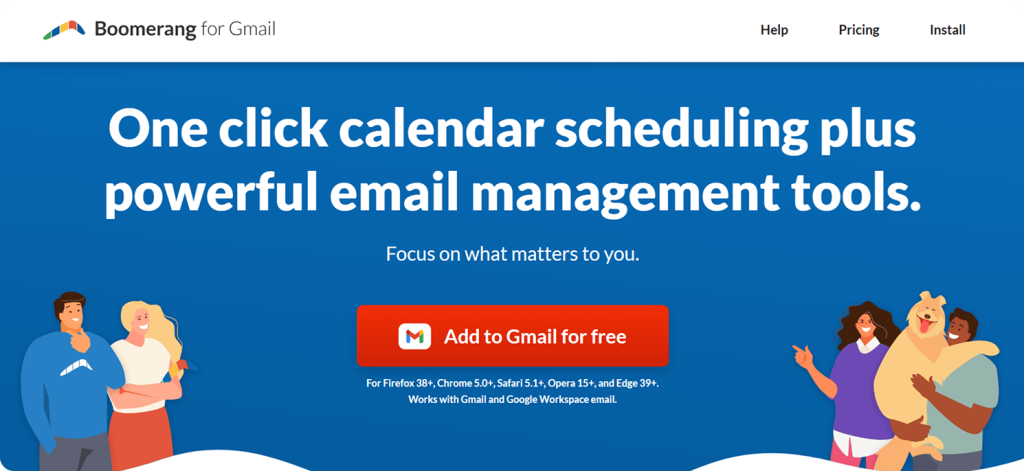
Boomerang is a fantastic productivity tool that supercharges all major platforms. It offers basic features like tracking, scheduling, and automated follow-ups, making it easier for users to keep everything organized and ensuring emails go out at the right time with the right follow-ups.
Key Features:
- Tracks memo openings and clicks, helping you time follow-ups effectively.
- Provides detailed analytics on open and reply rates, click-through rates, and read receipts.
- Provides optimized scheduling for maximum engagement.
- Prioritizes privacy policy with client notices and easy opt-outs.
Pros:
- Supports both Outlook and Gmail.
- Advanced scheduling features allow for precise control over email timing.
- Strong customer support and an extensive knowledge base.
Cons:
- Occasional syncing issues with Gmail and delayed scheduled messages.
Free version: Yes.
Cost: From $4.99/month.
G2 Rating: 4.6.
Mailsuite (Mailtrack)
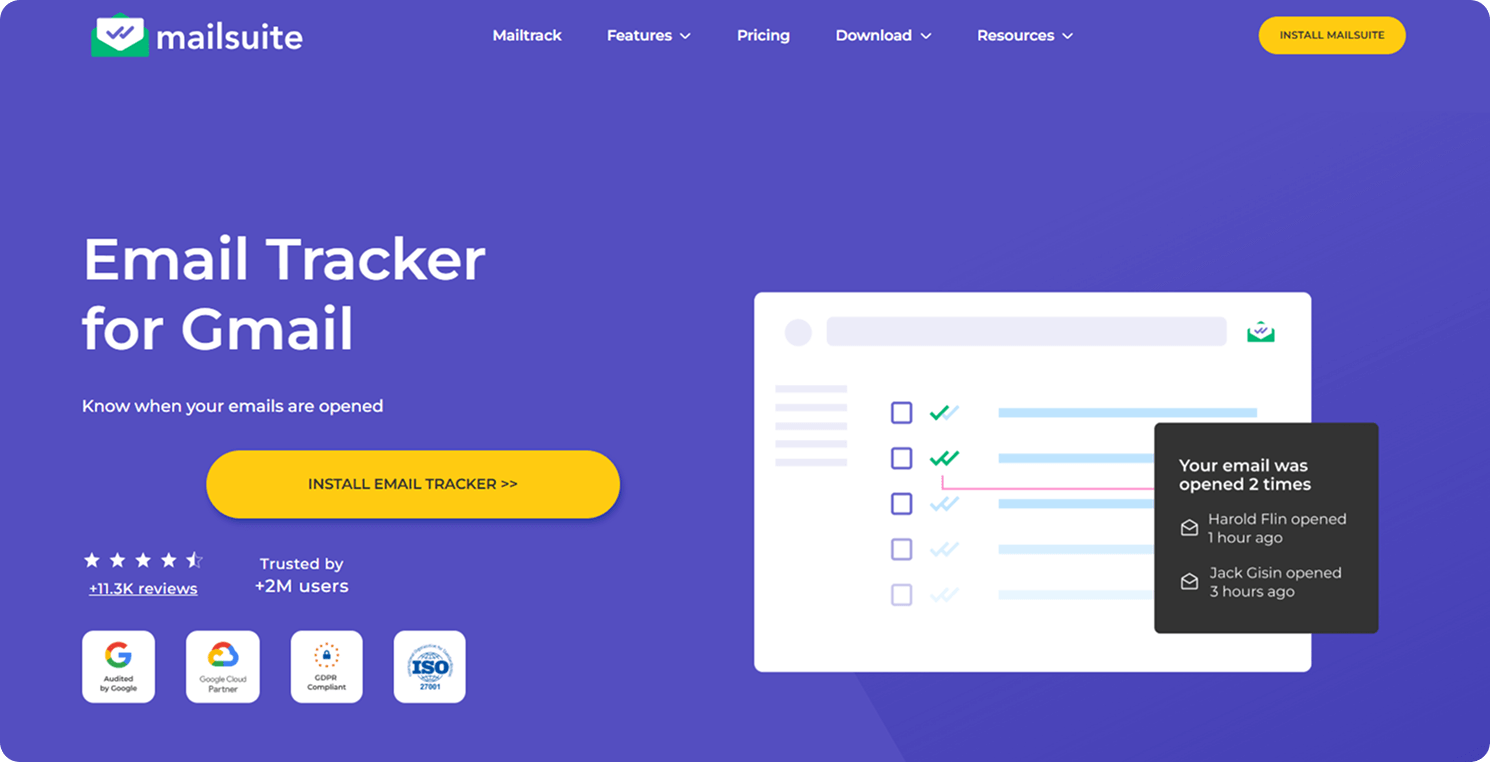
Mailsuite is a handy email tracker for Gmail users that helps track messages and boost productivity. It provides valuable insights into how emails perform, such as who opened them and clicked links. Mailsuite makes it easier to manage your tasks, enhances delivery, and increases engagement. It’s perfect for businesses and professionals looking for a comprehensive solution.
Key Features:
- Know when your emails are opened, how users interact with links, and how customers engage.
- Automates campaigns and scheduling.
- Enhances mass mailing with tracking for personalized outreach.
- Enables e-signature requests directly from Gmail.
- Provides document tracking with viewing insights.
Pros:
- Combines tracking, bulk mailing, and document analytics in one tool.
- Seamless Gmail integration.
- Advanced security options like access controls.
Cons:
- Advanced features require a premium plan.
- Occasional bugs with Outlook.
Free version: Yes.
Cost: From €5.99/month.
G2 Rating: 4.6.
Snov.io
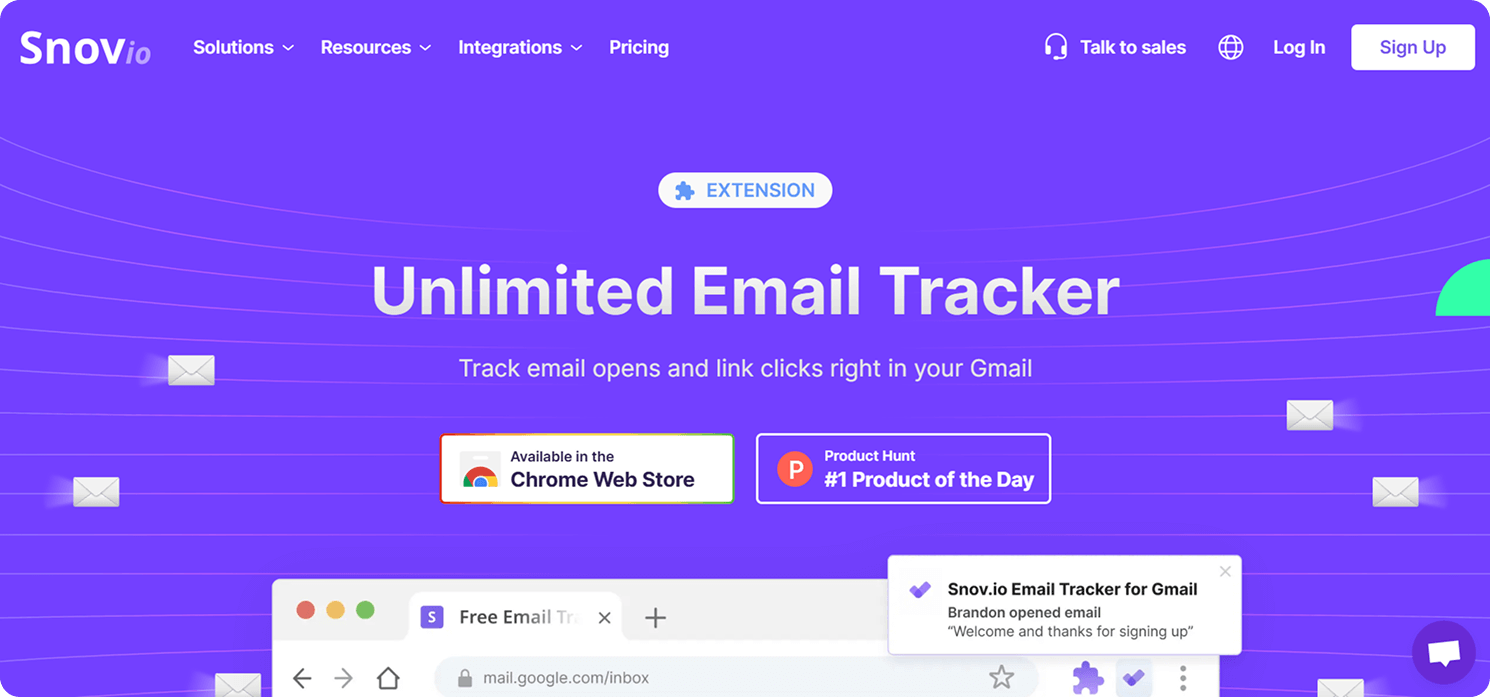
Snov.io is the ultimate cold emailing and prospecting platform, packed with robust tracking and automation features. It works smoothly with Gmail, giving you real-time tracking, scheduling options, and follow-up reminders. With Snov.io, you can enhance your outreach by monitoring recipients’ interactions and gaining insights to boost customer engagement.
Key Features:
- Active tracking for opens and email link engagement.
- Full activity log to monitor performance.
- Remind Me feature for timely follow-ups.
- Chrome extension integration for easy switching between accounts.
Pros:
- Easy-to-use pop-ups and activity logs.
- Helps manage follow-ups efficiently.
- Complete solution for cold outreach.
Cons:
- The user interface can feel overwhelming for beginners, but support and tutorials are available.
Free version: Yes.
Cost: From $39/month.
G2 Rating: 4.6.
Mailbutler
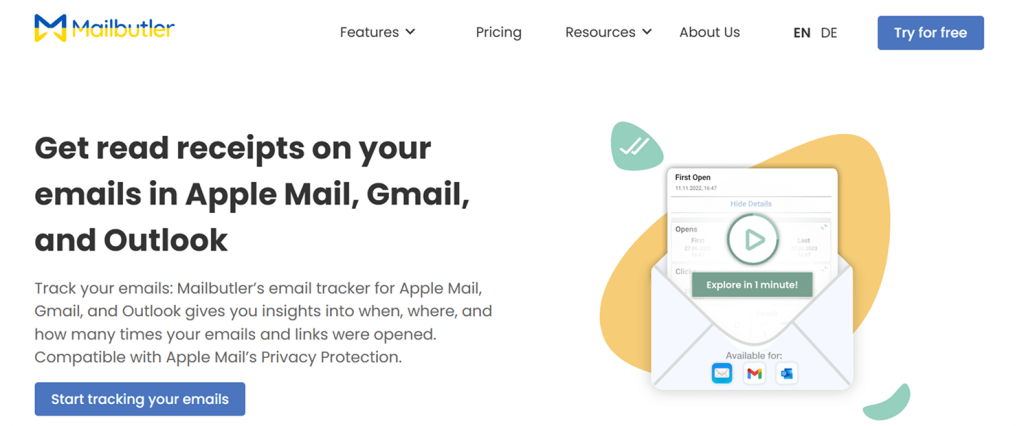
Mailbutler is a handy tool for tracking and boosting productivity, compatible with Apple Mail, Gmail, and Outlook. It offers features such as instant-read receipts, link tracking, and in-depth analytics of your email performance. After integration, you can monitor your activity without hopping between different platforms, which is perfect for professionals and teams.
Key Features:
- Tracks every time the email is opened and link interactions with a timely notice.
- Works seamlessly with major platforms.
- Provides insights into geographic location, device, and open frequency.
- Offers per-recipient tracking for supported providers.
- Companions’ mobile app for on-the-go notifications.
Pros:
- Integrated directly into clients for easy use.
- Detailed tracking insights, including link clicks.
- Real-time notifications enhance follow-up timing.
Cons:
- Navigation is confusing.
- Higher costs may not suit smaller business owners or individual users.
Free version: No free option, but all plans include a 14-day free trial with full features.
Cost: From €3.95/month.
G2 Rating: 4.4.
Streak
Streak is a CRM and email tracking tool built into Gmail. It helps teams keep track of their pipeline, automate tasks, and see how their messages are doing. With smooth integration with G Suite, Streak makes consistent communication and teamwork easier for sales, support, and project management. However, teams that need more advanced pipeline customization or find Streak’s pricing too steep often look into Streak CRM alternatives that offer deeper Gmail integration at a lower cost.
Key Features:
- Customizable pipelines to track deals, projects, and workflows.
- A tracking feature to see when messages are opened.
- Mail merge for sending personalized bulk emails.
- Task automation and follow-up reminders.
Pros:
- Fully integrated into Gmail.
- Straightforward collaboration with shared pipelines.
- Automates data capture from email addresses.
Cons:
- Some advanced features require a paid plan.
- Basic reporting tools with limited insights.
Free version: Yes.
Cost: From $49/month.
G2 Rating: 4.5.
Yesware
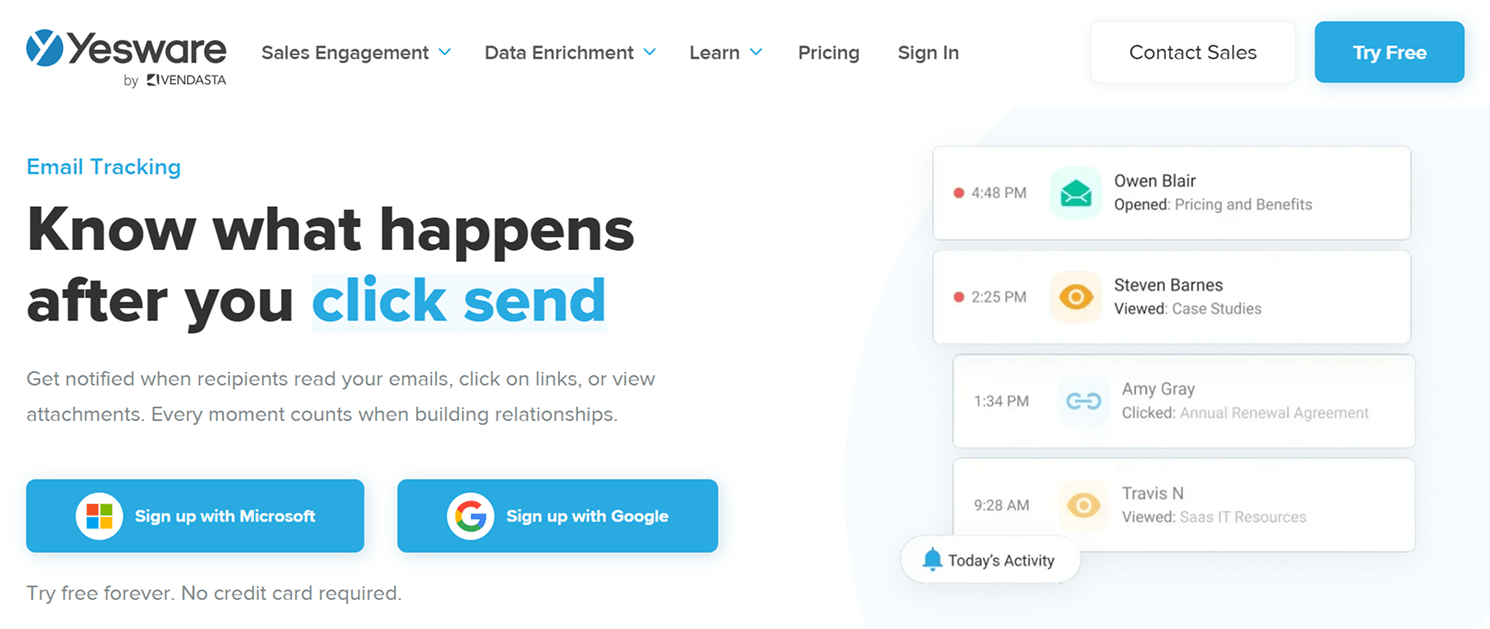
Yesware is a tool for tracking emails and boosting sales. It helps sales teams monitor performance, gauge engagement, and follow up at the right time. With timely notice and useful insights, Yesware makes reaching out more manageable and helps improve conversion rates.
Key Features:
- You can track email opens, clicks, and attachment tracking.
- Timely activity feed to monitor engagement.
- Personalized outreach tools for better responses.
- Engagement history dashboard with engagement metrics.
- Follow-up reminders to ensure time is used effectively for emails and calls.
Pros:
- Provides realistic insights for smarter follow-ups.
- Easy-to-use tracking and engagement analytics.
- Helps prioritize the most engaged prospects.
Cons:
- Customer support response time can be slow.
- Confusing user interface.
Free version: Yes.
Cost: From $15/ month.
G2 Rating: 4.4.
Mailmeteor
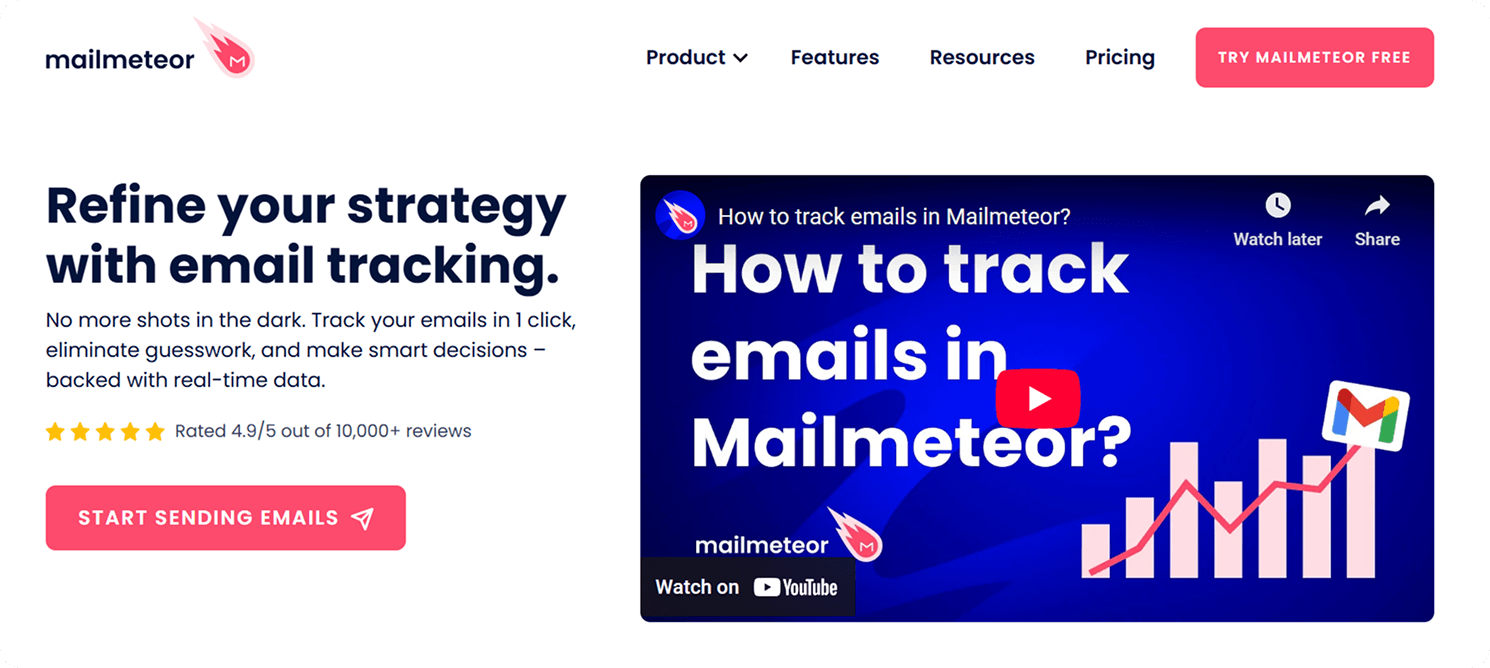
Mailmeteor is a powerful extension that provides timely tracking, allowing users to monitor opens, clicks, replies, bounce rates, and unsubscribes. It enhances engagement through instant pop-ups and automated follow-ups, ensuring timely follow-ups and higher response rates. By analyzing recipient interactions, Mailmeteor allows users to refine their strategy, create personalized email messages, and increase their chances of closing deals.
Key Features:
- Track emails, clicks, and replies.
- Automates follow-ups based on the client’s behavior.
- Identifies engaged leads for better targeting.
- Provides insights to optimize content and improve engagement metrics.
- Simple, one-click activation for tracking.
Pros:
- Seamless integration with Gmail.
- Instant pop-ups help time follow-ups effectively.
- Easy to use with minimal setup required.
- Supports personalization for a better user experience.
Cons:
- Lacks advanced analytics and a detailed report.
- The basic version has limited features.
- Confusing user interface.
Free version: Yes.
Cost: From $15/ month.
G2 Rating: 3.5.
Conclusion
This list of the best free email trackers is impressive but may also feel a bit overwhelming. When searching for the right solution, consider these essential criteria to make the best choice. Look for a tracking software that offers detailed reports and link click tracking, which can provide valuable insights into recipient engagement.
If you’re looking for a comprehensive tool that combines email signature management with tracking features, MySignature is an excellent software option.
For simple and effective tracking with instant alerts, MailTracker by Hunter is an easy-to-use choice.
If you need advanced tracking and automation, Right Inbox offers powerful tools to streamline your outreach and follow-ups.
In conclusion, the right tracker can make all the difference in making your results measurable and your outreach more effective.
Track your emails with MySignature and optimize your strategy today!
FAQ
Is email tracking legal and GDPR compliant?
Absolutely, yes. When used responsibly, it is perfectly legal. There are many modern platforms that ensure transparency regarding the data and enable businesses to control their tracking preferences. However, businesses involved in regulated industries need to consider how the platform handles data storage and processing before deployment.
Can recipients see if I am tracking their emails?
Most of the time, the tracking technologies themselves are not visible to users. There are also certain email clients that will automatically block any tracking pixels or inform the user that remote images are disabled.
Privacy settings can also hinder the effectiveness of detecting whether you have opened the message.
Do free email trackers include watermarks?
Most free software includes branding and/or watermarks within the messages sent out. This is one way that is used to limit the capabilities of their free version.
The paid version will eliminate the branding/watermarks and offer more features, including analytics and automation, among others.
What is the best free email tracker for Gmail?
The best option depends on your workflow and goals. Some users prefer lightweight tools available through the Chrome Web Store, while others need more advanced reporting, campaign tracking, or integrations.
Platforms like MySignature combine tracking functionality with email signature management, making them useful for both individual professionals and teams.
Does email tracking work on mobile?
Yes, most modern platforms support mobile tracking alongside desktop functionality. However, tracking accuracy may vary depending on people’s email clients, privacy settings, and image-loading preferences.
Some tools also provide mobile notifications to help users get notified about important engagement activity in real time.