Last Updated on 12.11.2026 by Danylo T
The best Blinq alternative depends on what you actually need from a digital business card platform. If you want your email signature and digital card branded and managed in one place, look at MySignature. Popl is built for event lead capture, HiHello is the safer bet for teams with IT and CRM requirements, Mobilo and V1CE lead on NFC cards, and Wave Connect gives solo users the most for little or no money. Below, we compare 12 Blinq alternatives side by side and review six of them in depth.
12 Blinq Alternatives Compared
Here’s the whole field in one table, so you can rule things out fast before reading anything longer. The first six tools get full reviews further down, and the other six get a shorter rundown after that. A few terms here are easy to mix up, so we kept them apart: a free plan is free indefinitely, while a free trial ends. An NFC card is a physical card you tap, which is different from a digital profile that just happens to work with NFC tags. And “CRM sync” means a native integration unless the cell says Zapier.
| Tool | Best for | Free plan or trial | Starting price | QR code and NFC options | CRM sync | Main limitation |
| MySignature | Cards + email signatures | Free plan (signatures only) | $7/user/mo, annual | QR, link, Wallet; no NFC hardware | No native CRM | No physical cards |
| Popl | Event lead capture | Free plan | $6.40/mo, annual | QR; NFC cards from $19.99 | Zapier on Pro; native CRM on Teams | Team pricing now by quote |
| HiHello | Teams with IT needs | Free plan; 14-day team trial | $6/mo, annual | QR, Wallet, third-party NFC tags; no proprietary hardware | Native Salesforce, HubSpot, Dynamics (Business) | 5-user minimum for Business |
| Mobilo | NFC cards for sales teams | No free standalone plan confirmed | NFC cards from $19.99; Teams from $4/mo | NFC + QR on every card | Native, team plans | Hardware costs extra; team subscription |
| Wave Connect | Solo users on a budget | Free plan; 7/14-day trials | $7/mo, annual | QR, Wallet; NFC cards from $23 | Native + Zapier (Pro) | Badge scans cost $10 each |
| V1CE | Premium NFC cards | Free Forever software with card purchase | $82 one-time card | NFC + QR | CRM features; ClientCapture OS from $64.98/mo | High upfront cost |
DBC | Analytics, design templates | 30-day trial (teams) | $6.99/user/mo, annual | QR, Wallet | Lead management workspace; native CRM sync unconfirmed | No free plan |
| Uniqode | Enterprise security | Free plan (1 card) | $6/user/mo, annual | QR, Wallet | Pipedrive (Team); Salesforce, HubSpot (Business+) | Big CRMs need 50+ users |
| Dot Cards | Simple NFC hardware | Free digital profile | $30 one-time card | NFC + QR | Growth plan only | CRM integrations require Growth (custom pricing) |
| Haystack | Cheap team rollout | Free plan; 14-day trial | $4.50/user/mo, annual | QR; no NFC hardware | Pro plan and up | Fewer design options |
| CamCard | Scanning paper cards | Limited free version | $49.99/yr | QR; scanner-first | Salesforce (enterprise) | Weak as a card builder |
| Lynkle | Cheap individual cards | Free plan; 7-day Pro trial | $4.50/mo, annual | QR, Wallet; no NFC hardware | Teams plan (5-user minimum) | Smaller ecosystem |
Prices verified on November 4, 2026. All prices are listed in U.S. dollars; providers frequently change their pricing plans, so it is recommended that you carefully verify the information before making a purchase.
How We Compared Blinq Alternatives
We evaluated each platform with the same set of questions. How flexible is the card itself? Which sharing methods work? Can an admin control branding and seats across a team? Is there lead capture, and does it push contacts into a CRM natively or only through Zapier? Does the company sell a physical card? What do analytics cover, what does it cost per seat, is there a real free tier, and, most importantly, what does it do that Blinq doesn’t?
The information comes from each vendor’s official product and pricing pages and help centers, cross-checked against user reviews on G2, Capterra, and Trustpilot. Please note that we didn’t run a hands-on lab test of all 12 tools.
One disclosure: MySignature is the publisher’s own product. It’s judged against the same criteria as everyone else, and its weak spots (no NFC hardware, no native CRM integrations) are listed just as plainly.
Why Look for a Blinq Alternative?
Blinq simplifies creating and exchanging digital business cards, but its capabilities go beyond QR code exchange. The platform also offers NFC-enabled accessories, team management tools, CRM integrations, and event-based contact collection. However, it may not be suitable for all workflows. Some users need more flexibility in designing their email signatures, a wider range of NFC device options, or pricing plans that better match their team’s networking needs.
- QR code and technical issues. Sharing information via QR codes is convenient, but opening a business card hosted on a web server may depend on the recipient’s internet connection. Keep this limitation in mind at crowded events with unstable network connections, although it isn’t unique to Blinq.
- Friction in recipient experience & contact saving. This one comes up a lot on Capterra. Recipients don’t always realize they need to tap a second button to actually save you to their phone, so the card gets opened and then forgotten.
- Limited customization & branding. Blinq supports custom fonts, card colors, image layouts, and the ability to reorder fields; however, a paid subscription is required to use certain branding features. Teams that follow strict branding guidelines should compare the available customization options and administrative tools before choosing a pricing plan.
- Recipient hesitation & security concerns. Some people simply don’t like scanning a QR code they received from a stranger, or they prefer not to land on a web page they weren’t expecting. This isn’t specific to Blinq, but it is a real trade-off of going fully digital.
- Lack of physical business cards & limited CRM functionality. Blinq sells physical NFC cards separately, while a Business subscription is required for integration with your own CRM systems and team management. Event lead capture may incur additional costs, so calculate the total cost before switching.
- Customer support delays. A recurring gripe on Capterra and in App Store reviews is slow replies, or replies that just link to a help article without dealing with the actual issue. For example, one verified Capterra reviewer, Merrick K. (CEO), noted: “Customer support and help are late or nonexistent. Repeatedly get empty notes from support directing me to worthless articles I don’t need,” adding that they received multiple automated messages without ever getting an answer to a simple formatting question.
None of this makes Blinq a bad choice. Most daily users are satisfied, and complaints usually come up in situations the product simply wasn’t designed for. It has limitations, and if you’ve run into one, you’re probably already aware of it. Below is a list of tools we’d consider next.
6 Blinq Alternatives Worth a Closer Look
These aren’t ranked. A tool that’s perfect for a 300-person sales team would be absurd overkill for a real estate agent networking at open houses, and vice versa. What follows is more like six-pointed recommendations: each one fits a different kind of situation, and reading all six will probably narrow things down to one or two you actually want to test. Each review covers the same ground: what it’s for, why it makes sense over Blinq, what stands out, what it costs, and where the cracks are.
MySignature
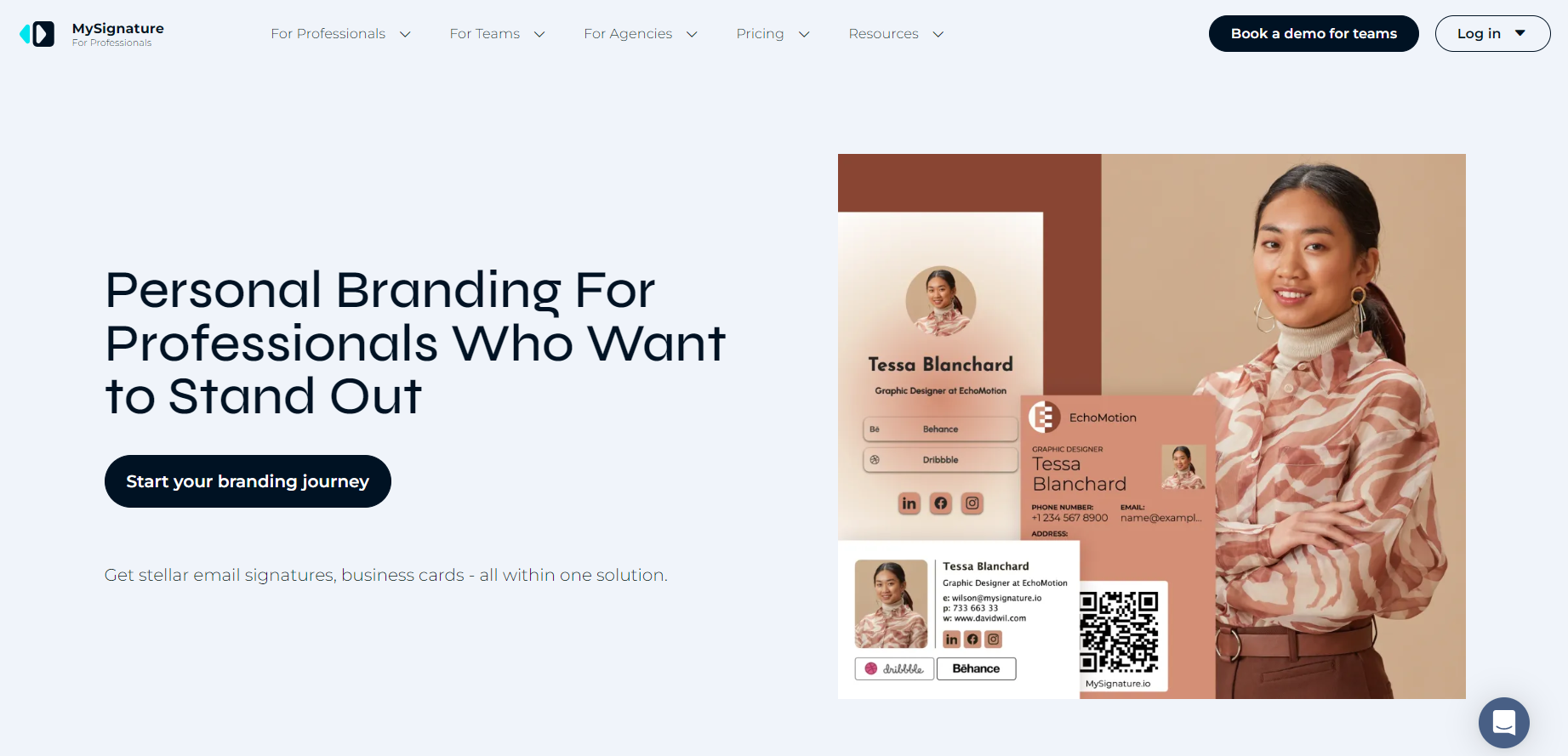
MySignature launched as an email signature generator, and we added digital business cards later; that history has shaped how these two products work together. Most people send far more emails than they hand out business cards, so your signature is already helping to build business connections without you even realizing it. In MySignature, your signature and business card come from the same profile, so you don’t have to keep two versions of your job title in sync.
Best for: Professionals and teams who want consistent branding across email signatures and digital business cards.
Why consider it over Blinq: Both Blinq and MySignature offer digital business cards and email signatures. The difference lies in their approach. MySignature is built around the concept of email branding and combines specialized tools for signature design, email tracking, and digital business card analytics. This service suits professionals who want to manage their presence across both channels and measure effectiveness.
Standout features:
- One profile powers both your digital business card and your email signature
- Sharing by QR code, link, and Apple or Google Wallet
- Analytics for card views and clicks, plus email signature tracking
- Team management with Google Workspace and Microsoft 365 automation
- Plenty of card designs and backgrounds, with MySignature branding removed on paid plans
Pricing: The free plan covers one basic email signature. Digital business cards come with Professional Connect at $7 per user per month, billed yearly. Teams plans are priced by seat volume, and there are discounts for nonprofits, schools, and startups.
Limitations: This tool does not include a physical NFC card or built-in CRM integration, so it is not suitable for scanning visitors at a booth or directly transferring leads to Salesforce.
Verdict: Choose MySignature if email is one of your primary communication channels and you want to manage your digital business cards, signatures, and engagement analytics all in one place.
Popl
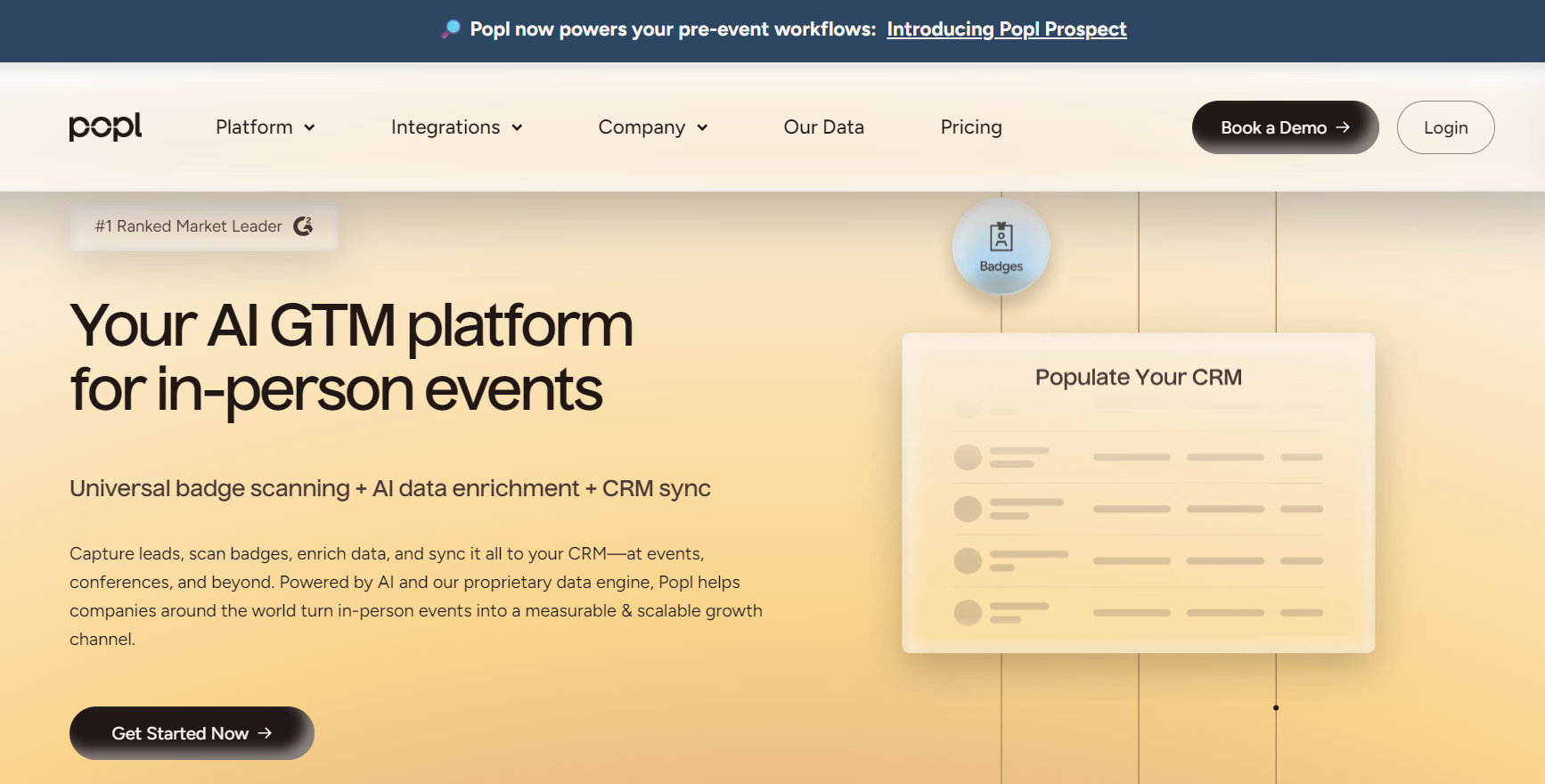
Popl has grown from a tap-to-share sticker brand into one of the more serious lead capture platforms in this space. Both Popl and Blinq support badge scanning, AI enrichment, and CRM integrations. Popl stands out for its event-focused workflow, which also includes bulk list enrichment and tools for researching attendees and exhibitors before an event.
Best for: Sales reps and event exhibitors who need to capture and qualify leads at volume.
Why consider it over Blinq: Popl leans much harder into events. Its enterprise event offering includes universal badge scanning and event-specific campaigns.
Standout features:
- Two-way contact exchange on the Pro plan
- Custom lead capture forms on Pro+; AI enrichment on Teams plans
- Over 5,000 integrations through Zapier from Pro upward
- NFC cards from $19.99, metal cards at $49.99
- Admin dashboard and team analytics
Pricing: Free plan with one card. Pro is $6.40 per month, and Pro+ is $11.99 per month, both billed annually. Team pricing moved to a quote-based model in 2026, and event lead capture is custom-priced.
Limitations: To find out pricing for teams or events, you need to contact the sales department, so it’s harder to plan a budget in advance than when using self-service tools.
Verdict: A great option for teams that want to manage lead generation, follow-up, and event preparation all on a single platform.
HiHello
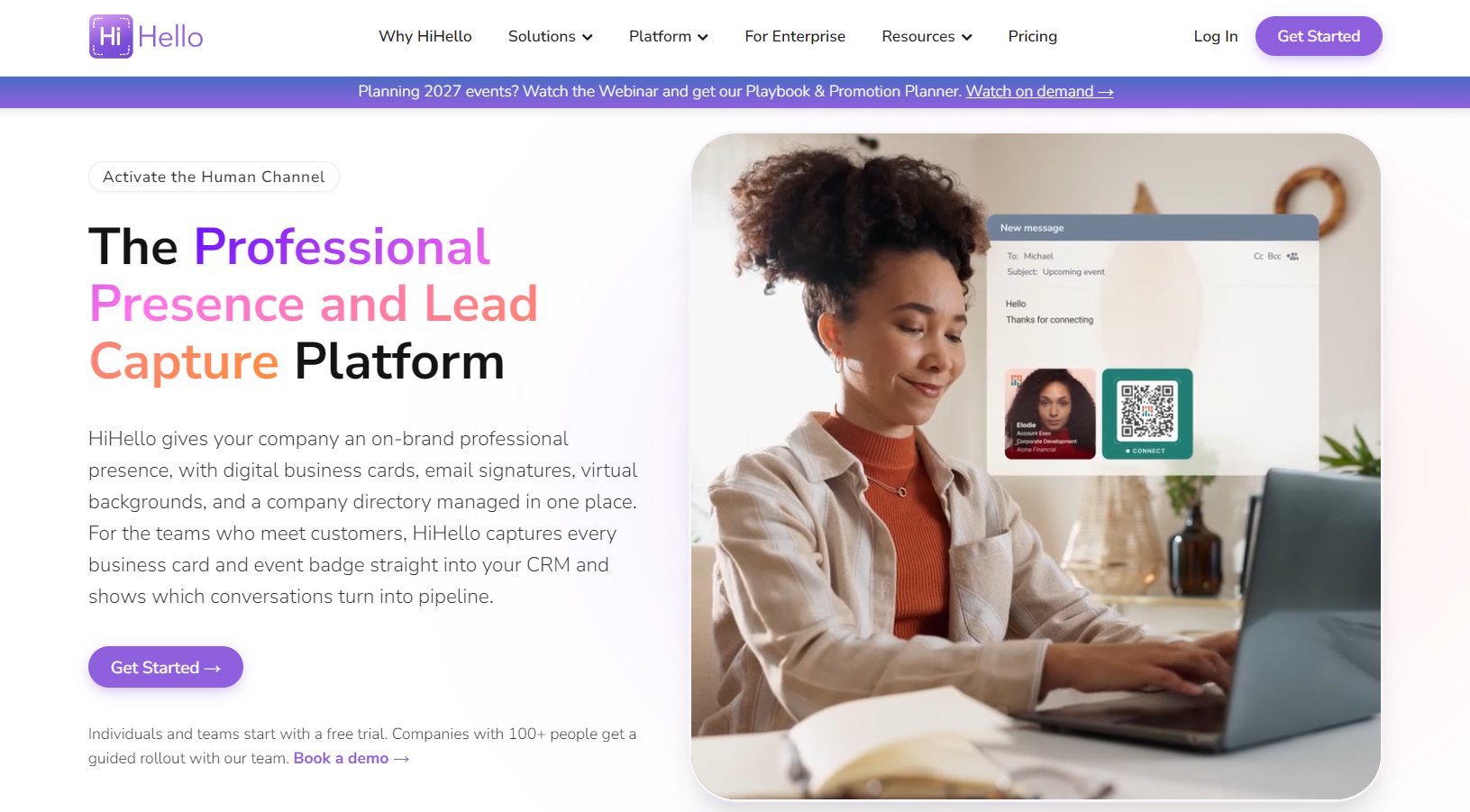
HiHello is the one we’d hand to an IT department without much worry. It offers a free plan that’s actually usable, a reasonably priced Business plan, and the security and administration features typically discussed during procurement negotiations (SSO, SCIM, SOC 2 reporting for the Enterprise plan). It also has a built-in paper business card scanner, which comes in handy if half of your contacts still hand you paper business cards.
Best for: Mid-sized teams that need native CRM integrations and proper admin controls.
Why consider it over Blinq: HiHello offers native Salesforce, HubSpot, and Microsoft Dynamics integrations on its Business plan, with team templates and a 14-day trial for teams of five or more.
Standout features:
- Free plan with up to 4 cards and basic paper card scanning
- Professional plan with branded QR codes, custom fonts and colors, and analytics
- Team templates and an admin dashboard
- SAML SSO, SCIM, and branded subdomains on Enterprise
Pricing: Free personal plan. Professional costs $6 per month billed annually ($8 monthly). Business is $5 per user per month billed annually, minimum five users. Enterprise (101+ users) is quoted.
Limitations: HiHello does not sell its own NFC cards, although users can link their digital profiles to compatible third-party NFC tags. Additionally, a team must have at least five users to access the Business plan.
Verdict: A sensible, low-drama choice for teams that care about CRM sync and admin control more than hardware.
Mobilo
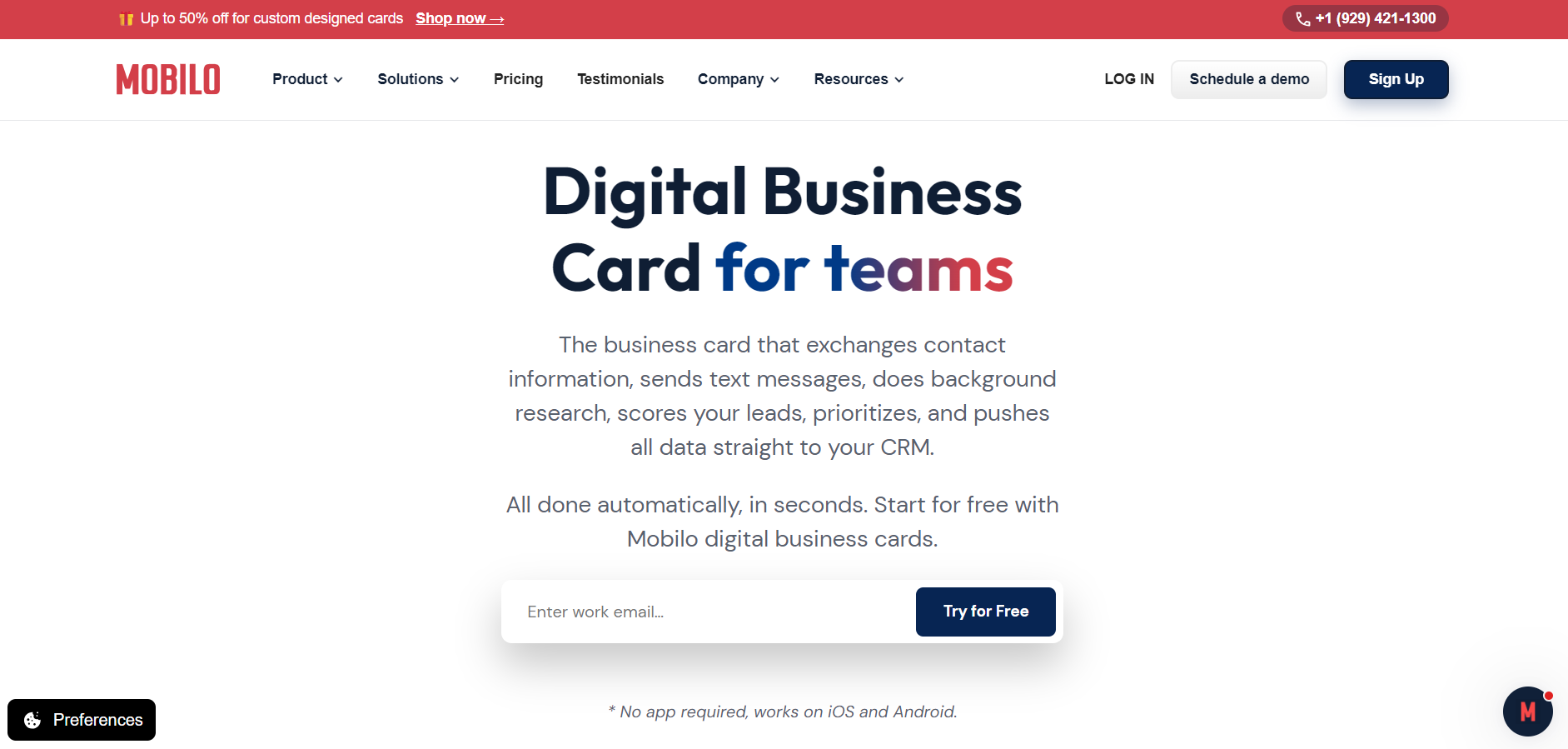
Mobilo is, first and foremost, a hardware solution. Each card has an NFC chip and a printed QR code, and you can switch it between four modes: a landing page, a contact collection form, a standard business card, or a direct link, for example, to a presentation or calendar. In practice, a company representative can share a booking link during a meeting and then, later that same day at the exhibition, switch to collecting contacts using the very same card.
Best for: Sales teams that want branded NFC cards with lead capture built in.
Why consider it over Blinq: The card modes and the team features (HR directory sync, lead scoring, SOC 2 compliance) are aimed squarely at sales organizations.
Standout features:
- Four networking modes on every card
- NFC plus QR code, so it works with any smartphone
- Central branding control for company-wide rollouts
- CRM integrations and real-time analytics on team plans
Pricing: Mobilo offers the Pro plan for $0 per month with a one-time payment. NFC cards start at $19.99 per card with the Mobilo logo and $39 for a custom-designed plastic card. Teams plan starts at $4 per month with annual billing. Be sure to check the prices and subscription terms before purchasing.
Limitations: Hardware and subscription costs can make the total cost less predictable than with an exclusively digital solution. Before making a final decision, teams should clarify which features and integration capabilities are included in the package.
Verdict: Pick Mobilo when the physical card is central to how your team actually networks.
Wave Connect
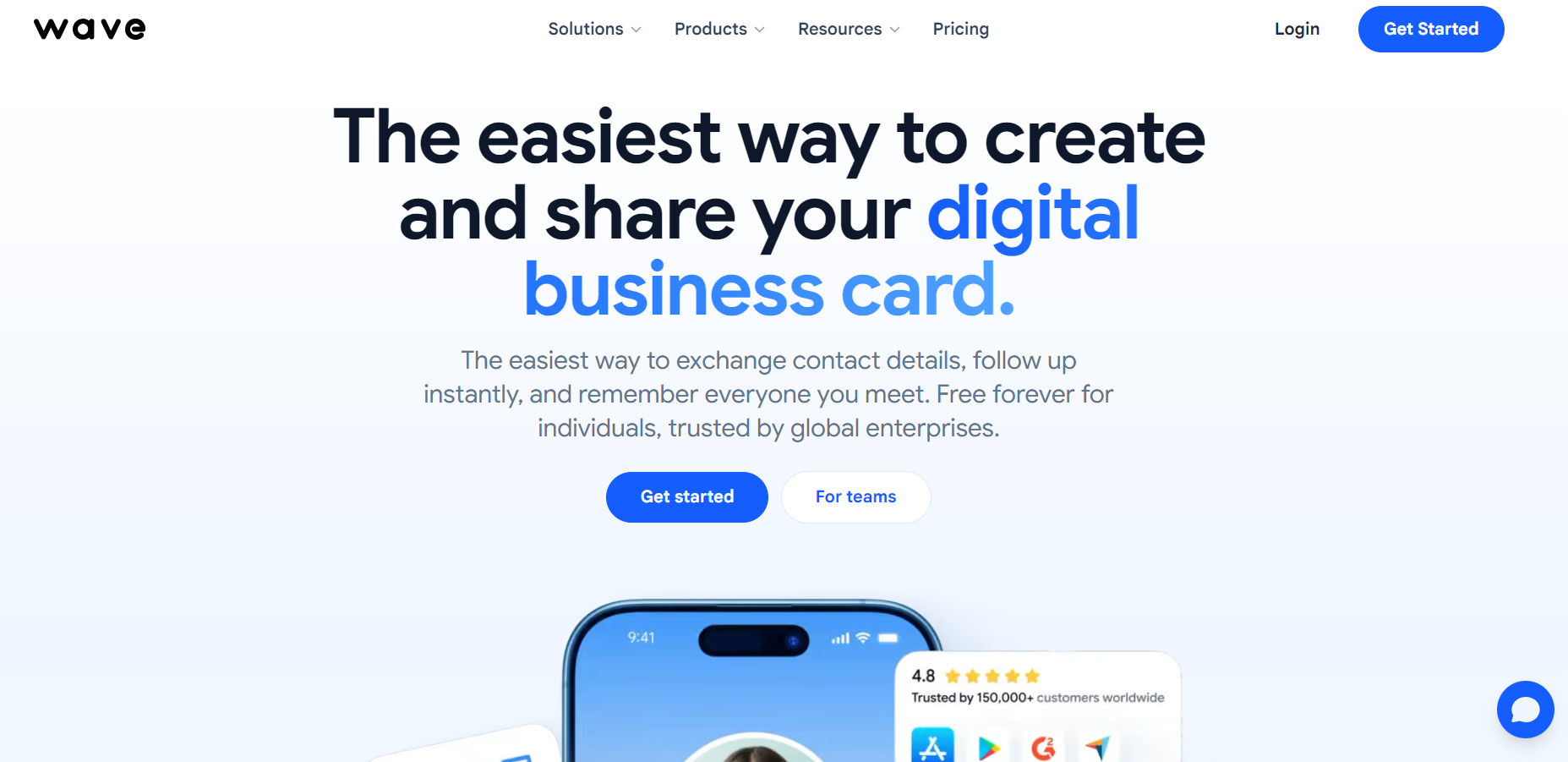
Wave Connect’s free plan is one of the more generous ones we came across. It includes lead capture forms, unlimited contacts and sharing, and Apple and Google Wallet passes without asking for a credit card. For a freelancer or consultant who mostly needs a decent card and a way to collect details back, that may be all you need.
Best for: Individuals and small teams who want a capable card for little or no money.
Why consider it over Blinq: Lead capture on the free plan, and a Teams tier that starts at just three seats.
Standout features:
- Free plan with lead capture and Wallet support
- Custom branding, video and file uploads, and CRM integrations on Pro
- Bulk editing and admin roles on Teams
- NFC cards for $23, metal for $52
Pricing: Free plan. Pro costs $7 per month, billed annually ($9 monthly), with a 7-day trial. Teams is $5 per user per month, billed annually, minimum three users, with a 14-day trial. Enterprise is quoted.
Limitations: Event badge scanning costs four credits ($10) per badge, which can add up quickly at busy conferences.
Verdict: The best value pick for people who don’t need enterprise features yet.
V1CE
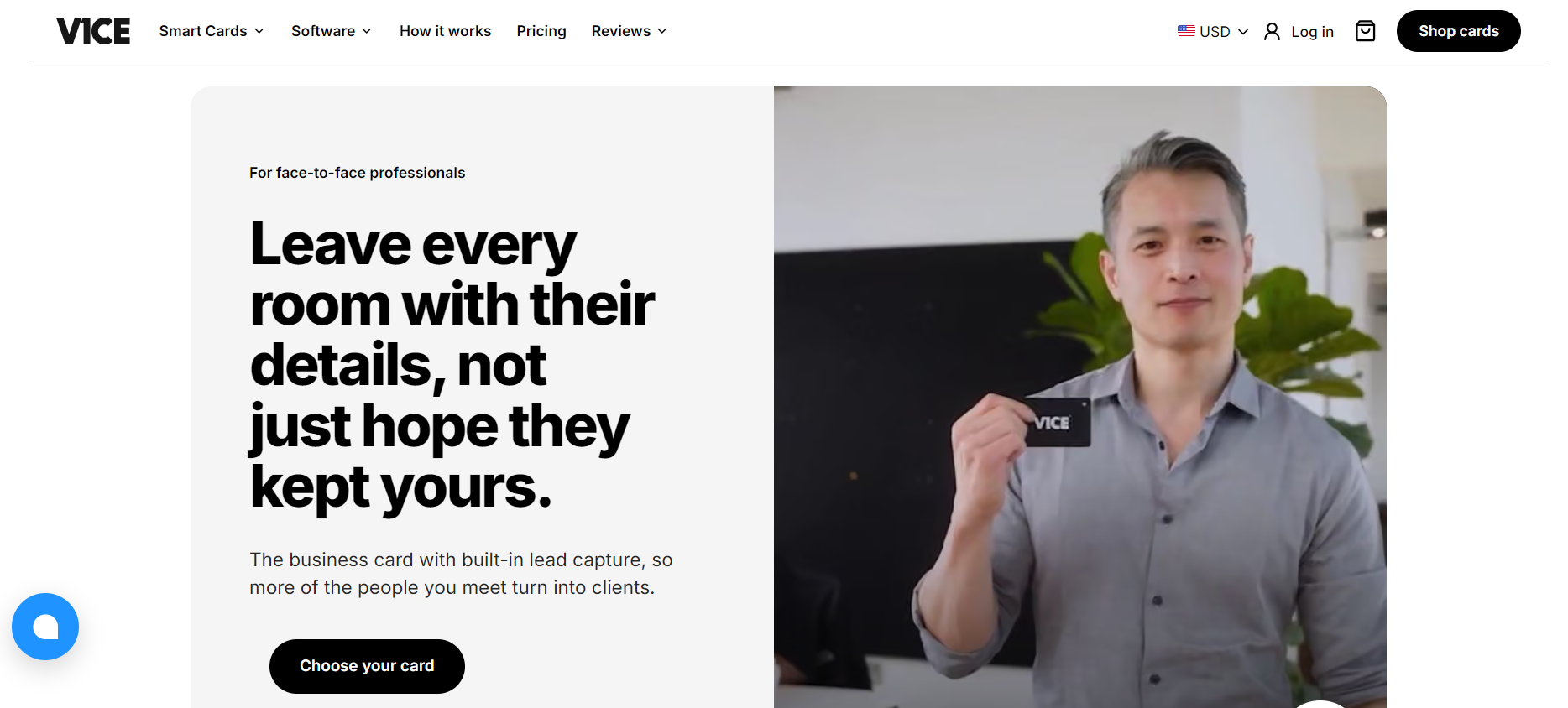
V1CE sells you a card once, and the core software is free for life. There is no monthly fee for the basic digital profile, which is less common in this category than it should be. The business cards are designed in a distinctly premium style (made of bamboo, metal, and even coated in 24-karat gold), and the price includes design assistance.
Best for: Professionals who want a high-end NFC card and dislike subscriptions.
Why consider it over Blinq: V1CE combines high-quality NFC hardware with a digital service plan that does not require a recurring subscription for basic use. A replacement warranty is provided in accordance with specific warranty or membership terms.
Standout features:
- Original ($82), Bamboo ($113), Metal ($150), and 24K Gold ($449, by application)
- Free-for-life digital profile with NFC, QR code, and Wallet sharing
- Free custom card design
- Optional ClientCapture OS with AI networking tools and advanced CRM integrations
Pricing: Physical cards start at $82, with Free Forever software included. The optional ClientCapture OS costs $64.98 per month and comes with a 30-day free trial.
Limitations: Premium hardware comes with higher upfront costs, and you need an additional subscription to use the CRM’s advanced features. Warranty terms also depend on the specific product and membership terms.
Verdict: The right buy when the card itself is the statement, and you want it to keep working without a monthly bill.
6 More Blinq Alternatives to Consider
These six products weren’t the subject of full-fledged reviews, but that doesn’t mean they’re not effective. Most have a more niche focus: one is essentially a card scanner, another is a corporate QR platform, and the third stands out mainly for its price. If none of the six top picks suits your needs, one of these products may be the unique solution you’ve been looking for. Here’s the short version of each.
| Alternative | Best for | Why consider it | Main trade-off |
| DBC | Design and analytics | 27+ templates, unlimited cards, AI scanner, Wallet passes | No free plan; trial for teams only |
| Uniqode | Enterprise teams | SSO, MFA, white-labeling, bulk card creation | Salesforce and HubSpot need Business+ (50+ users) |
| Dot Cards | Simple NFC hardware | Free profile; cards from $30 one-time | CRM integrations require Growth (custom pricing) |
| Haystack | Low-cost team rollout | Free plan; Business from $2.50/user/mo (10+ users) | No NFC hardware; fewer design options |
| CamCard | Digitizing paper cards | Mature card scanning with CRM export | More scanner than digital card platform |
| Lynkle | Cheap individual cards | No-watermark free plan; Pro at $54/year | CRM requires the 5-user Teams plan |
Which Blinq Alternative Should You Choose?
The easiest way to choose a Blinq alternative is to decide what matters most in your day-to-day work. Do you need a consistent branding style for email signatures and digital business cards? A faster way to collect contacts at events? Direct integration with CRM systems? Or simply a reliable digital business card without a monthly subscription? Your answer will help narrow down your options.
| If you need… | Consider… | Why |
| Digital business cards + email signatures | MySignature | Both built from one profile, with matching branding |
| Event lead capture | Popl | Badge scanning, AI enrichment, event campaigns |
| NFC business cards | Mobilo | Four card modes, built for sales teams |
| CRM integrations | HiHello | Native Salesforce, HubSpot, Dynamics on Business |
| Budget-friendly digital cards | Wave Connect or Lynkle | Strong free plans, cheap Pro tiers |
| Premium physical cards | V1CE | Metal and bamboo cards, no required subscription |
| Team branding and admin controls | HiHello or Uniqode | Templates, SSO, centralized management |
There’s no universal winner here. A tool that helps sales departments attract hundreds of potential customers at trade shows may be completely unnecessary for someone who simply wants a neat business card to show during client meetings. The right tool is the one that fits the way you and your team already work. If you’re not sure, most of these services offer a free plan or a short trial period. So try the one that seems most suitable before deciding.
What to Check Before Switching from Blinq
Switching to a new system seems simple until you realize that your old QR codes are printed on banners or that data from your CRM system isn’t syncing. A little preparation upfront will save you a lot of time troubleshooting later. Review this list before canceling anything. It’s best to do this while your Blinq account is still active so you have the opportunity to export your data.
- Data migration. Make sure your current Blinq plan supports CSV exports, as this feature is not available on the free personal plan. Before canceling your subscription, export your contacts and make sure your new provider can import the necessary fields.
- Card data and branding. Assume that you’ll have to recreate your business card, designs, and QR codes from scratch. Any QR code already printed on materials will link to your old business card.
- Sharing methods. Make sure the new tool supports the methods you actually use: QR code, Apple and Google Wallet, NFC, a custom link, or an email signature.
- Recipient experience. Make sure recipients can open and save your business card without installing an app. Every extra step costs you potential contacts.
- CRM and tool compatibility. Make sure your CRM system is directly integrated, not just “accessible via Zapier”, if field mapping is important to you.
- Seat pricing and minimums. Pay attention to the cost per user, the minimum number of licenses (three, five, sometimes fifty), and which features are sold as add-ons.
- Scan, export, and integration limits. Some pricing plans impose monthly limits on the number of paper business cards scanned, leads collected, or credits for data enrichment. Find out about these limits before your next major event.
Before committing to a new platform, ask its support team which contact fields it can import, whether it supports custom fields, and what happens to your existing QR codes. It’s also worth finding out how long the migration process usually takes. These small but important details will determine how much manual work the transition will require.
Frequently Asked Questions
What is the best alternative to Blinq?
It depends on your main goal, but MySignature, Popl, and HiHello cover most needs. MySignature is the best choice if you need digital business cards and email signatures with consistent branding. Popl is best for collecting contacts at events, while HiHello suits teams that need built-in CRM integrations and administrative tools. If physical NFC cards are your top priority, check out Mobilo or V1CE.
Is there a free alternative to Blinq?
Yes, several. Wave Connect, HiHello, Popl, Haystack, Lynkle, and Uniqode all have free plans, not just trials. Wave Connect’s free tier is unusually generous because it includes lead capture and Wallet passes. Free plans do get limited quickly, though, usually on card count, branding, or analytics. MySignature’s free plan covers email signatures only; cards start on a paid plan.
What is the best Blinq alternative for business teams?
HiHello is the best all-around option for most business teams. Its Business plan includes team templates, an admin dashboard, and built-in integrations with Salesforce, HubSpot, and Microsoft Dynamics. Larger companies with strict security needs should look at Uniqode or HiHello Enterprise for SSO and SCIM. Teams that care most about branding across email and cards will get more from MySignature.
Which Blinq alternatives integrate with CRM platforms?
HiHello, Mobilo, Wave Connect, Uniqode, Haystack, Dot Cards, and Lynkle all offer CRM integrations, usually on paid or team plans. Popl connects to more than 5,000 apps via Zapier. The main thing to look for is whether the integration is built-in or implemented through a third-party connector, since built-in connections generally handle field mapping and duplicates better.
Which Blinq alternative is best for NFC business cards?
Mobilo is the best fit for teams, thanks to its four card modes and centralized management. V1CE is the better buy for individuals who want a premium card with no subscription required. Popl, Wave Connect, and Dot Cards also sell NFC cards at lower prices, starting around $20 to $30. HiHello, Haystack, and MySignature don’t sell physical cards.
Can I export my contacts from Blinq?
Yes, Blinq allows users to export contacts as CSV files under the Premium, Pro, and corresponding business plans. The free personal plan does not include this feature. Before switching platforms, export your contacts and check whether the new platform supports importing the relevant data fields.
Conclusion
If Blinq starts to feel too limited for you, the solution is to choose a tool that addresses your specific need: event planning (Popl), team management and CRM (HiHello), NFC hardware (Mobilo or V1CE), or pricing (Wave Connect). Most of these tools offer a free plan or trial, so you don’t have to decide blindly. Create a card, send it to a colleague, and see how it looks on their end.
And don’t pay for a long list of features you won’t use. If you’re tired of updating your email signature and your digital card separately, MySignature brings both under one profile with one set of brand assets. Create your digital business card with MySignature and see how it looks next to your signature.