
Last Updated on 26.01.2026 by Danylo T
As everything outside turns vibrant green and fresh ideas begin to blossom, your inbox deserves a little springtime spirit too. This season is the ideal time to refresh those small details that catch people’s eyes every day, and your email signature is a key player. A thoughtful Happy Easter email signature can infuse your messages with color, warmth, and personality, all while maintaining a professional vibe. Simple festive icons, soft hues, or a playful Easter bunny signature can make your emails feel more human and timely. A spring email signature should be light, seasonal, and intentional, adding just enough charm to leave a lasting impression.
In a marketing campaign, these updates serve as quiet yet effective marketing strategies. Cute email signatures with a festive touch help your message stand out right at the moment the recipient finishes reading your email. That final visual element reinforces the context and emotion without being intrusive or interrupting the natural flow of conversation.
Contents:
- Easter Email Signature Examples
- Creative Tips for a Spring Email Signature
- Create Your Easter Signature with MySignature
- FAQ
Easter Email Signature Examples
If you are not sure where to start, that hesitation is normal. Designing an email signature/footer often feels minor compared to other email marketing tasks, yet it appears in every message you send. A great way to kick things off is to check out some well-structured examples and make them your own.
A clear email signature template brings a sense of order, while your design choices can add that seasonal touch. With the right tools, you can easily tweak spacing, hierarchy, and visuals without having to start from scratch.
Seasonal promo email signature banners
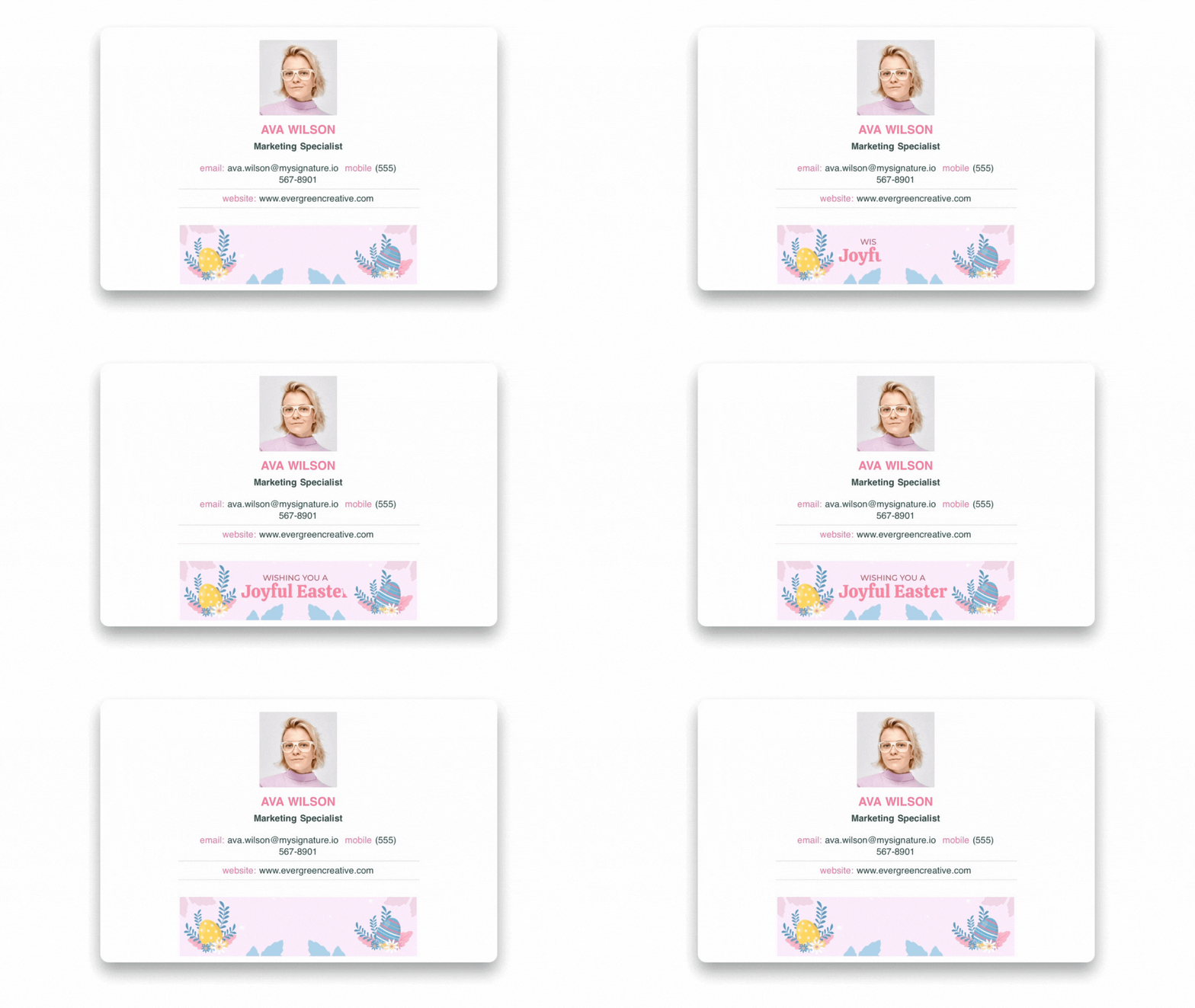
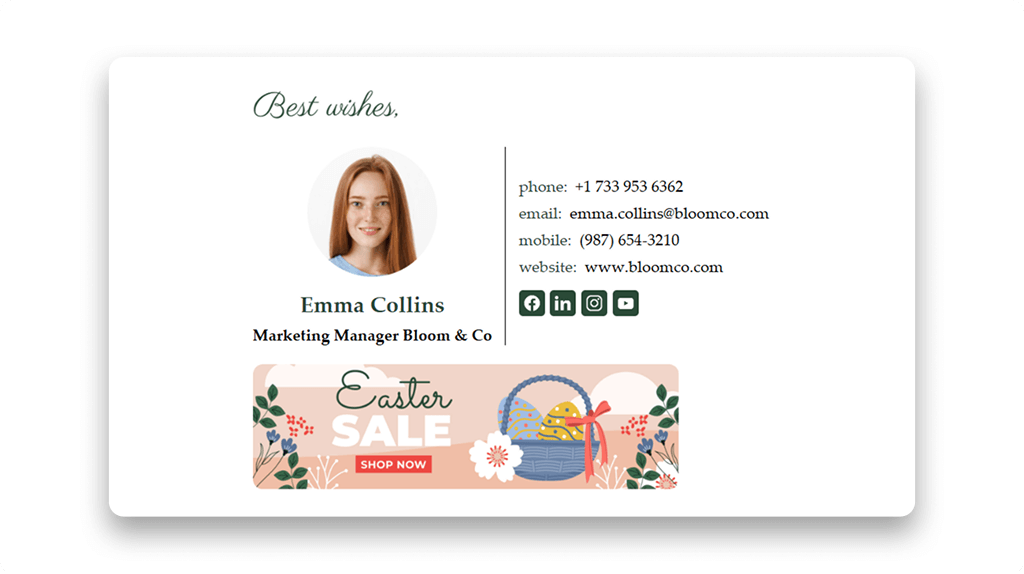
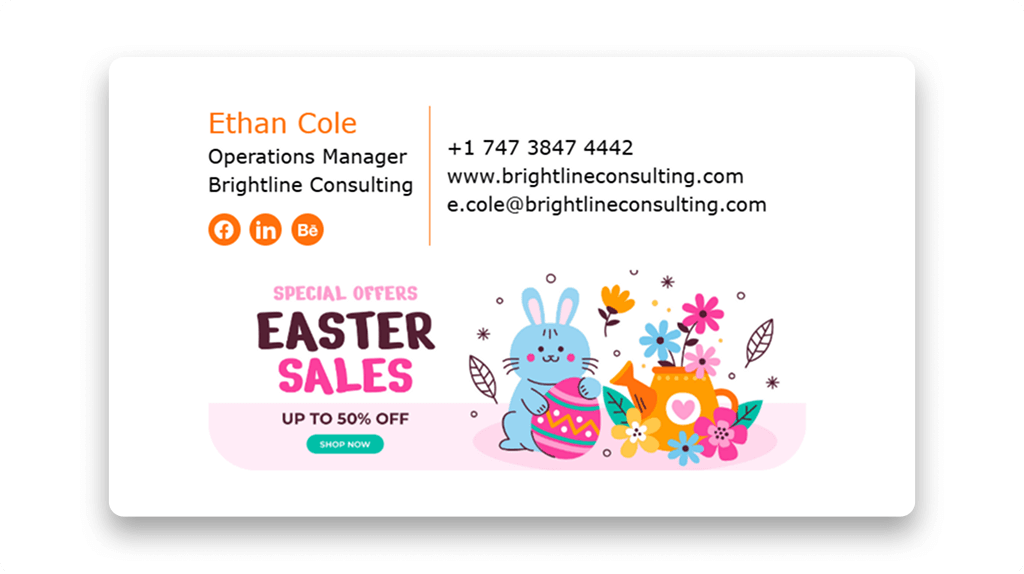
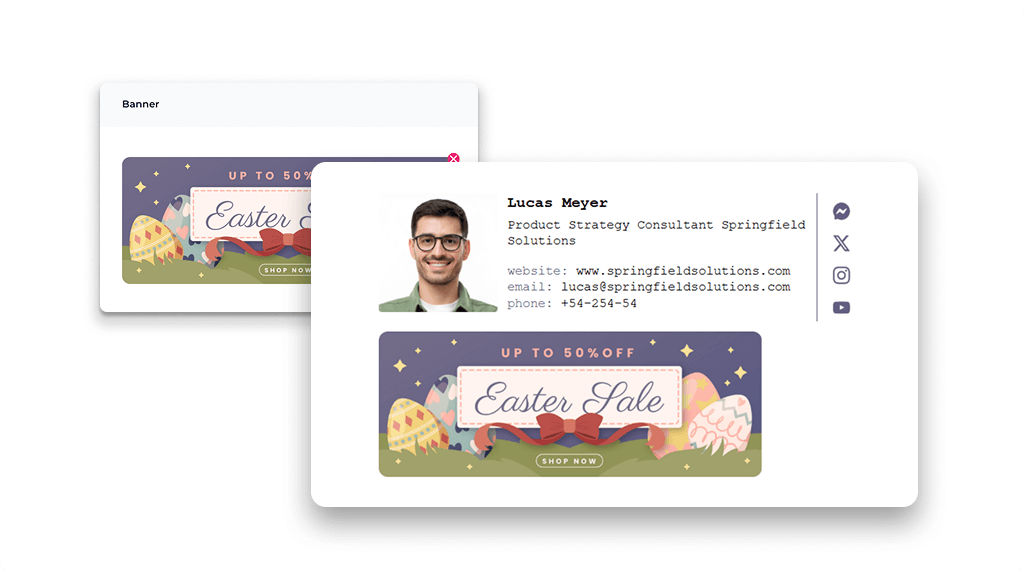
Banners are one of the most eye-catching elements you can incorporate. An Easter banner in your email signature instantly conveys the spirit of the season. Use it to showcase a spring offer, announce special promotions, or promote a limited-time Easter Sale. Some teams prefer static images for clarity, while others enjoy the subtle movement of animated GIFs. Both styles can work beautifully when used thoughtfully. You can also highlight Easter products or simply spread a festive vibe with your partners and colleagues.
Cute Easter icons (bunnies, eggs, chicks)
If banners feel a bit too bold for your taste, icons can provide a softer touch. A tiny basket, a bunny, or an egg can add a delightful charm without disrupting the overall structure. When paired with spring-themed visuals, these little details keep things playful yet polished. Position them near your logo or alongside social media icons for a balanced look. Linking them to your social media profiles can boost visibility while keeping everything relevant. Even candy-inspired accents can work well, as long as they respect spacing and alignment.
Festive colors (pastels, pinks, yellows)
Color is one of the easiest ways to signal the season. Soft pastels, light pinks, gentle yellows, and fresh greens fit perfectly into Easter-themed emails. The trick is to use them in moderation. Think of them as highlights rather than the main event. Always tie your updates back to your brand colors to maintain strong recognition. When done right, these color changes feel intentional rather than just decorative.
Happy Easter greetings and quotes
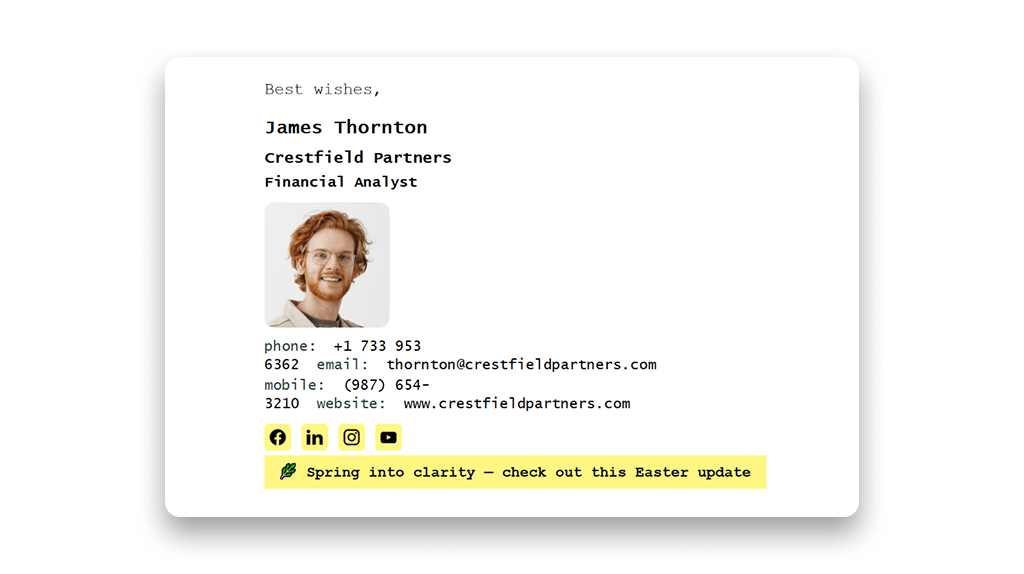
Sometimes the smallest change is enough. Updating your sign-off with short Easter Wishes or lines from Easter quotes adds warmth without distraction. It works especially well in an email newsletter or friendly outreach. Examples include:
• “Warm Easter wishes,” — Anonymous
• “Spring adds new life and new beauty to all that is,” — Jessica Harrelson
• “Wishing you a bright and joyful Easter,” — Anonymous
• “Easter is meant to be a symbol of hope, renewal, and new life,” — Janine di Giovanni
• “Let your light shine this Easter,” — Anonymous
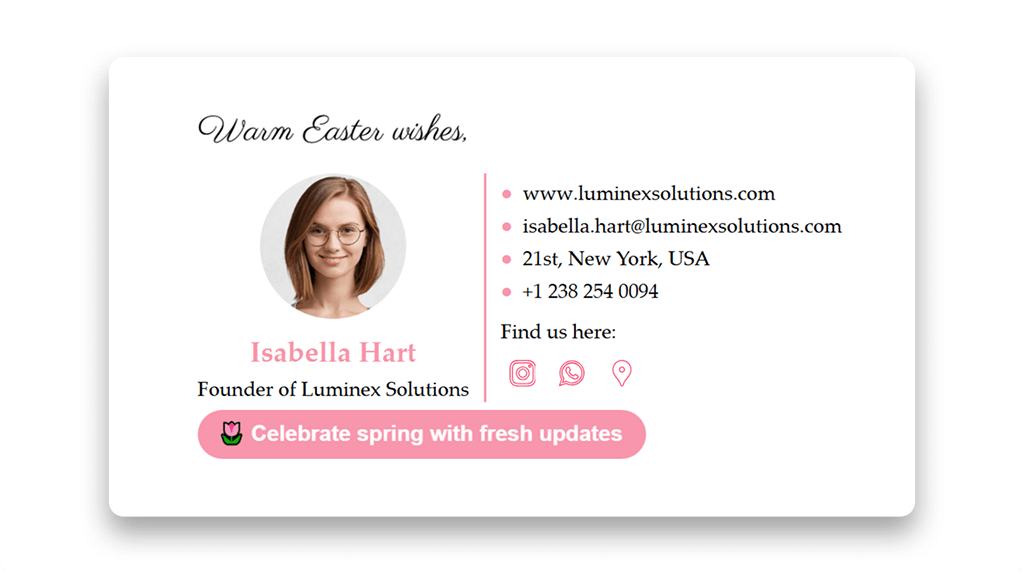
These lines can also support gentle call-to-actions when paired with seasonal links.
Creative Tips for a Spring Email Signature
Before updating your signature, it’s worth considering a few details to ensure your seasonal changes feel intentional, timely, and appropriate.
- Focus on one detail
Pick a single accent, such as an Easter email banner, instead of stacking seasonal elements. One clear focus keeps your signature clean and effective during the spring season, helping your Easter message stand out without distraction.
- Match context and audience
Consider your audience and your position before adding festive details. An Easter egg or playful touch works well in marketing or internal emails, but may feel out of place in formal communication. A light virtual egg hunt reference is better suited for internal teams.
- Stay on brand
Seasonal updates should align with your branding. Keep email signature fonts and core colors consistent, and use Easter accents as complements, not replacements. This keeps your signature recognizable and professional.
- Time it right
Add spring elements close to the holiday and remove them afterward. When visuals no longer match your subject lines or content, the signature feels outdated. Good timing keeps your design relevant and intentional.
Craft Your Easter Signature with MySignature
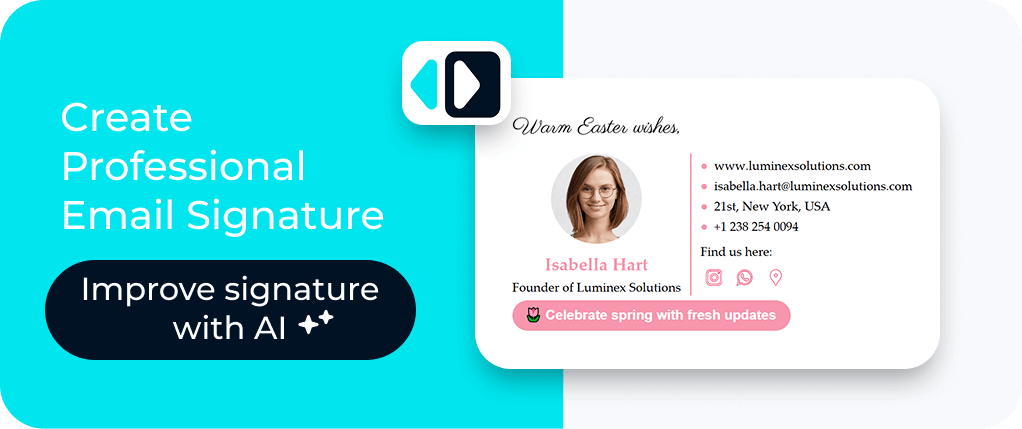
Updating your email for the season doesn’t have to be a hassle. With MySignature, you can easily create, test, and refresh your email signatures in no time. Whether you’re gearing up for a full-blown Easter campaign or just want a little seasonal touch, our email signature generator keeps everything looking cohesive. You can either build an email signature from scratch or create a professional email signature that aligns seamlessly with your brand’s style and tone.
FAQ
When should I use an Easter email signature?
Most teams activate it one or two weeks before the holiday and keep it for about a week after. This timing fits naturally into a broader email campaign without feeling forced.
How do I design one?
Start by picking one or two elements to highlight, such as a banner, a short quote, or social media icons. Then open the MySignature email signature editor and add these details to your existing signature or use them to create a new one from scratch.
Can I update my Easter signature after the holiday?
You should. Removing seasonal elements on time keeps communication relevant and shows attention to detail.