

Last Updated on 11.03.2026 by Danylo T
These days, credibility must be established for a business to succeed. After all, in a highly competitive marketplace, nothing beats a brand that looks and feels credible. Luckily, it’s easy to establish credibility these days. All a brand has to do is to invest in a professional email with their domain name.
With providers like email with domain, brands no longer have to worry about this step of building credibility. With just a few clicks around the platform, business owners can easily secure a good domain name and use it to their advantage. It’s true that prospects, consumers, partners, and other important stakeholders will find it easier to trust an email that comes from a branded domain. This is because a branded domain signals structure, legitimacy, and permanence.
Aside from securing a good domain name, brands can also use email with domain for its reliable website builder and hosting services. With everything that a growing business could ever need in just one platform, it’s safe to say that achieving long-term success by taking care of all the technical details related to establishing a good online presence and credibility is now easier than ever before.
Contents:
- Why a Domain-Based Email Matters for Branding and Trust
- Choosing the Right Domain and Email Provider
- Connecting Your Domain to an Email Service
- Creating Mailboxes and Structuring Email Addresses
- Integrating Your Domain Email With Popular Clients
- Designing a Professional Email Signature That Matches Your Domain
- Configuring Security and Authentication Protocols
- Maintaining Deliverability and Avoiding Spam Filters
- Scaling Domain Email for Growing Teams
- Migrating From a Free Email Service to a Domain Email
Why a Domain-Based Email Matters for Branding and Trust
If you were a stakeholder who receives a lot of emails in one day, wouldn’t you say that what catches your eye are those emails that come from a professional email address? This is the reality in today’s competitive world. When stakeholders or consumers receive emails from non-professional email addresses, they tend to just ignore them.
This is why it’s very important for businesses to invest in a professional email address and a good domain name. With a professional email and a good domain, it’s easier to foster trust since transparency is evident once an email lands in the receiver’s inbox. Plus, people tend to perceive communication from professional emails as trustworthy. After all, they can easily trace the domain name and see for themselves whether a brand is worth paying attention to or not.
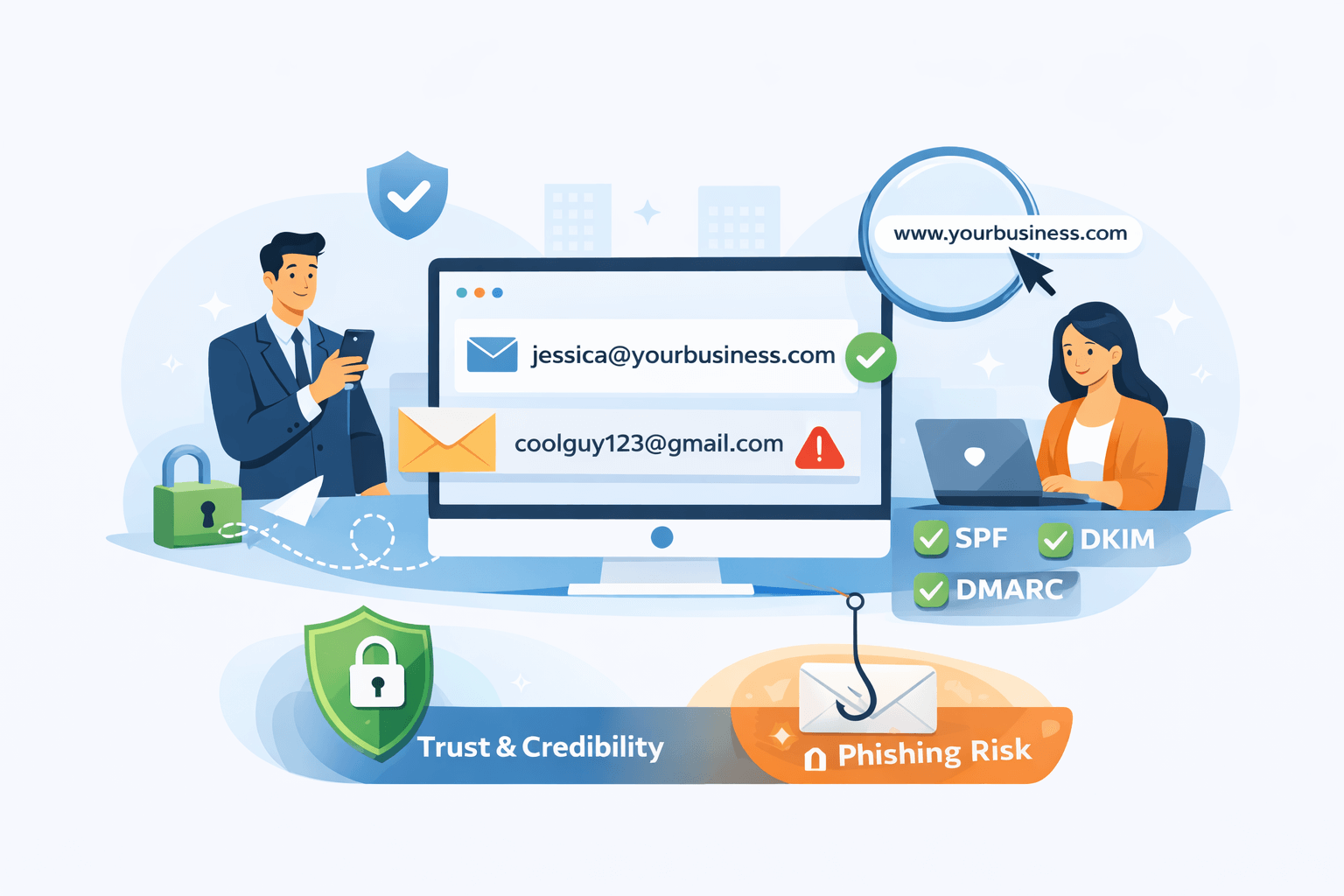
In addition, having a domain name and a professional email address also removes the doubt from recipients’ minds that the emails they receive are phishing attempts. From a deliverability standpoint, domain-based emails also allow businesses to configure authentication protocols like SPF, DKIM, and DMARC. With these, messages are easily verifiable and so emails don’t get flagged as spam. This also helps prevent cases of impersonation.
Choosing the Right Domain and Email Provider
Before you can create an email account, you must first own a registered domain. When choosing the right domain name, you need to make sure that it is highly relevant to your niche and is also future-proof. Providers like email with domain can help you with your domain name needs.
Make sure that the domain name you choose is short and easy to remember. This way, recall is guaranteed for every consumer that comes across your website. Plus, it’s easier to not fall into the trap of misspelled domain names and having consumers be directed to an entirely different brand.
Of course, you will also need a hosting provider that supports professional email services. There are providers like email with domain that serve as a one-stop-shop for all your website creation needs. Therefore, you can easily set up an email with domain in no time.
Some important considerations you need to bear in mind when evaluating providers include storage capacity, security features, uptime reliability, technical support, and compatibility with tools such as Microsoft Outlook, Apple Mail, and Gmail. You also need to take scalability into account. After all, there will come a time when your business will grow and you will need multiple mailboxes like support@, sales@, or [email protected].
Connecting Your Domain to an Email Service
After selecting an email hosting provider, the next step involves connecting your domain to their mail servers. This typically requires updating DNS records within your domain registrar’s control panel.
Mail exchange records, commonly known as MX records, tell the internet where to deliver your email. Your provider will supply specific MX values that must be entered accurately. In addition to MX records, you may be instructed to add SPF, DKIM, and DMARC records to improve authentication and prevent spoofing.
DNS updates can take several hours to propagate globally. During this time, email delivery may be temporarily inconsistent. It is important not to delete old records until the transition is confirmed complete.
Although the process may sound technical, most reputable hosting providers supply clear documentation and step-by-step dashboards. Some even automate DNS configuration if your domain and email services are purchased within the same ecosystem.
Creating Mailboxes and Structuring Email Addresses
Once DNS configuration is complete, you can create individual mailboxes through your hosting control panel. This involves selecting usernames and setting secure passwords.
Professional conventions vary by organization. Common formats include [email protected], [email protected], or role-based addresses such as [email protected]. Consistency across the organization strengthens brand recognition and simplifies contact management.

For startups and solo professionals, beginning with a primary personal mailbox and a general contact address is often sufficient. As operations expand, additional department-based addresses can be added.
At this stage, it is also advisable to configure password policies and enable two-factor authentication where supported. Security measures reduce the risk of unauthorized access and protect sensitive correspondence.
Integrating Your Domain Email With Popular Clients
Many users prefer accessing email through familiar platforms such as Gmail or Outlook. Most domain email providers support IMAP and SMTP protocols, which allow integration with third-party clients.
IMAP enables synchronization across devices, ensuring that messages read on a phone appear read on a laptop as well. SMTP handles outgoing mail delivery. Your provider will supply server names, ports, and encryption settings required for configuration.
When properly configured, your domain email will function seamlessly inside your preferred interface. This flexibility allows businesses to maintain branded email addresses without sacrificing user convenience.
Designing a Professional Email Signature That Matches Your Domain
Once your domain email is active, your signature becomes the final branding layer. A professional signature must include the sender’s name, title, company name, website link, and relevant contact information. Some organizations even add social media icons, promotional banners, legal disclaimers, or booking links.
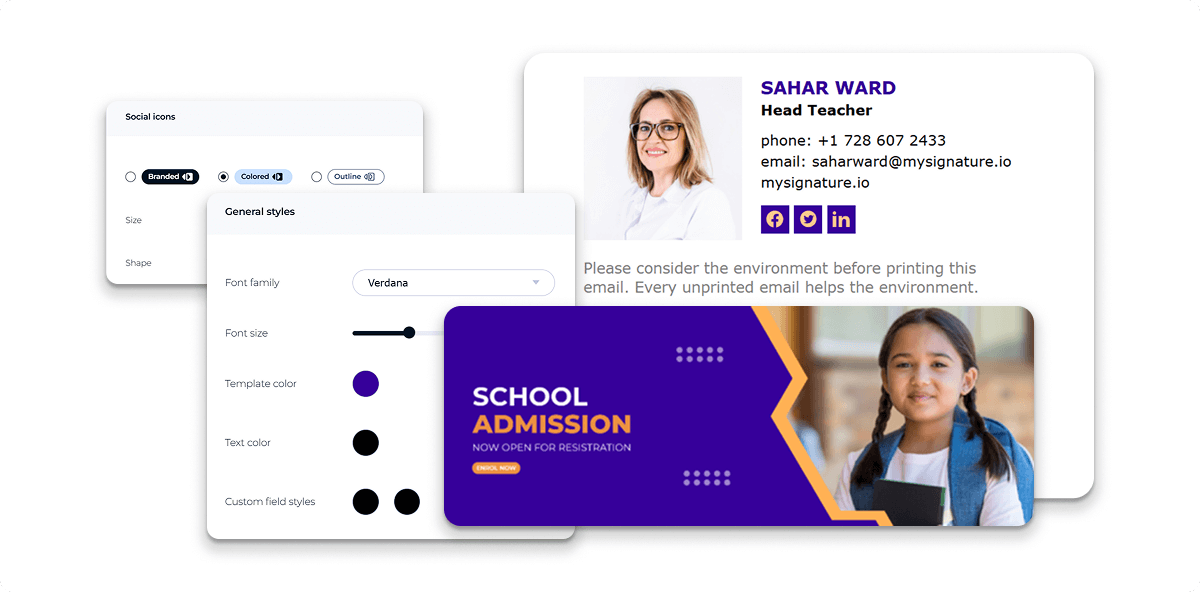
When it comes to designing a professional email signature, consistency is very important. Fonts, color schemes, and visual elements must all align with website branding. This way, professionalism and trust can be easily established.
Configuring Security and Authentication Protocols
When it comes to professional email management, security should always be guaranteed. With a domain-based email, you are guaranteed some level of security because of industry-standard authentication mechanisms.
SPF records specify which servers are authorized to send email on behalf of your domain. DKIM adds cryptographic signatures to outgoing messages, allowing recipients to verify authenticity. DMARC builds on these systems by providing reporting and enforcement policies.
These authentication standards help to significantly reduce domain spoofing and phishing risks. Therefore, it’s important to make sure that proper implementation is in place so that brand reputation is safeguarded and recipients will not be made vulnerable to fraudulent messages.
Maintaining Deliverability and Avoiding Spam Filters
Despite having authentication in place, email deliverability still depends significantly on sender reputation and the quality of content. One of the fastest ways to damage reputation is to send unsolicited bulk emails from a new domain.
To avoid damaging one’s reputation, it’s important to warm up new domains gradually, maintain clean contact lists, and avoid misleading subject lines. It’s also important to avoid excessive promotional language. By regularly monitoring bounce rates and complaint reports, it’s easy to maintain healthy sender metrics.
For organizations that rely heavily on email marketing, the best thing to do would be to separate transactional mailboxes from marketing systems. This way, risks of damaging one’s reputation is significantly reduced. This helps prevent marketing-related issues from affecting essential communication channels.
Scaling Domain Email for Growing Teams
There will come a time when your organization expands. When this happens, email management becomes more complicated. This is where administrative dashboards that allow centralized user management become very useful.
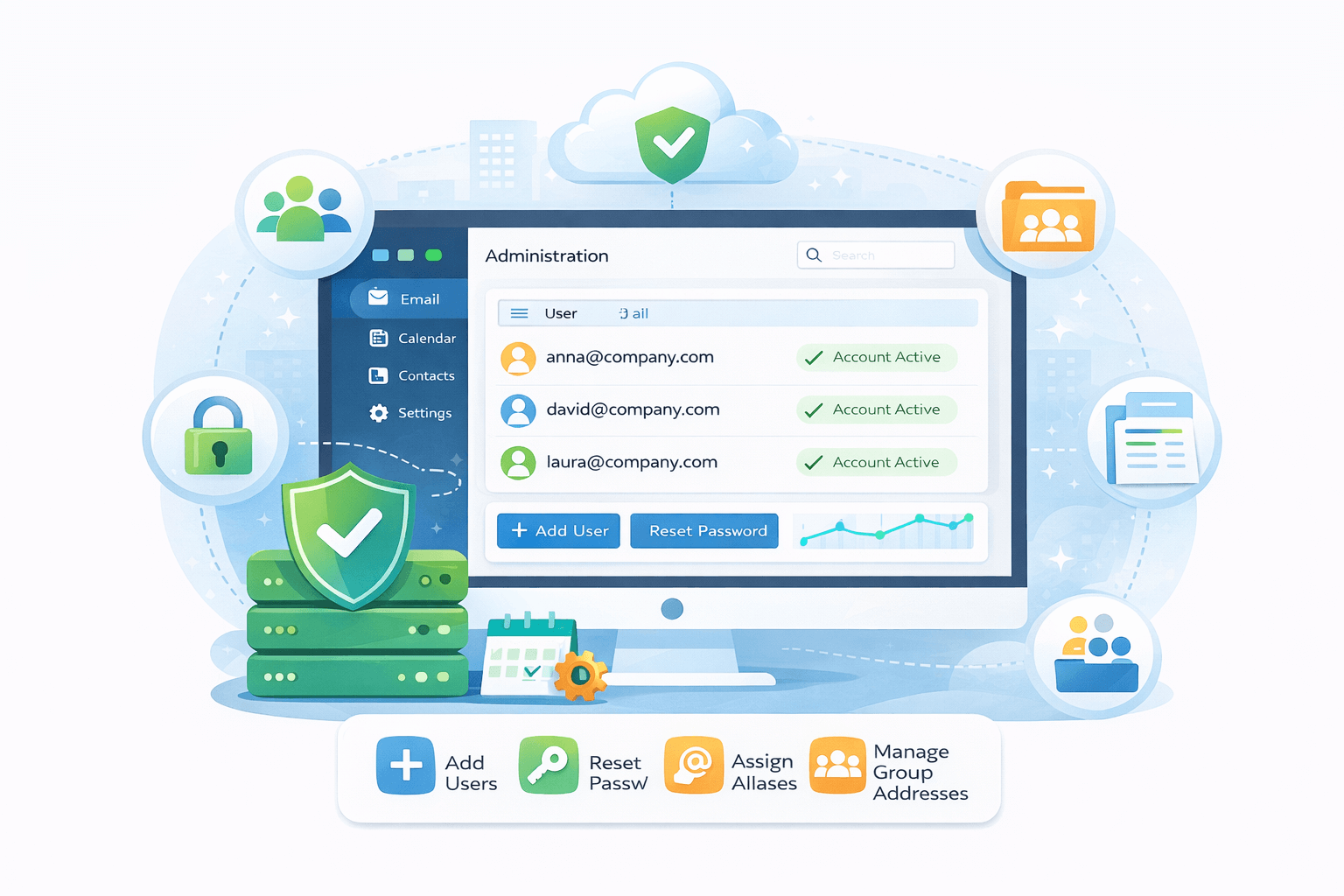
Through a centralized user management system, it becomes easier to add or remove users, reset passwords, assign aliases, and manage group addresses. There are cases where providers integrate with suites, which allows for calendar sharing, collaborative documents, and shared mailboxes.
Migrating From a Free Email Service to a Domain Email
It’s completely understandable when businesses initially try out free email platforms only to switch to domain-based accounts when they notice that their emails end up mostly in spam or get ignored by recipients. When this shift occurs, businesses immediately notice an improvement in email deliverability.
Of course, the process of migration involves exporting existing mailboxes and importing them to the new system. It’s a good thing that most providers support migration tools or offer assisted migration services. When migration happens, it is very important to notify contacts of your new address and update email signatures, business cards, and website contact forms.
While migration is happening, forwarding rules can be configured temporarily to guarantee that any messages that have been sent to old addresses will not be lost during the migration process.
Conclusion
To build a credible online presence, one of the most important considerations is establishing a professional email address that’s tied to your domain. This way, you signal trust and professionalism to potential customers and partners.
In order to achieve this, it’s important to be very meticulous about choosing a reliable provider. This way, all services you need in relation to setting up a professional email that’s linked to your domain will be easily accessible.
The importance of a professional email these days can’t be denied. After all, inboxes are becoming more crowded and trust is becoming more fragile. If businesses are able to go one step further to establish trust and credibility, there will be better responses from email recipients.